CACOE Dual-Channel Bluetooth MiniKeyboard
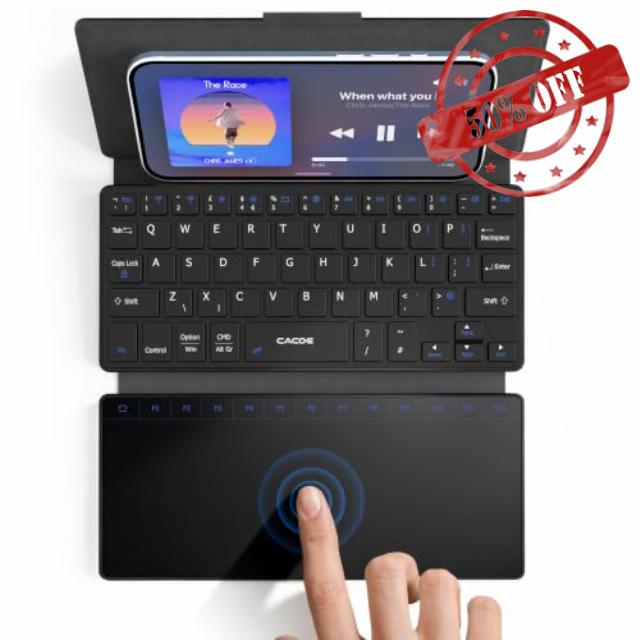
CACOE Dual-Channel Bluetooth MiniKeyboard with Touchpad for Mobile Phones Ultra-Slim Foldable, Portable Wireless QWERTY Keyboard with Stand for Smartphones And iOS Android Windows, Black
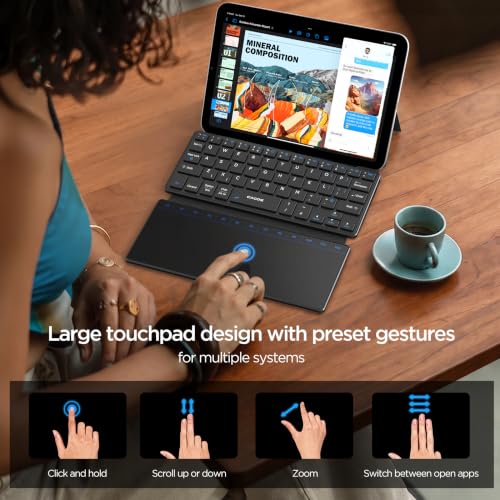
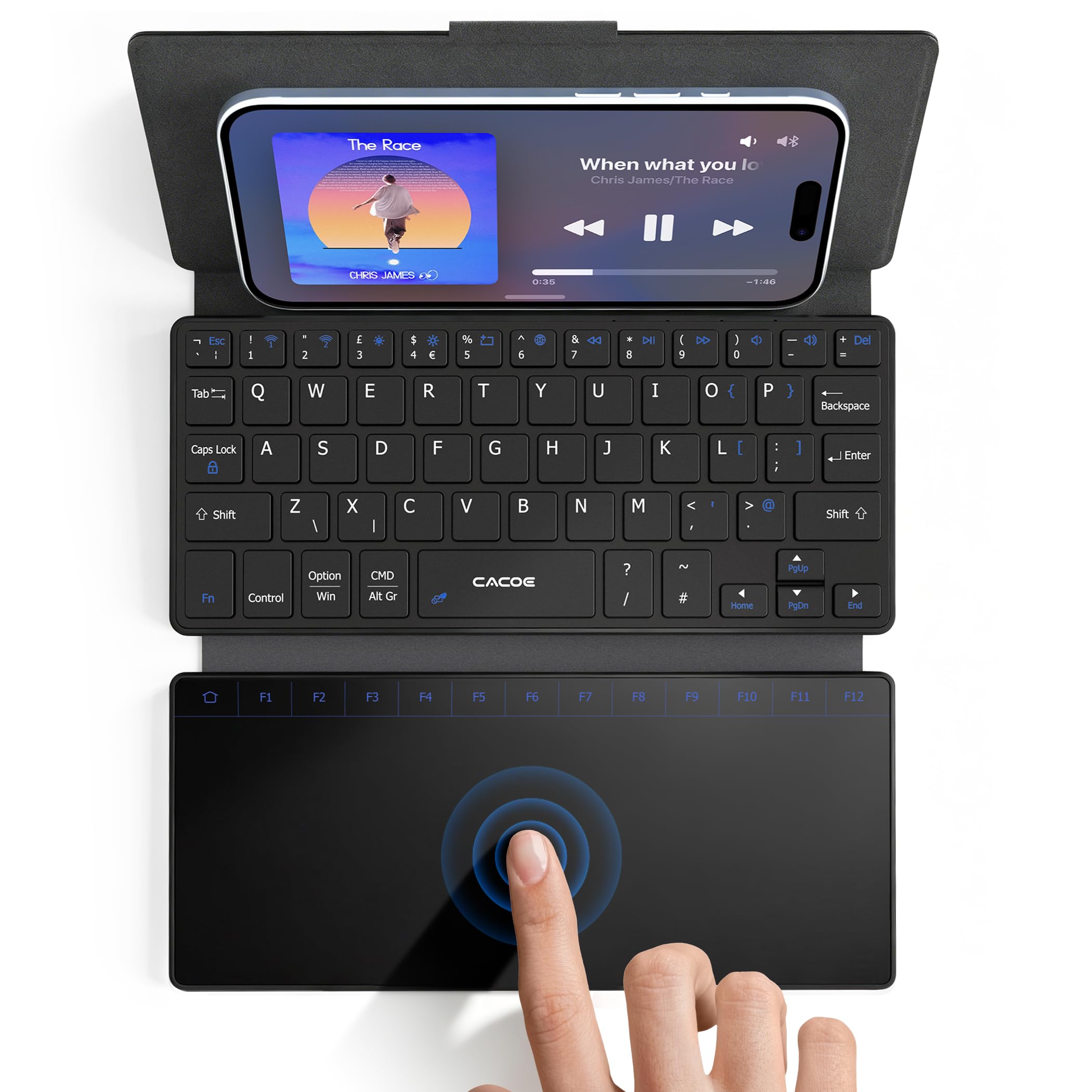
- [Bluetooth Keyboard with Touchpad] The large touchpad eliminates the need for an external mouse. It supports scrolling, clicking, dragging, zooming, and multi-finger gestures. The anti-accident function reduces accidental input, ensuring smooth and uninterrupted work. The ideal choice for mobile working.
- [Wireless Connection via Bluetooth, Dual Bluetooth Channels] Thanks to the two Bluetooth channels, seamless switching between two devices is possible. The foldable keyboard connects easily to mobile phones, tablets, laptops, and desktop computers within a range of up to 10 meters.
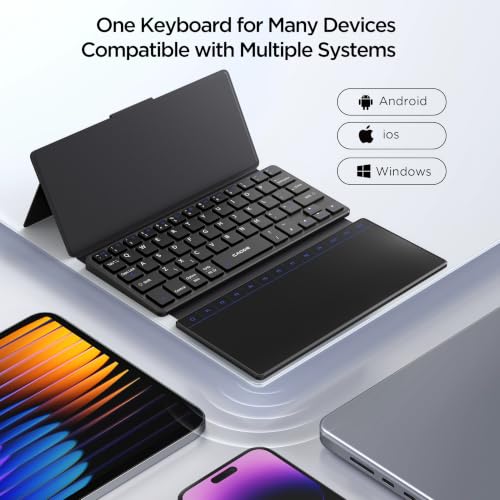
- [Compatibility with Various Systems] This foldable keyboard is compatible with iOS, Android, and Windows. It works with iPhones, Samsung smartphones, laptops, desktop computers, and other devices.
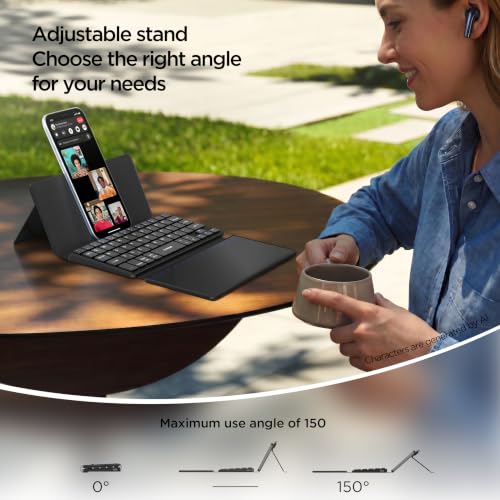
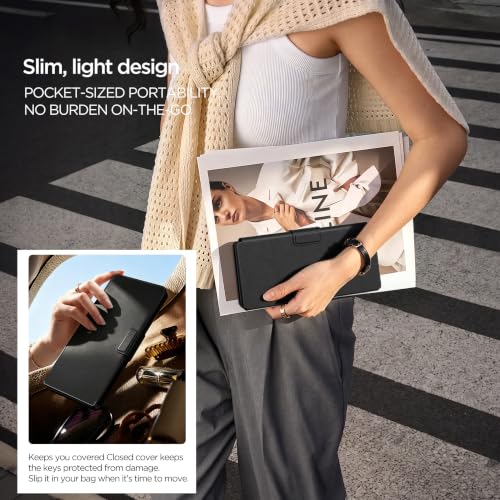
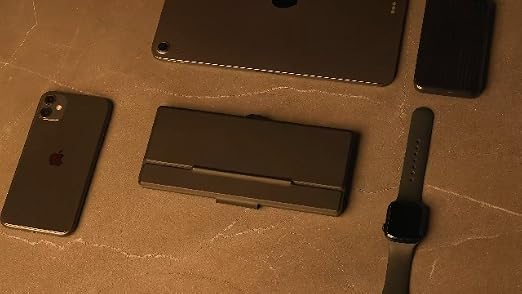
- [Foldable QWERTY Keyboard] This wallet-sized foldable mini Bluetooth keyboard with an adjustable stand offers flexible viewing angles. When folded, it measures only 19.5 × 9.5 × 1.8 cm and weighs just 250 grams – ideal for travel.
- 【Integrated Function Keys】The keyboard features a range of dedicated function keys, while the touchpad has special buttons for PC use. This provides comprehensive access to frequently used functions such as volume control, screen brightness, multimedia playback, screen lock, and page refresh.
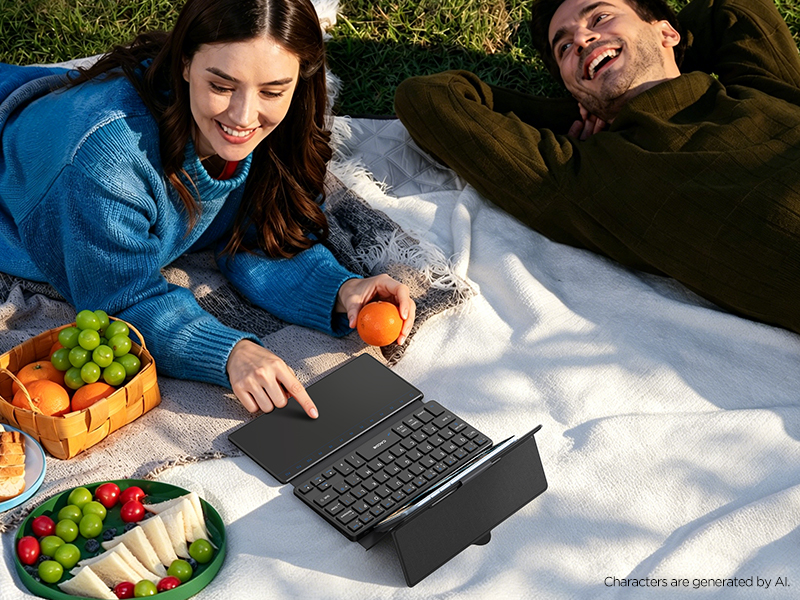
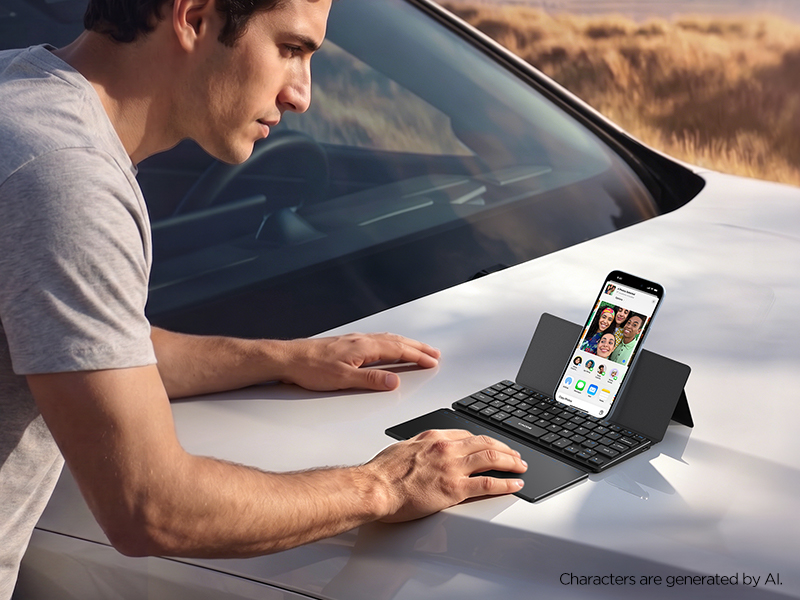
Effortlessly type on a variety of Android,Windows,iPadOS,or iOS wireless devices
With its slim and lightweight design, built-in stand, and large touchpad, it's the perfect companion for your travels.
Touchpad Switch = Fn + [ ]
Touchpad includes a dedicated Fn row (F1-F12), it turns your tablet or phone into a true laptop replacement for work, study, or creative projects.
How to Connect the Physical Keyboard Successfully
In your device's settings, add the language the physical keyboard is in into the list of input methods. When inputting text, make sure that the input language is set to the language the keyboard is in.
Built-in shortcuts row
Simplify productivity with one-tap access to adjust volume, media playback, screen brightness levels, and more.
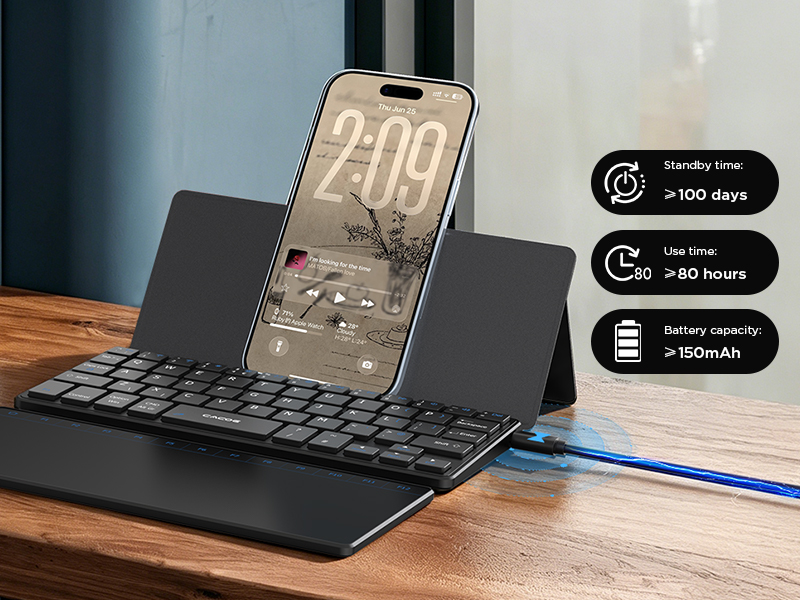
Long-Lasting Rechargeable Keyboard with Charging Cable
Sleep Mode more Safe
If there is no operation within 3 minutes, the keyboard will enter sleep mode. Press any key and wait 2-3 seconds to wake it up.


| SKU: | B0GYMW6Y53 |
| Brand: | CACOE |
| Colour: | Black |
| Manufacture: | CACOE |
| Colour: | Black |
Product Description
Effortlessly type on a variety of Android,Windows,iPadOS,or iOS wireless devices
With its slim and lightweight design, built-in stand, and large touchpad, it’s the perfect companion for your travels.
Sleep Mode more Safe
If there is no operation within 3 minutes, the keyboard will enter sleep mode. Press any key and wait 2-3 seconds to wake it up.


