LCD Display for Microsoft Surface Pro 4 1724
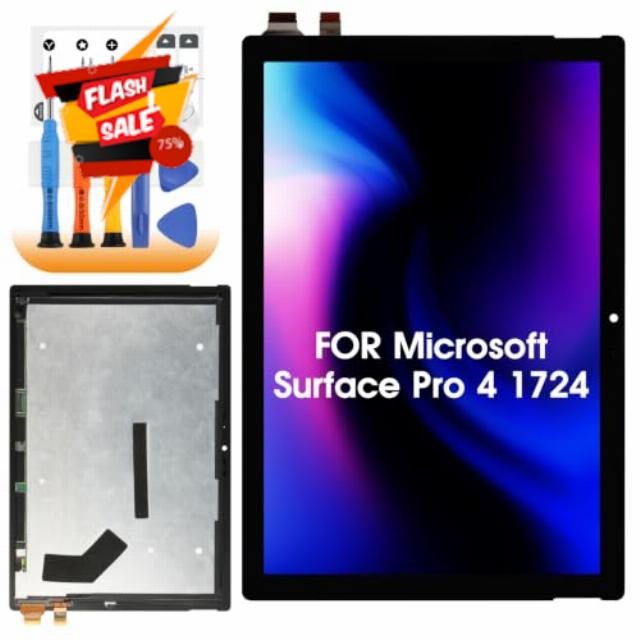
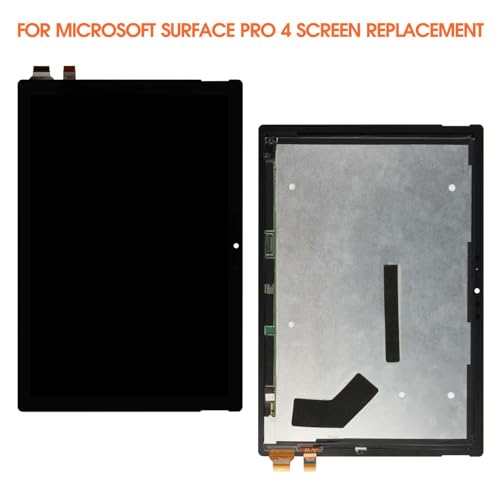
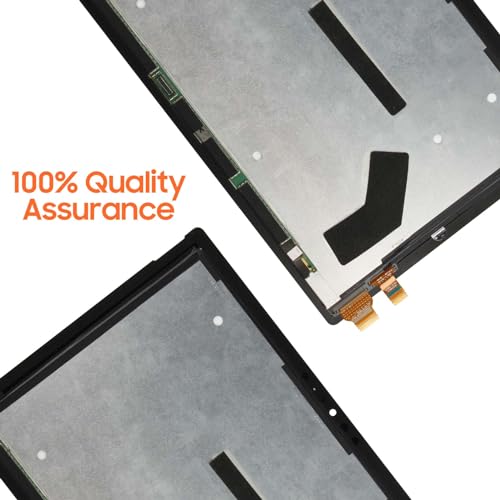
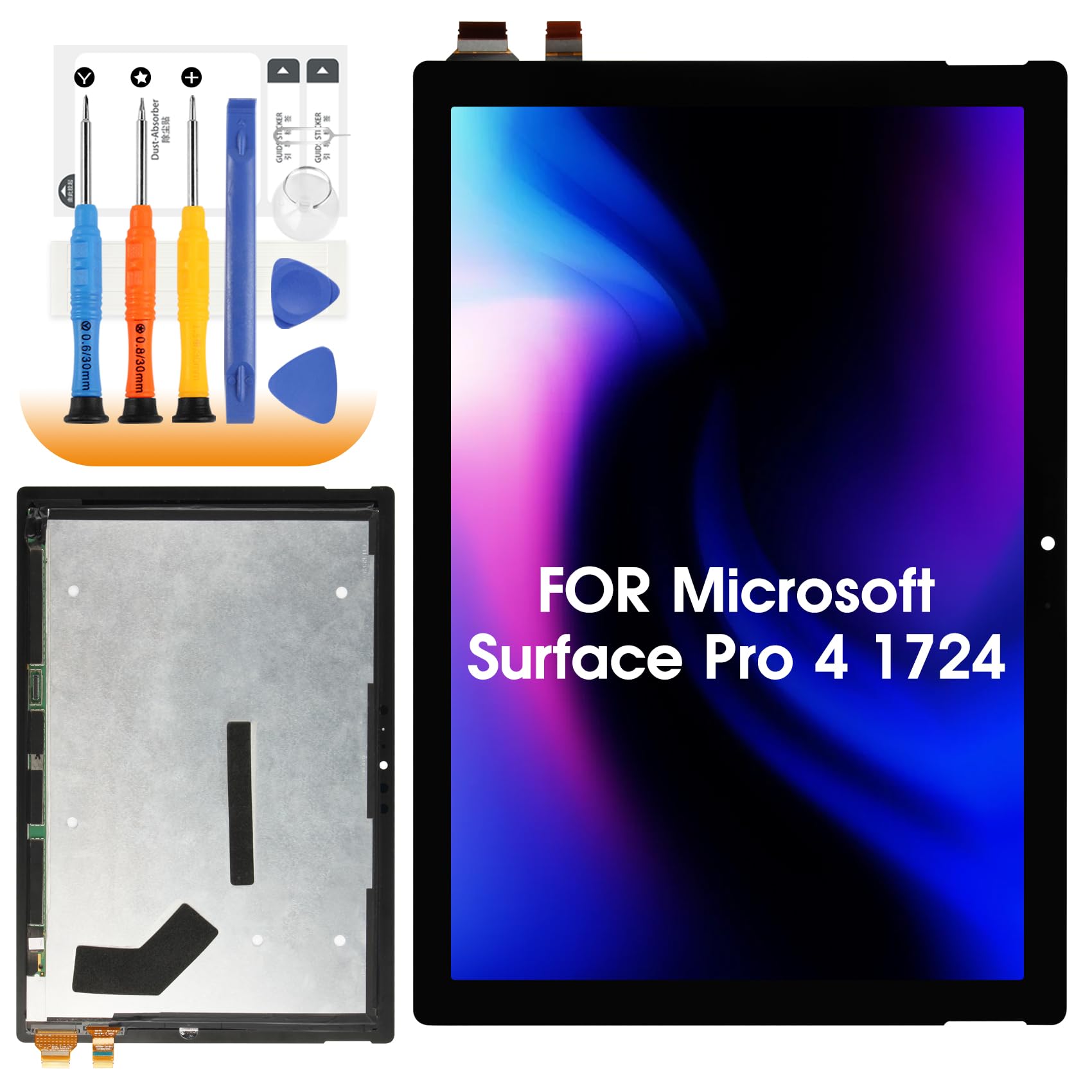
LCD Display for Microsoft Surface Pro 4 1724 Screen Replacement, Black LCD Screen for Surface Pro 4 1724 12,3 Inch (M1010537 003), Replacement Screen Digitizer Assembly with Repair Ki
- Model Compatibility: This replacement screen is compatible for Microsoft Surface Pro 4 (for Microsoft Surface Pro 4 1724 12,3 Inch). Please be sure to double-check the tablet model number before placing your order to avoid unnecessary losses due to model inapplicability
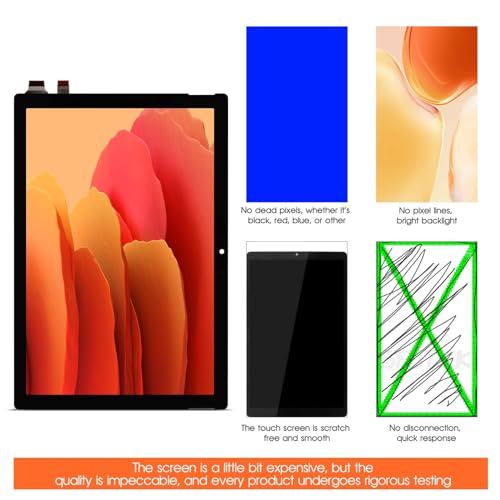
- AAA Quality: LCD Screen for Surface Pro 4. undergoes rigorous quality testing before shipping. In case of a black screen or touch unresponsiveness after installation, try cleaning the cable with alcohol, removing the battery, and reinstalling the display. Remember to power off your device before performing these operations
- Installation Notice: No installation manual is included in the package. For proper installation, search for relevant tutorials on YouTube according for Microsoft Surface Pro 4 If you lack installation experience, we strongly recommend having it installed by a professional
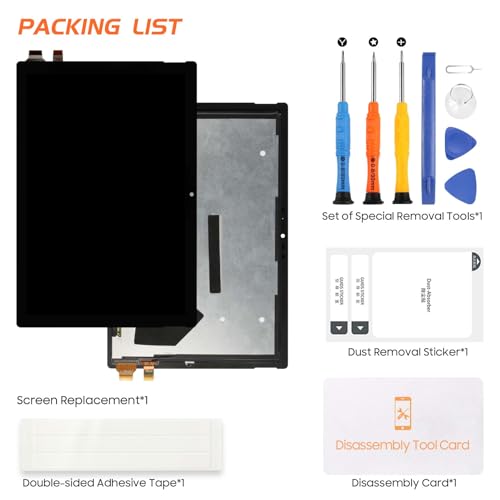
- Package Contents: The package includes 1 x for Surface Pro 4, 1 x repair kit. Note that the provided tools may not be suitable for all screen replacements, some screens may require specialized tools
- Kind Reminder: Some touch‑screen digitizers do not come with the power and volume button cable, which you can remove from your original old screen.
Thank you for choosing our screen replacement for Microsoft Surface Pro 4, we are committed to providing you with a high quality replacement screen!
Product Features:
Exceeds display quality expectations with advanced AAA quality LCDs
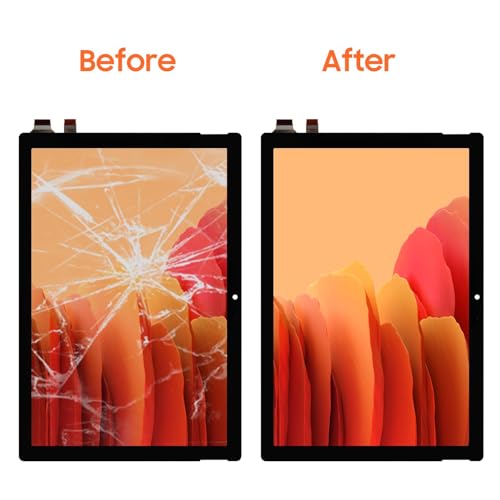
Replaces broken, damaged, cracked and unusable LCD screen glass.
Each screen is rigorously tested before shipment
Make your flat panel look brand new
:
Suitable for: LCD Screen for Surface Pro 4
Size: 12,3 inches
Color: Black
Installation Precautions:
1. Disconnect the battery cable from the device and make sure the tablet is disconnected from the power supply before starting the replacement work.
2. Before installation, be sure to check the model lcd display for Microsoft Surface Pro 4 to ensure that the replacement screen is fully compatible with the device, to avoid installation failure or damage to the device due to model inconsistency.
3. During the installation process, move gently to avoid excessive force causing the screen to break.
| SKU: | B0HDCX31B8 |
| Weight: | 680 g |
| Brand: | AGCUT |
| Manufacture: | AGCUT |