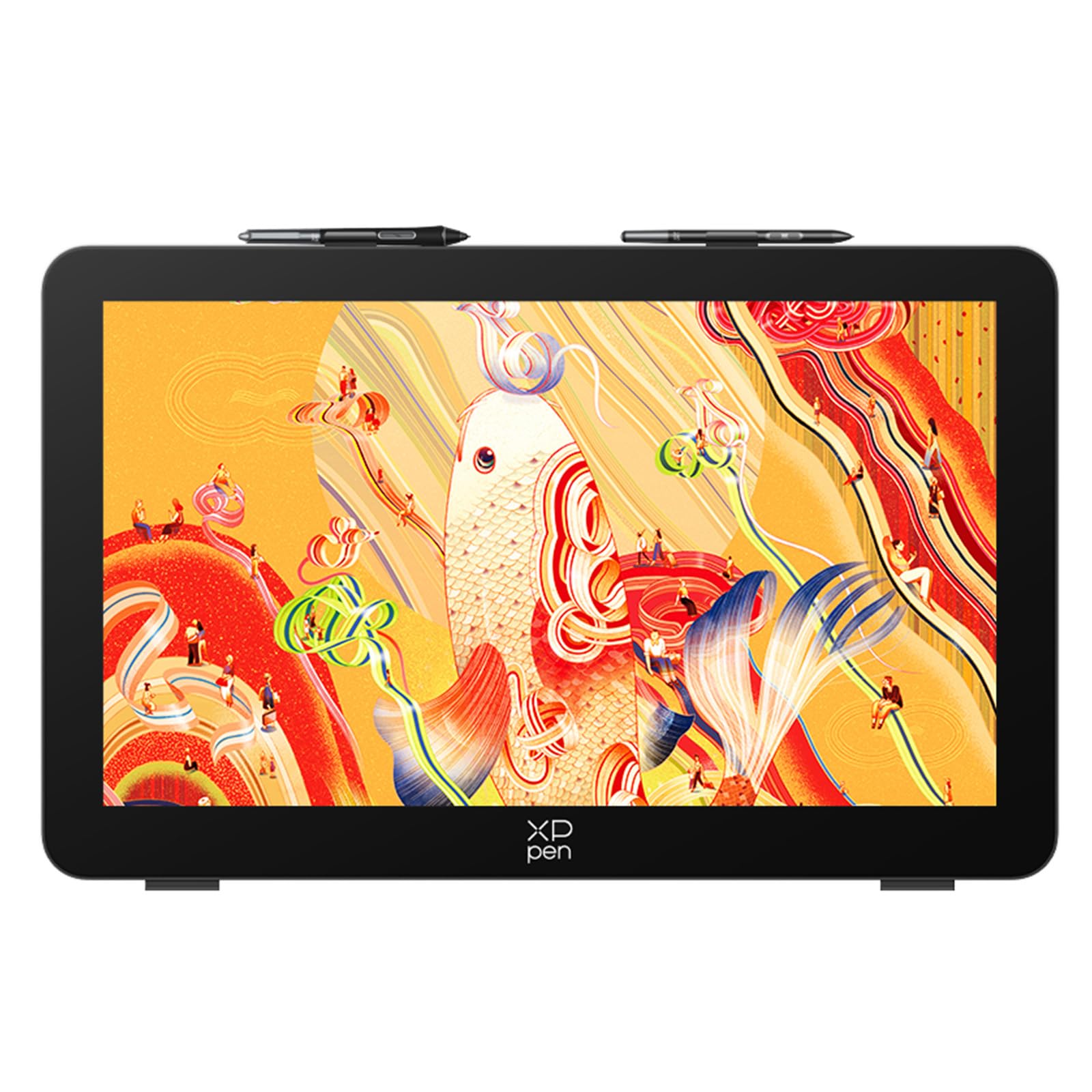
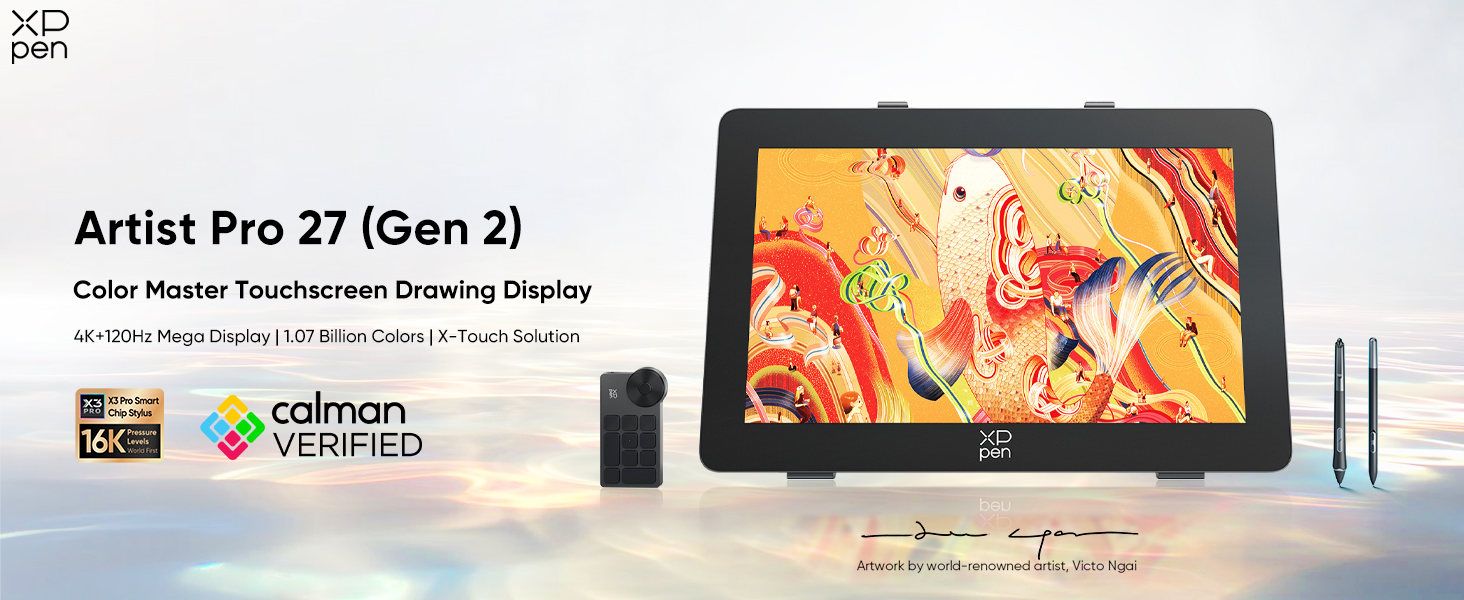
XPPen Artist Pro 27 (Gen 2) Graphics Tablet
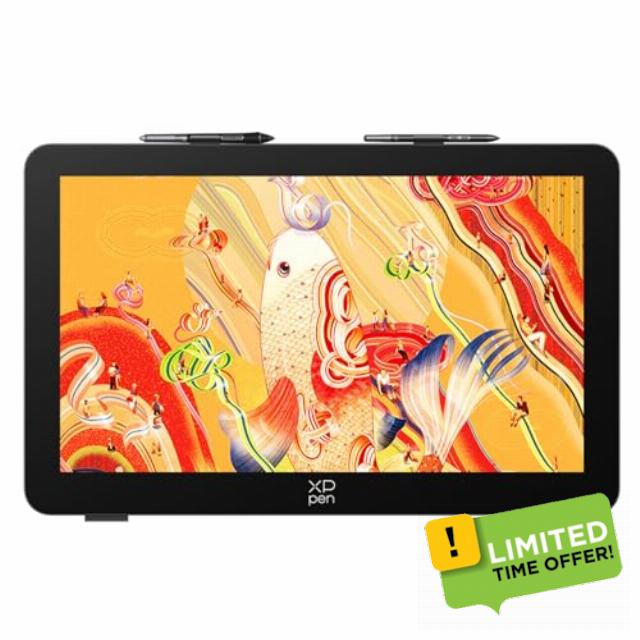
XPPen Artist Pro 27 (Gen 2) Graphics Tablet with Full-Laminated Screen, 27″ 4K Drawing Monitor with 120Hz Refresh Rate, 1.07 Billion Colors, X3 Pro Dual Pens, Requires PC/Laptop Connectio
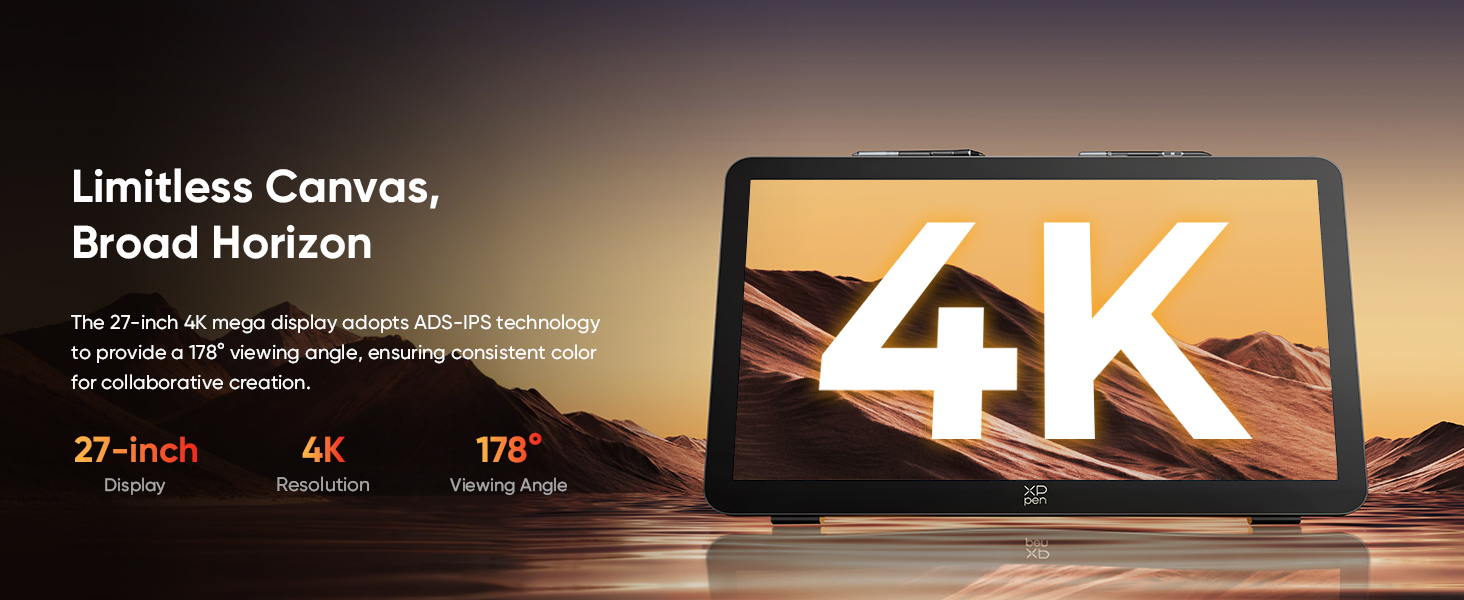
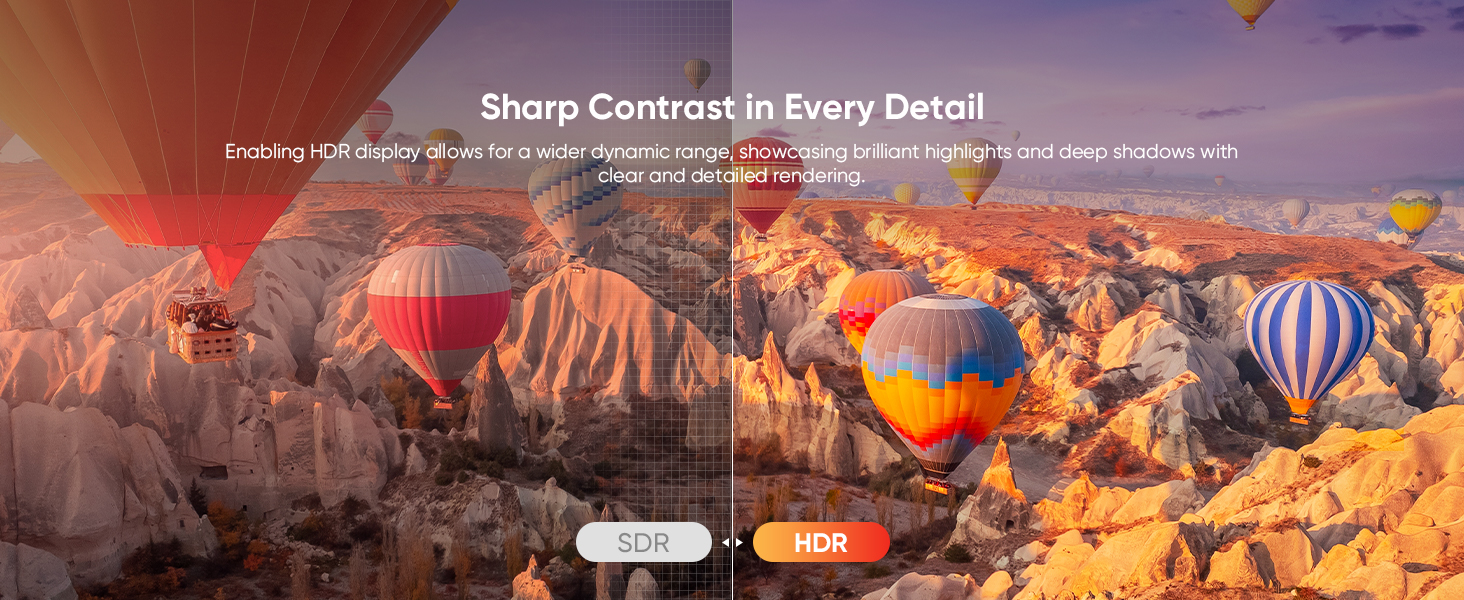
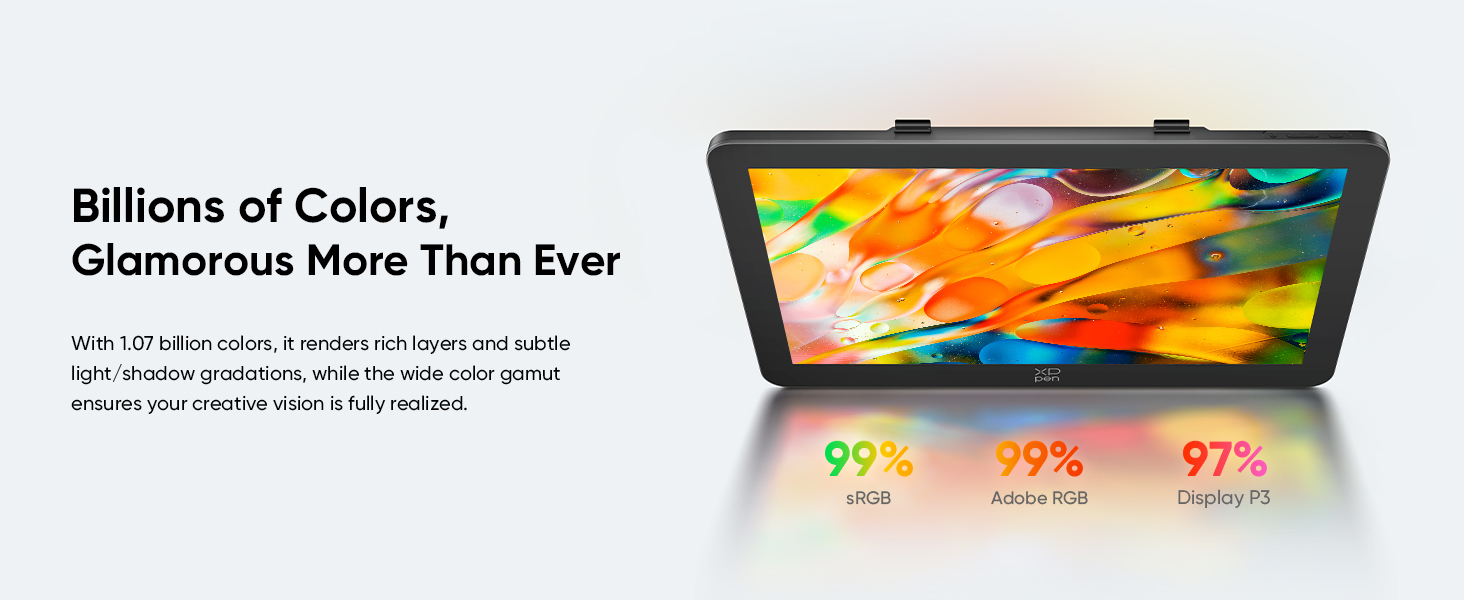
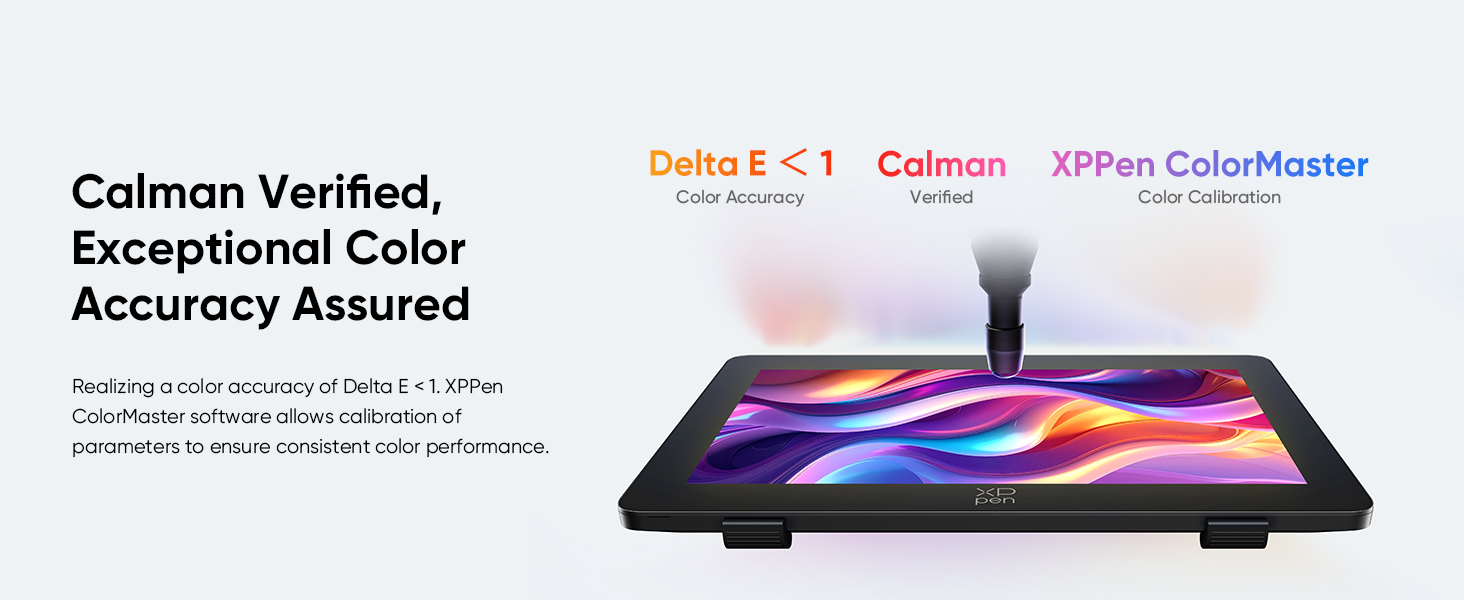
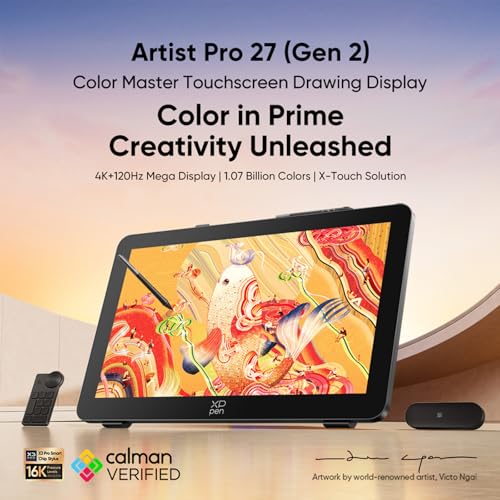
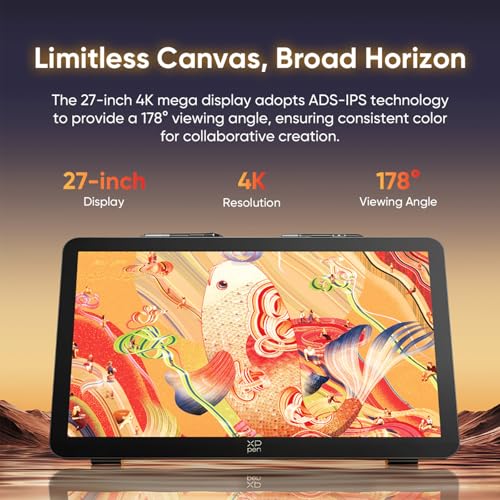
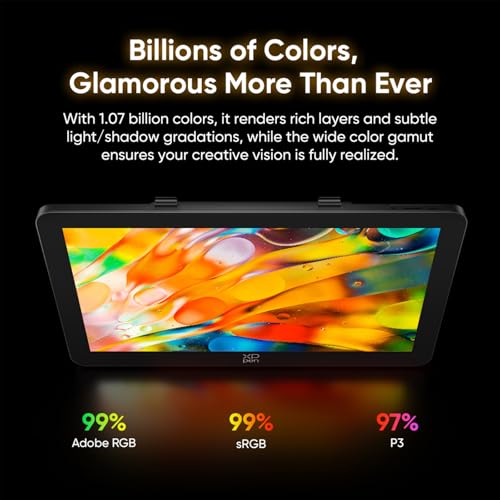
- 【27" 4K Pen Display with Pro Color】 XPPen's first 27-inch graphics tablet with screen delivers massive canvas for digital art. Features 1.07B colors, Delta E<1 (Calman Verified), HDR, and 178° ADS-IPS viewing angle. This professional drawing monitor ensures true-to-life color accuracy with 3 professional gamut options for animation, 3D modeling, and image grading.
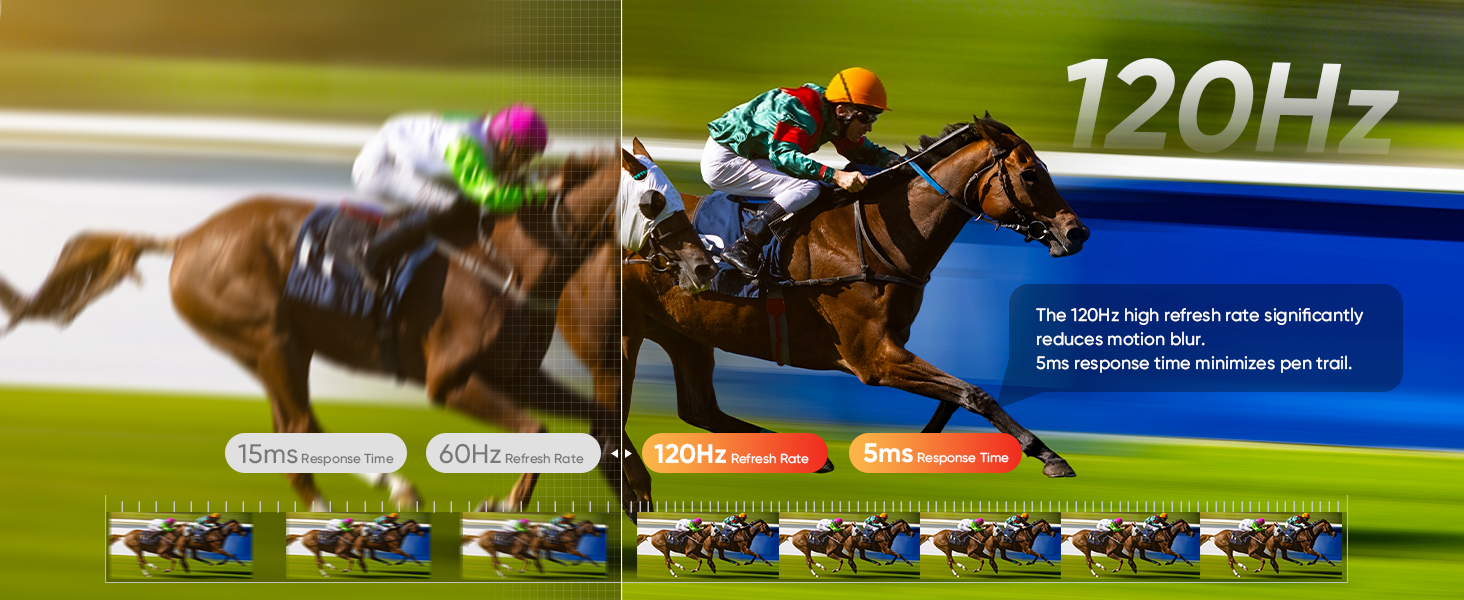
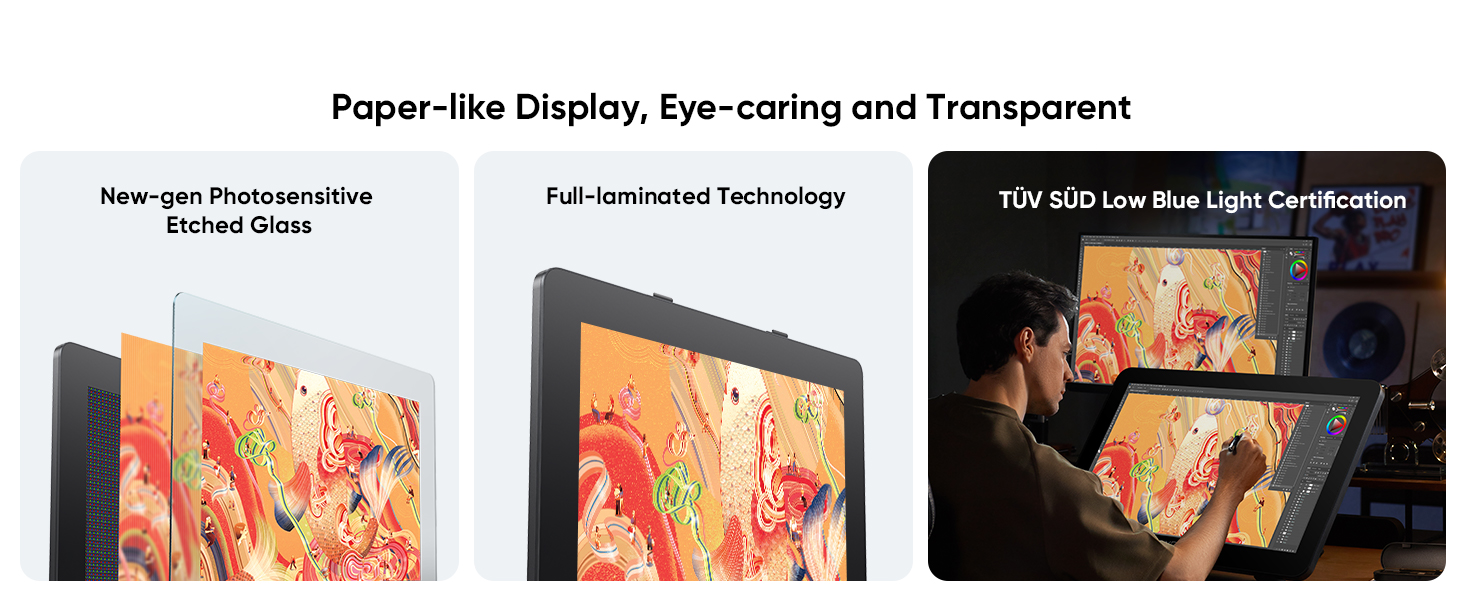
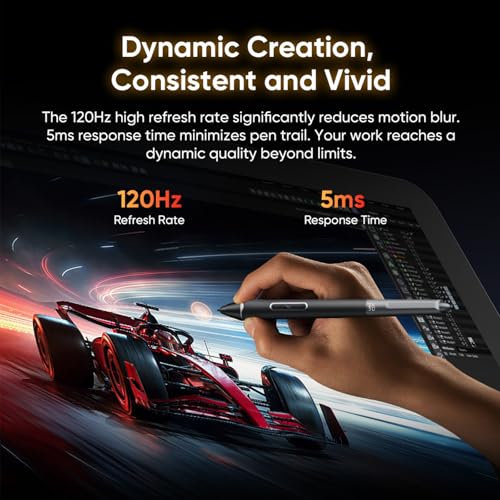
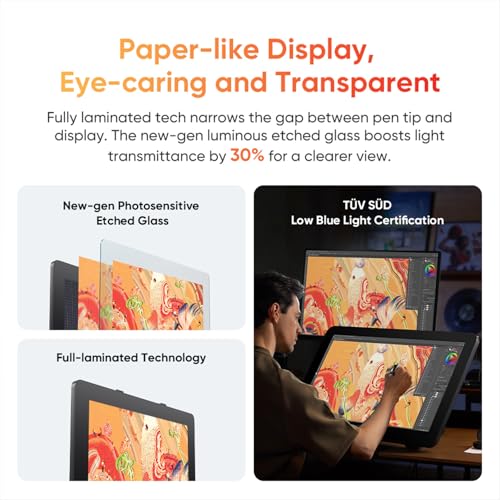
- 【120Hz Smooth Drawing & Paper-like Feel】 120Hz refresh rate+5ms response time minimize motion blur and pen trail for lag-free digital drawing. Fully laminated display with 0.7mm etched glass eliminates gap between pen tip and cursor, delivering natural paper-like writing experience. This pen tablet increases light transmittance by 30% while reducing fingerprints for clearer artwork.
- 【10-Point Multi-Touch & Custom Gestures】 X-Touch solution supports Windows & macOS touch gestures for intuitive swipes, zooms, and rotations on this graphics tablet. Ten-finger touch responds instantly for smooth digital drawing, while customizable gestures create a seamless workflow. Set non-touch areas to prevent accidental touches, access floating menu for copy/paste/undo, and fully customize functions to match your creative needs.
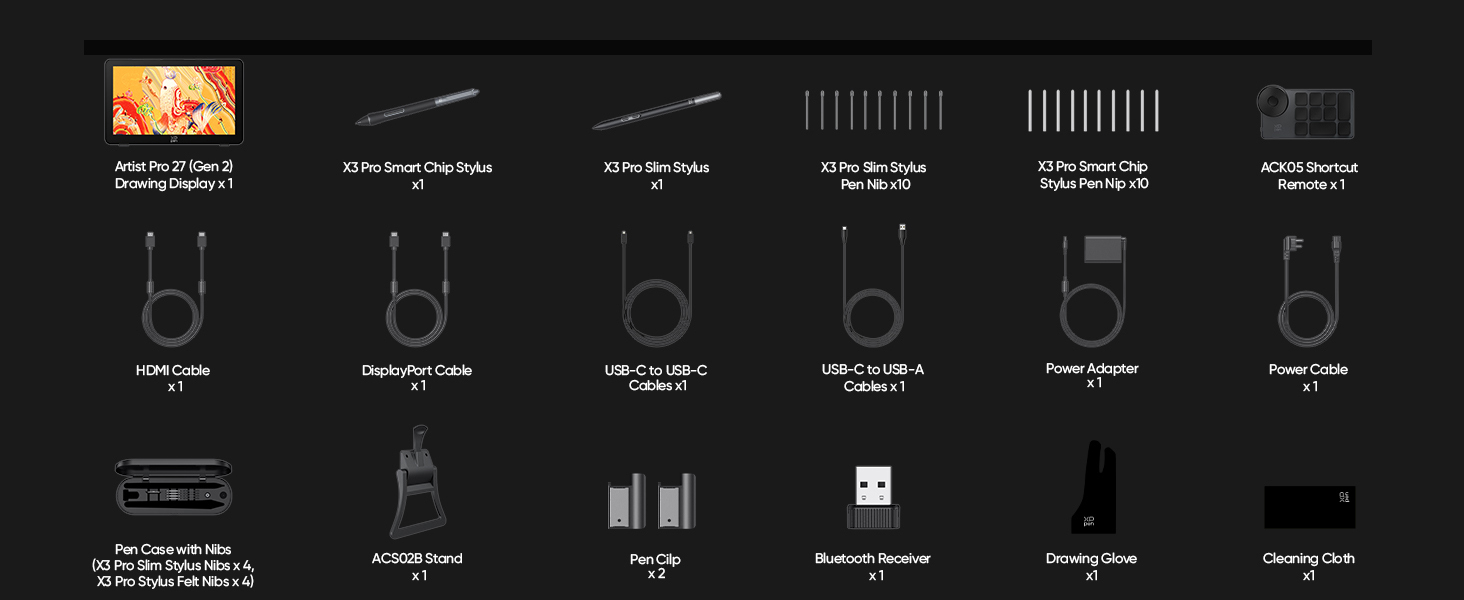
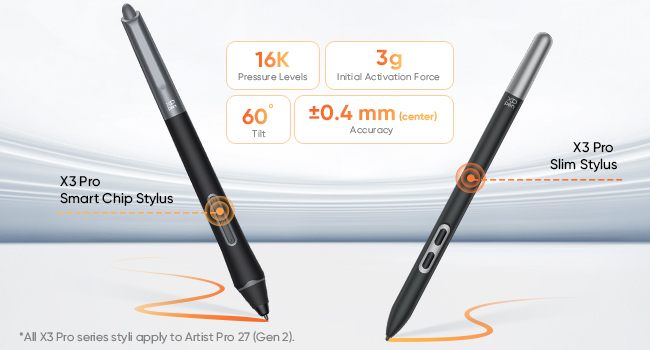
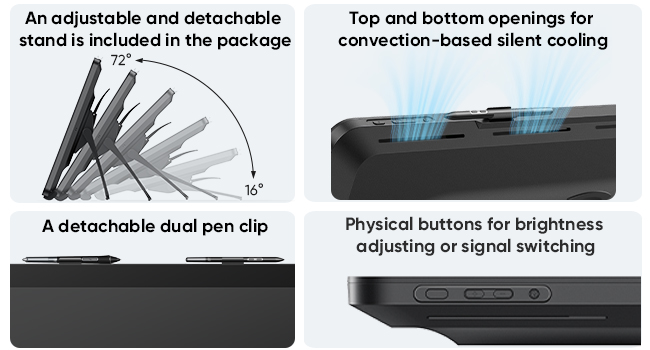
- 【Dual Stylus & Ergonomic Design】 Includes two X3 Pro digital pens with 16K pressure, 3g activation, 60° tilt, ±0.4mm accuracy for this graphics tablet. Standard pen has silicone grip; slim pen features 26° tapered design for unobstructed detailed artwork. Package includes adjustable stand, detachable pen clips, physical control buttons, and airflow cooling for extended drawing sessions
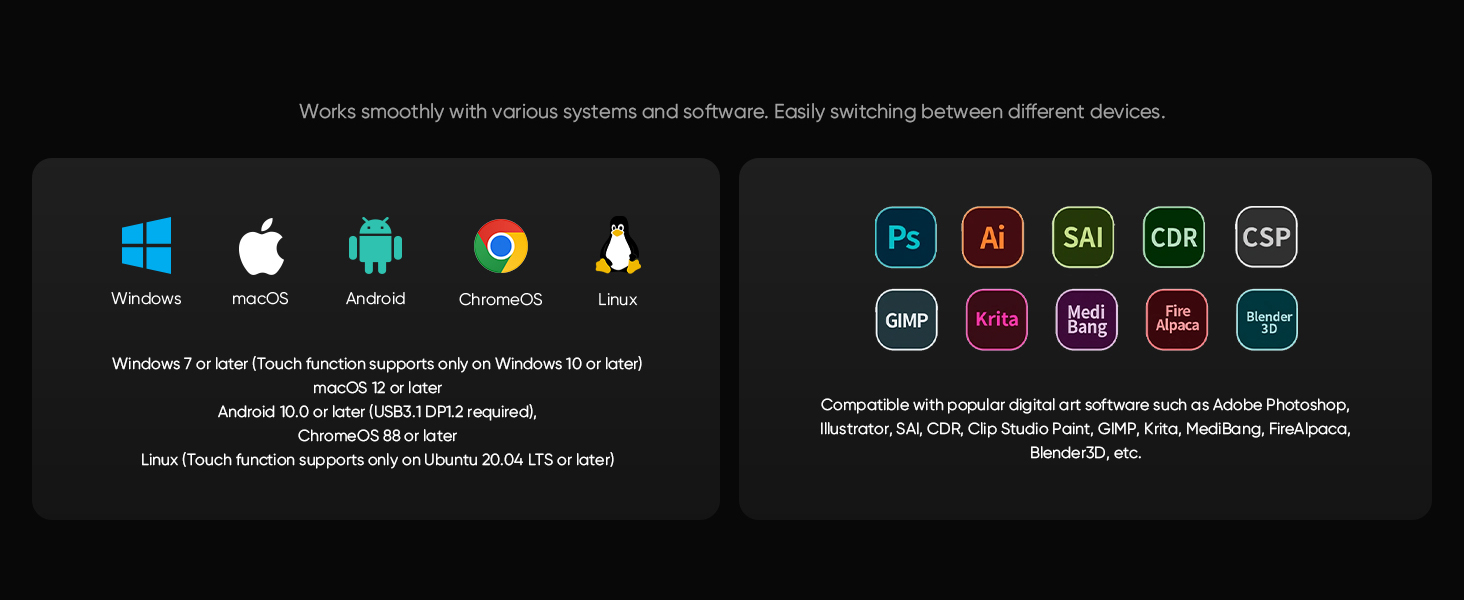
- 【Wide System & Software Compatibility】 The Artist Pro 27 Gen 2 works with Windows 7+, macOS 12+, Android 10+, ChromeOS 88+, and Linux (Ubuntu 20.04+). Touch function requires Windows 10+ or Ubuntu 20.04+. Easily switch between devices for seamless workflow. Compatible with major art software including Adobe Photoshop, Illustrator, Clip Studio Paint, etc for versatile digital drawing and design projects.
Flagship Dual Styli, Double Your Potential
The X3 Pro stylus features a silicone grip for a secure hold and stable strokes. The X3 Pro slim stylus has a 26° tapered design, offering an unobstructed view, allowing for detailed and refined artwork.
Thoughtful Details, Covered
Meticulously refining every visible detail, allowing you to fully dedicate yourself to the artwork.
Do I need to connect Artist Pro 27 (Gen 2) to my computer to use it?
Yes. The product is a non-standalone device that must be connected to a computer, Android phone, or Android tablet to work.
What ports are included with Artist Pro 27 (Gen 2)?
HDMI 2.1 port
DisplayPort 1.4 port
Full-featured USB-C port (DisplayPort 1.4, USB 3.2)
3.5 mm audio output port
Power supply port
Does Artist Pro 27 (Gen 2) requires an additional protective film on the display surface?
The Artist Pro 27 (Gen 2) features AG etched glass that is harder than standard nibs, won't scratch, offers a paper‑like feel and anti‑glare effect, so no extra screen protector is needed
Can I use it as both a drawing display and a sketch tablet?
Yes. To enter the Sketch Tablet Mode, press and hold the power button for 3 seconds after startup.
Does it come with a bracket? Does it support multiple angle adjustment? Does it support VESA mounting?
Includes a multi-angle bracket and supports VESA 100x100mm mounts. Make sure the bracket can support the device's weight.
Specifications
| Product Name | Artist Pro 27 (Gen 2) |
| Size | 681.3 x 423.8 x 44.0 mm |
| Work Area | 596.7 × 335.7 mm |
| Resolution | 3840 x 2160 Pixels (4K) |
| Refresh Rate | 120 Hz |
| Color Gamut | 99% Adobe RGB; 99% sRGB; 97% Display P3 |
| Display Color | 1.07 Billion |
| Full Lamination | Yes |
| Touch Screen | Ten-finger Multi-touch; Anti-glare glass; Anti-fingerprint coating |
| Model | X3 Pro Smart Chip Stylus & X3 Pro Slim Stylus |
| Pressure Levels | 16384 |
| Initial Activation Force | 3 g |
| Reading Height | 10 mm (center) |
| Resolution | 5080 LPI |
| Ports | USB-C port x 1; HDMI port x 1; DP x 1; 3.5mm headphone jack; DC port x 1 |
| Compatibility | Windows 7 or later (Touch function supports only on Windows 10 or later), macOS 12 or later , Android 10.0 or later (USB3.1 DP1.2 required), ChromeOS 88 or later, Windows ARM, Linux (Touch function supports only on Ubuntu 20.04 LTS or later) |

| SKU: | B0GKMP1LYD |
| Weight: | 9100 Grams |
| Dimensions: | 68.1L x 42.3W centimetres |
| Brand: | XPPen |
| Model: | Artist Pro 27 (Gen 2) |
| Manufacture: | XPPen |
| Origin: | China |
Product Description
Thoughtful Details, Covered
Meticulously refining every visible detail, allowing you to fully dedicate yourself to the artwork.
Do I need to connect Artist Pro 27 (Gen 2) to my computer to use it?
Yes. The product is a non-standalone device that must be connected to a computer, Android phone, or Android tablet to work.
What ports are included with Artist Pro 27 (Gen 2)?
HDMI 2.1 port
DisplayPort 1.4 port
Full-featured USB-C port (DisplayPort 1.4, USB 3.2)
3.5 mm audio output port
Power supply port
Does Artist Pro 27 (Gen 2) requires an additional protective film on the display surface?
The Artist Pro 27 (Gen 2) features AG etched glass that is harder than standard nibs, won't scratch, offers a paper‑like feel and anti‑glare effect, so no extra screen protector is needed
Can I use it as both a drawing display and a sketch tablet?
Yes. To enter the Sketch Tablet Mode, press and hold the power button for 3 seconds after startup.
Does it come with a bracket? Does it support multiple angle adjustment? Does it support VESA mounting?
Includes a multi-angle bracket and supports VESA 100x100mm mounts. Make sure the bracket can support the device's weight.
Specifications
| Product Name | Artist Pro 27 (Gen 2) |
| Size | 681.3 x 423.8 x 44.0 mm |
| Work Area | 596.7 × 335.7 mm |
| Resolution | 3840 x 2160 Pixels (4K) |
| Refresh Rate | 120 Hz |
| Color Gamut | 99% Adobe RGB; 99% sRGB; 97% Display P3 |
| Display Color | 1.07 Billion |
| Full Lamination | Yes |
| Touch Screen | Ten-finger Multi-touch; Anti-glare glass; Anti-fingerprint coating |
| Model | X3 Pro Smart Chip Stylus & X3 Pro Slim Stylus |
| Pressure Levels | 16384 |
| Initial Activation Force | 3 g |
| Reading Height | 10 mm (center) |
| Resolution | 5080 LPI |
| Ports | USB-C port x 1; HDMI port x 1; DP x 1; 3.5mm headphone jack; DC port x 1 |
| Compatibility | Windows 7 or later (Touch function supports only on Windows 10 or later), macOS 12 or later , Android 10.0 or later (USB3.1 DP1.2 required), ChromeOS 88 or later, Windows ARM, Linux (Touch function supports only on Ubuntu 20.04 LTS or later) |