PRITOM 7 inch Android 14 Tablet PC with 8GB RAM 64
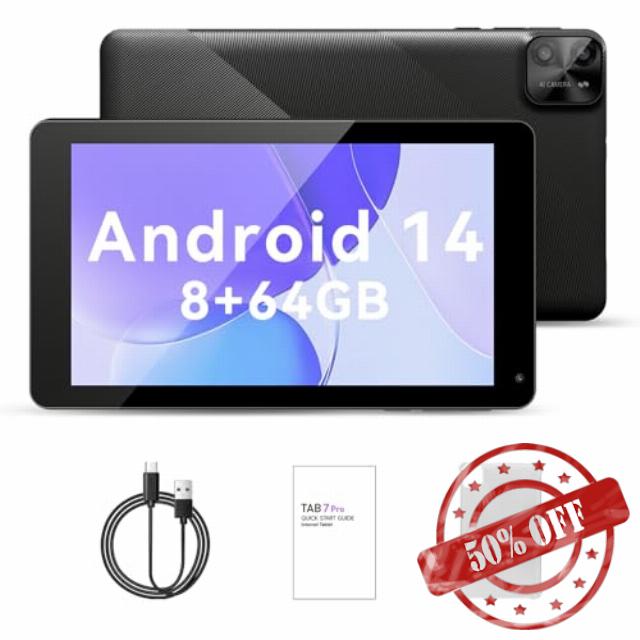
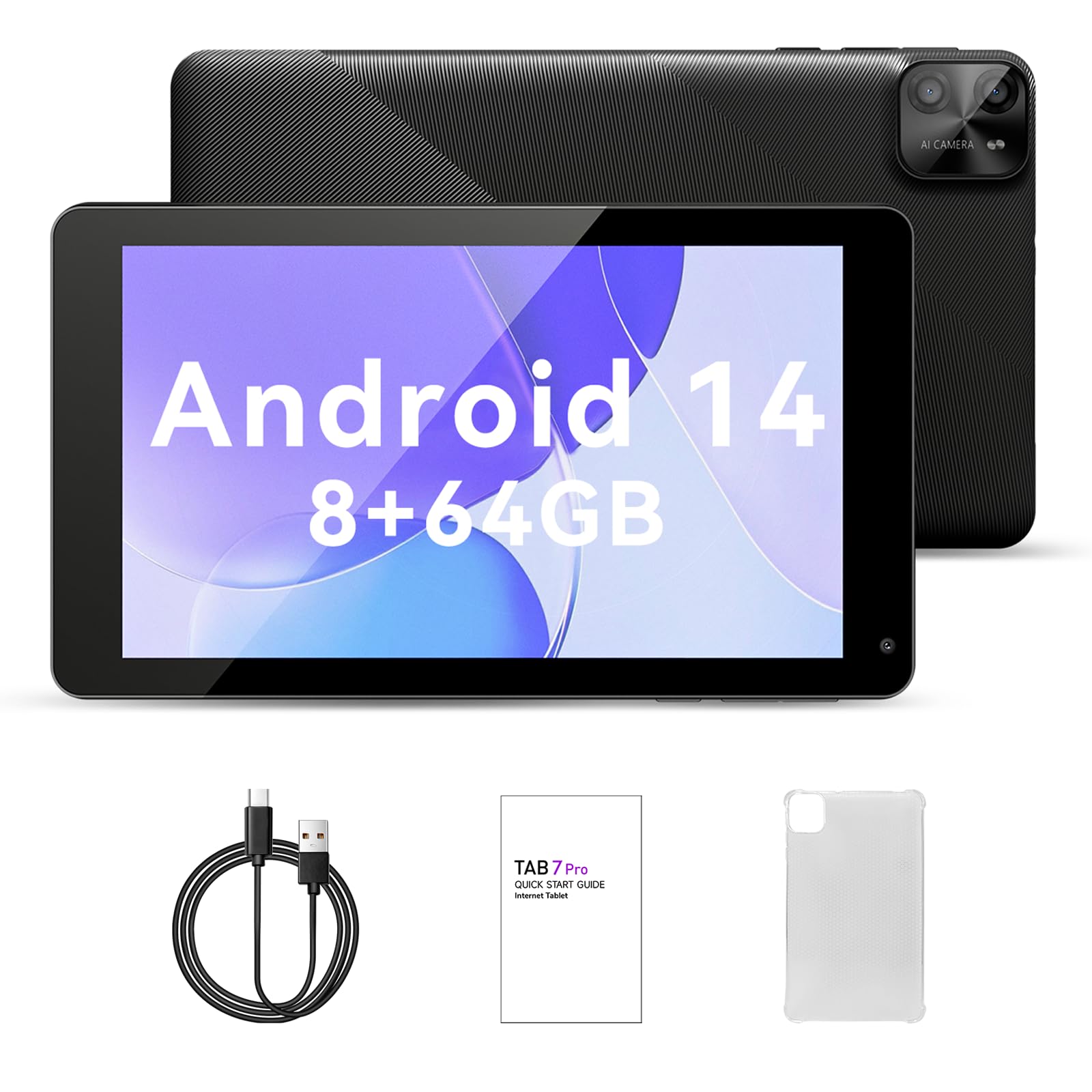
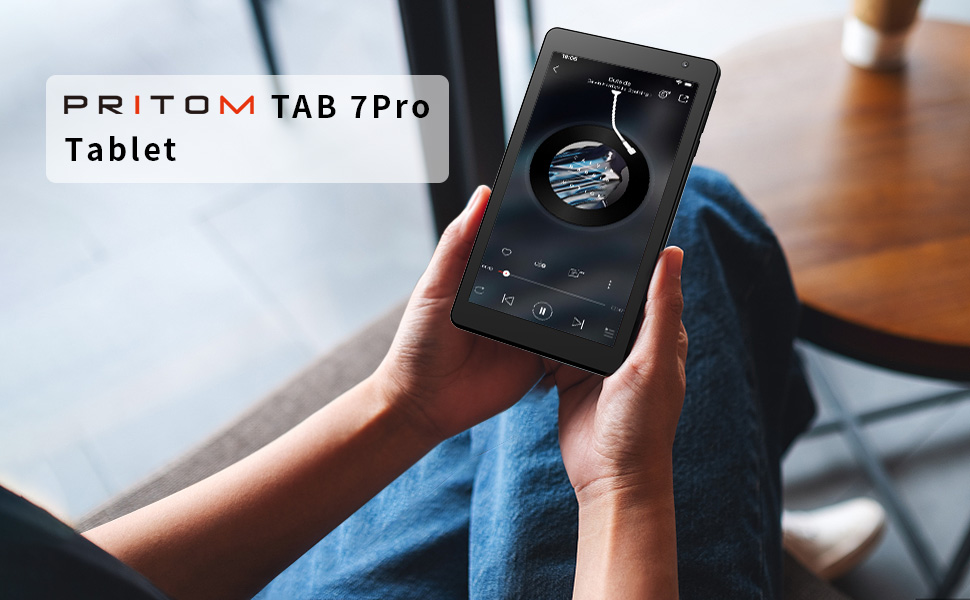
PRITOM 7 inch Android 14 Tablet PC with 8GB RAM 64 GB ROM,512GB Expand, 8-Core, 5G WiFi, Dual Camera, Bluetooth, 7″ Tablet, Black
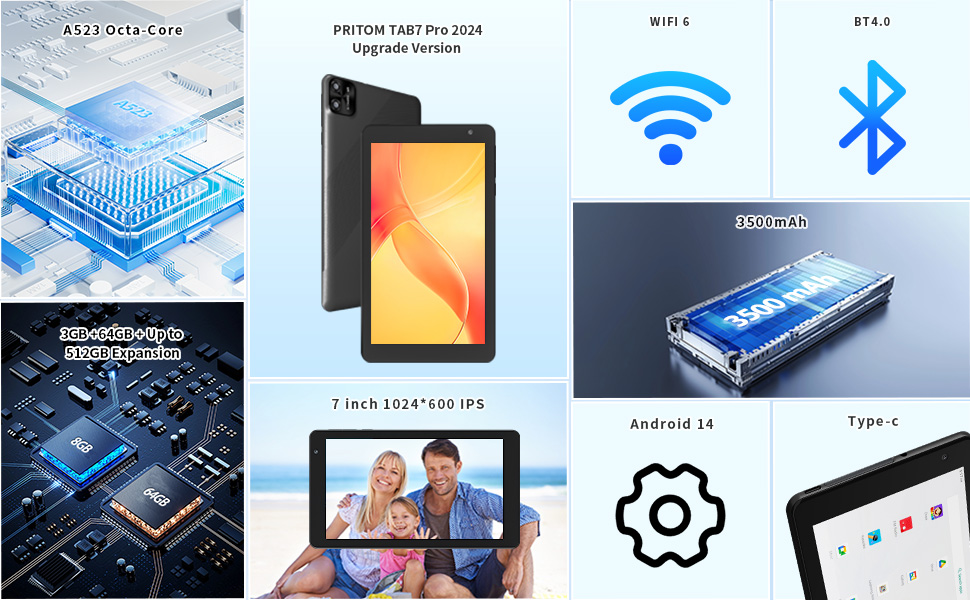
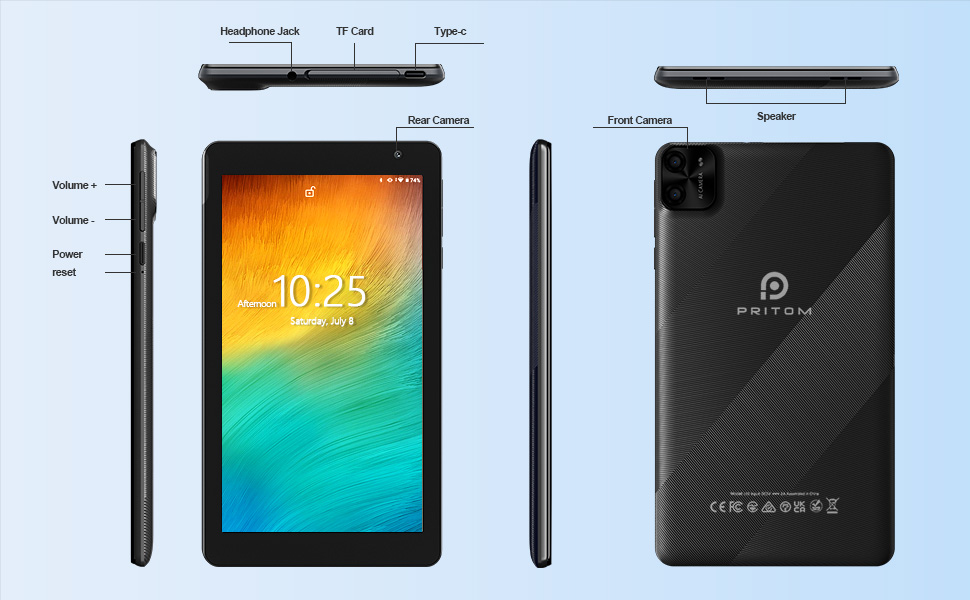
- ★ [High performance Android tablet] The PRITOM 7 inch tablet features the latest Android 14 operating system, 8 GB (3 + 5 GB expand), 64 GB ROM, the powerful and energy-saving octa-core that allows faster app launch, smoother videos and better overall performance. This tablet has a micro SD card slot (an SD card with max. 1 TB can be added, not included).
- ★ [Octa-core processor] The PRITOM 7 inch tablet has the Octa-core processor. You can download thousands of apps. The power-saving CPU enhance your experience, allowing you to enjoy up to 8 hours of mixed reading, watching TV shows, surfing the web, playing light games and much more. It is a really good companion for your leisure and entertainment.
- ★ [5G WiFi] With 5G WiFi and Bluetooth, this tablet is the all-in-one gift for connectivity and entertainment.Elevate the gifting experience with our tablet, powered by an A523 Octa-core processor and WiFi 6, ensuring smooth operation for apps and internet browsing, and featuring 5G WiFi for future-ready connectivity.
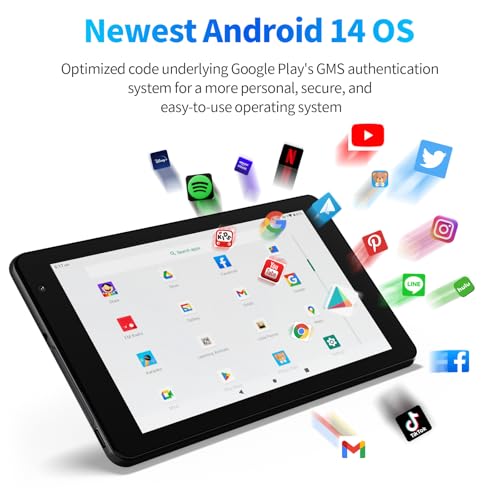
- ★[Latest Android 14 Tablet ] – Pritom B7 7 inch tablet comes with the latest Android 14, 64GB Large Storage – a micro SD card slot ( can be added 1TB GB TF card Max, NOT included). The powerful and energy-saving Octa-core 64 Bit Processor and WiFi access, makes quicker app launch, smoother videos and great overall performance.
- ★[IPS Display & Dual Camera] Make a meaningful gift to photography aficionados with our tablet's 2.0MP front camera for selfies and video calls, and an 8.0MP rear camera for high-resolution photography, capturing life's precious moments.Make your photos more artistic and make every frame an eternal memory. Experience the fun of photography.
WiFi Setup Steps AND Note
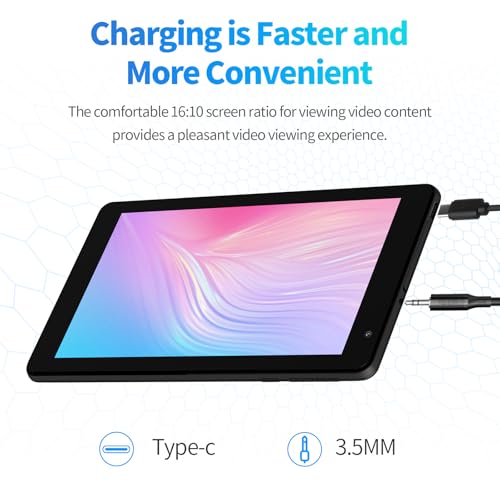
Note:This product supports Ethernet connection, you need to use an adapter, connected to the network cable to use .
WiFi Setup Steps:1. Open Settings: Android: Tap the ‘Settings’ icon (cogwheel).
2. Enter WiFi settings: Android: Select ‘Network & Internet’ or just tap ‘WiFi’.
3. Switch on WiFi: If WiFi is not switched on, tap the switch to turn it on.
4. Select Network: In the list of available networks, select the WiFi network you want to connect to.
5. Enter Password:If the network has a password, enter it and click ‘Connect’.
6. Wait for connection:The device will connect automatically and display ‘Connected’ or WiFi icon when successful.
7. Test the network:Open the browser or application to confirm the network is available.




| SKU: | B0D7H9831H |
| Brand: | PRITOM |
| Model: | P7(B7 TAB 7 Pro) |
| Batteries Included: | Lithium Polymer |
| Manufacture: | PRITOM |
| Origin: | China |
Product Description

WiFi Setup Steps AND Note
Note:This product supports Ethernet connection, you need to use an adapter, connected to the network cable to use .
WiFi Setup Steps:1. Open Settings: Android: Tap the ‘Settings’ icon (cogwheel).
2. Enter WiFi settings: Android: Select ‘Network & Internet’ or just tap ‘WiFi’.
3. Switch on WiFi: If WiFi is not switched on, tap the switch to turn it on.
4. Select Network: In the list of available networks, select the WiFi network you want to connect to.
5. Enter Password:If the network has a password, enter it and click ‘Connect’.
6. Wait for connection:The device will connect automatically and display ‘Connected’ or WiFi icon when successful.
7. Test the network:Open the browser or application to confirm the network is available.