FP430S Electronic Signature Pad USB Signature
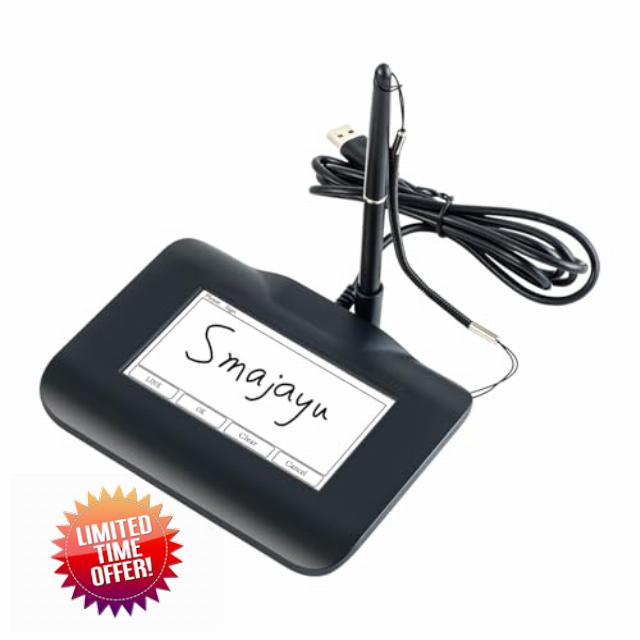
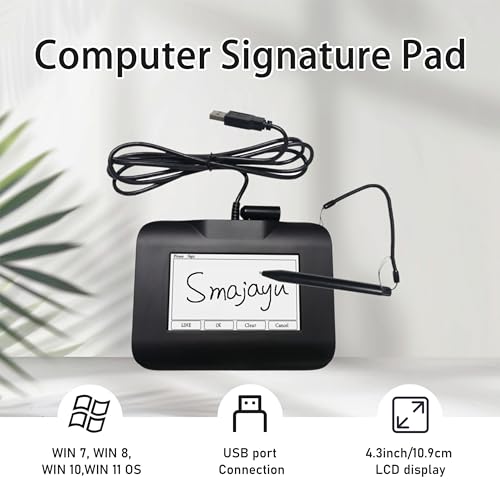
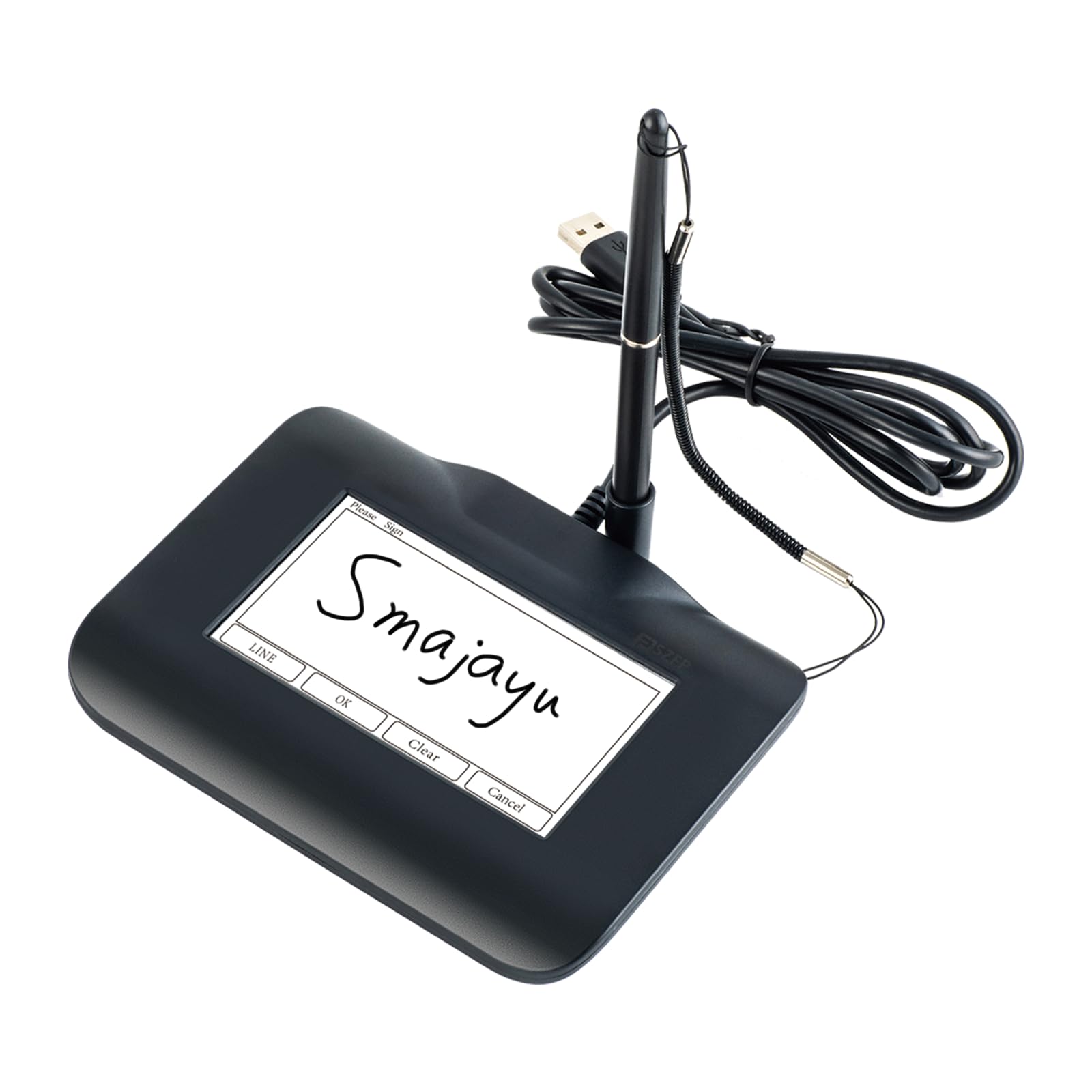
FP430S Electronic Signature Pad USB Signature Capture Pads for Computer Laptop with Windows 7,8,10,11,Signature Stylus Included,4.3inch LCD Color Display with LCD Backlits
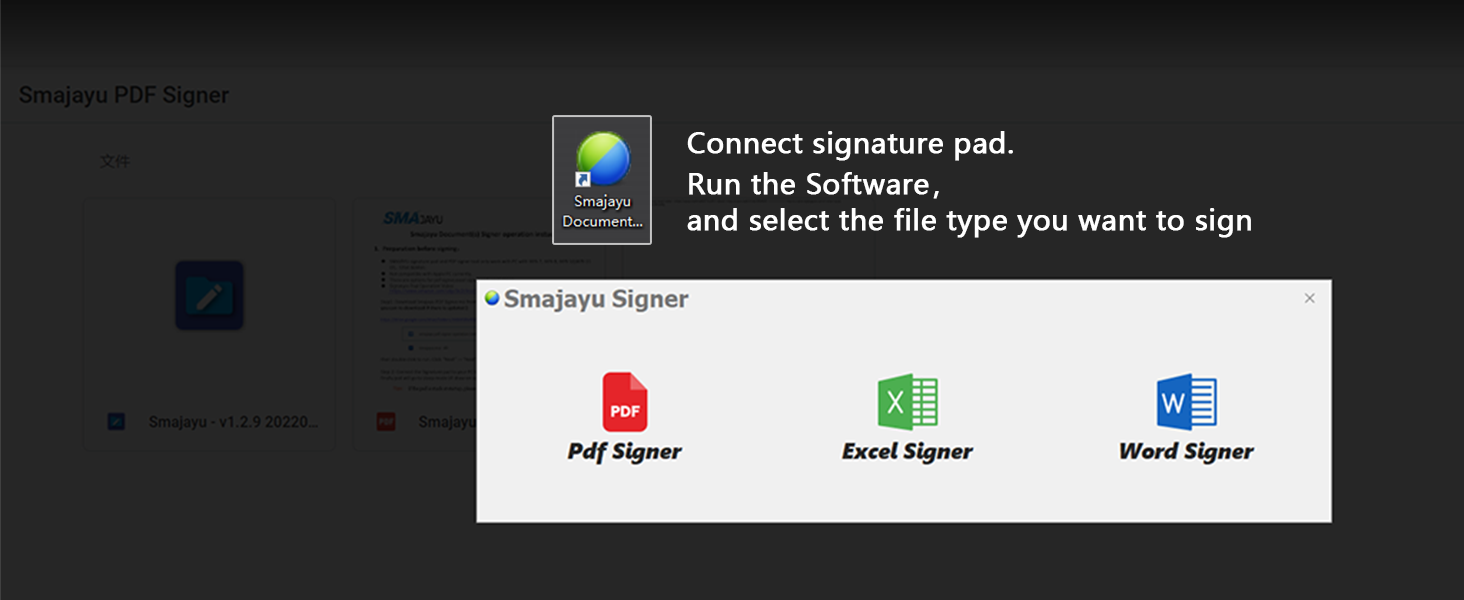
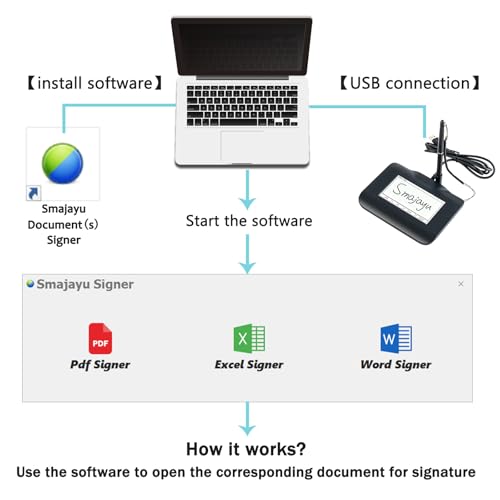
- 【Signature tool 1】: SMAJAYU electronic signature pad works with “SMAJAYU document(s) Signer” a Sign Tool for pdf,word,excel documents digital signature. Pdf,Excel,word documents will be save as pdf after signature on sign tool
- 【Signature tool 2】: Second sign tool named “demo tool” which is for getting signature picture to past on excel,word.edited files
- 【Signature tool 3】: 430S SDK is available to integrate with programmable flatform, like website, app. Contact SMAJAYU support team for support
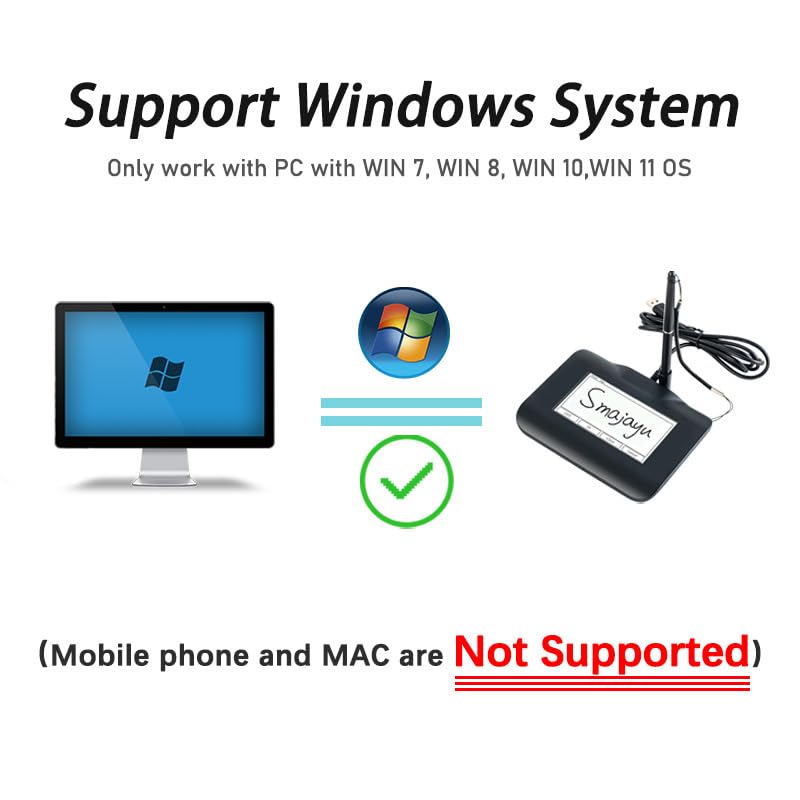
- 【Apply Windows OS】SMAJAYU Signature pad and Signer tool only compatible with Windows OS, Windows 7,8,10,11, don’t support apple PC
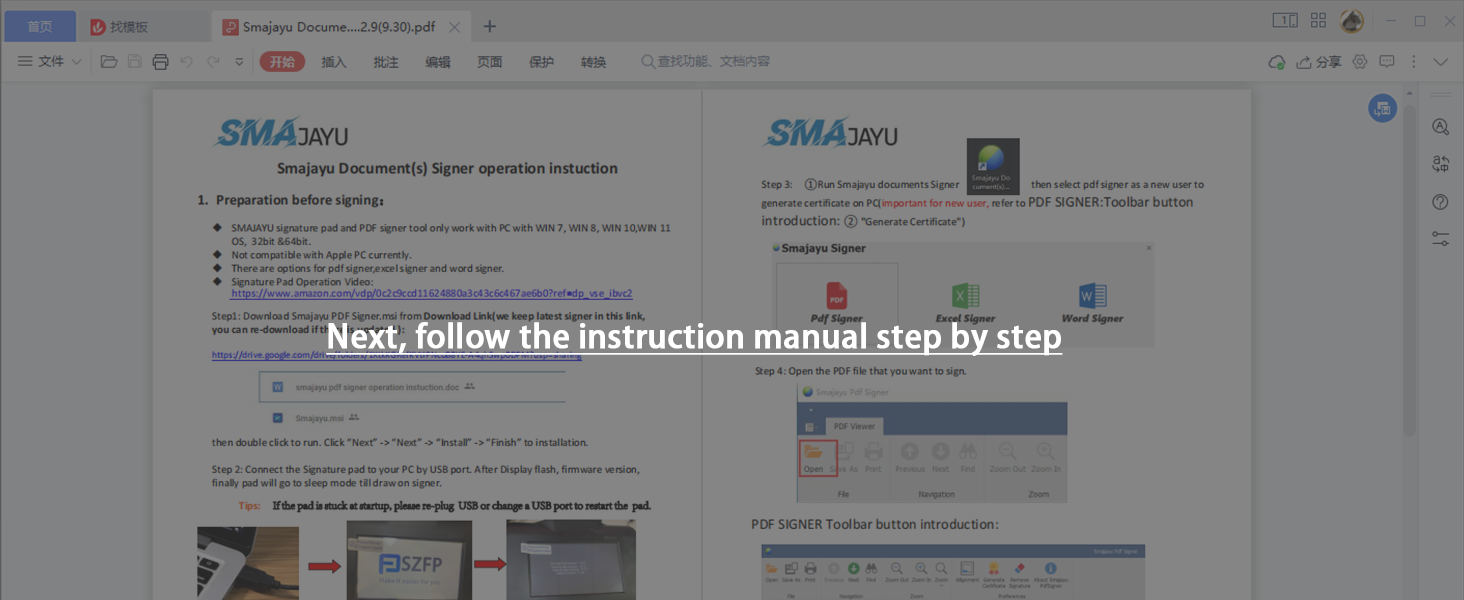
- 【How to sign documents】Install “ SMAJAYU document(s) Signer” on computer, run this app and create certification for first installation which for signature encryption and safety. Then insert Signature pad by USB and open files to start sign
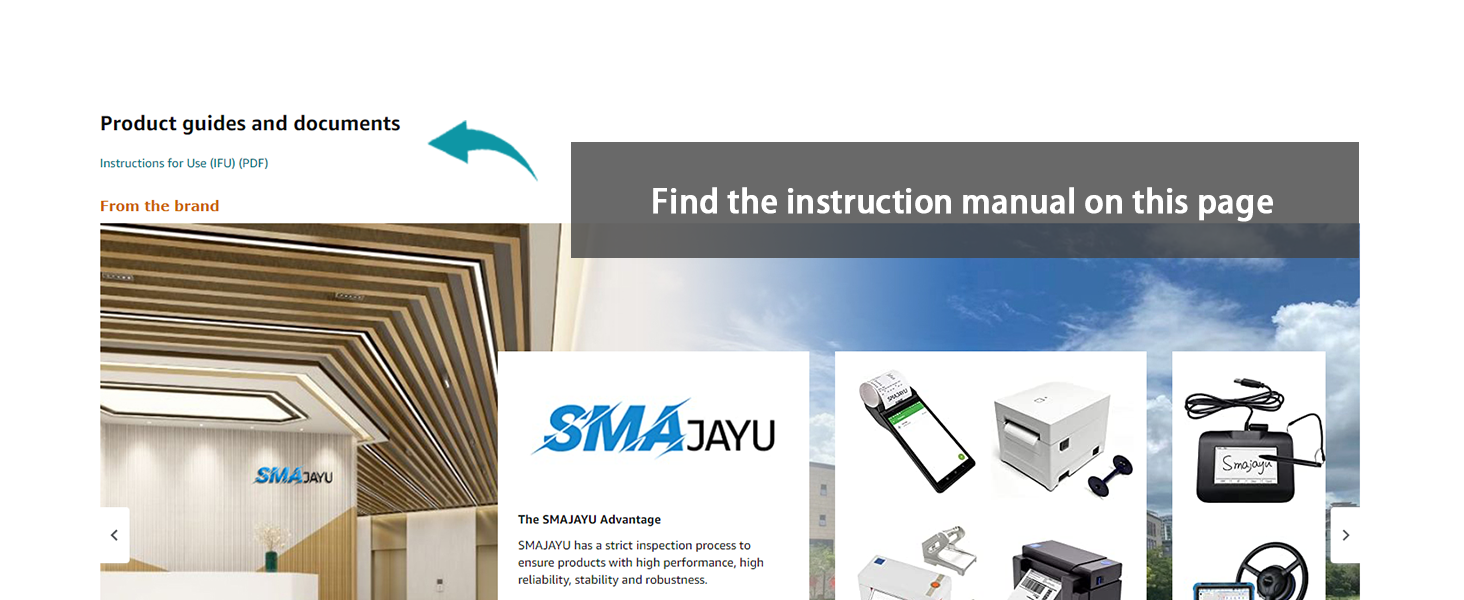
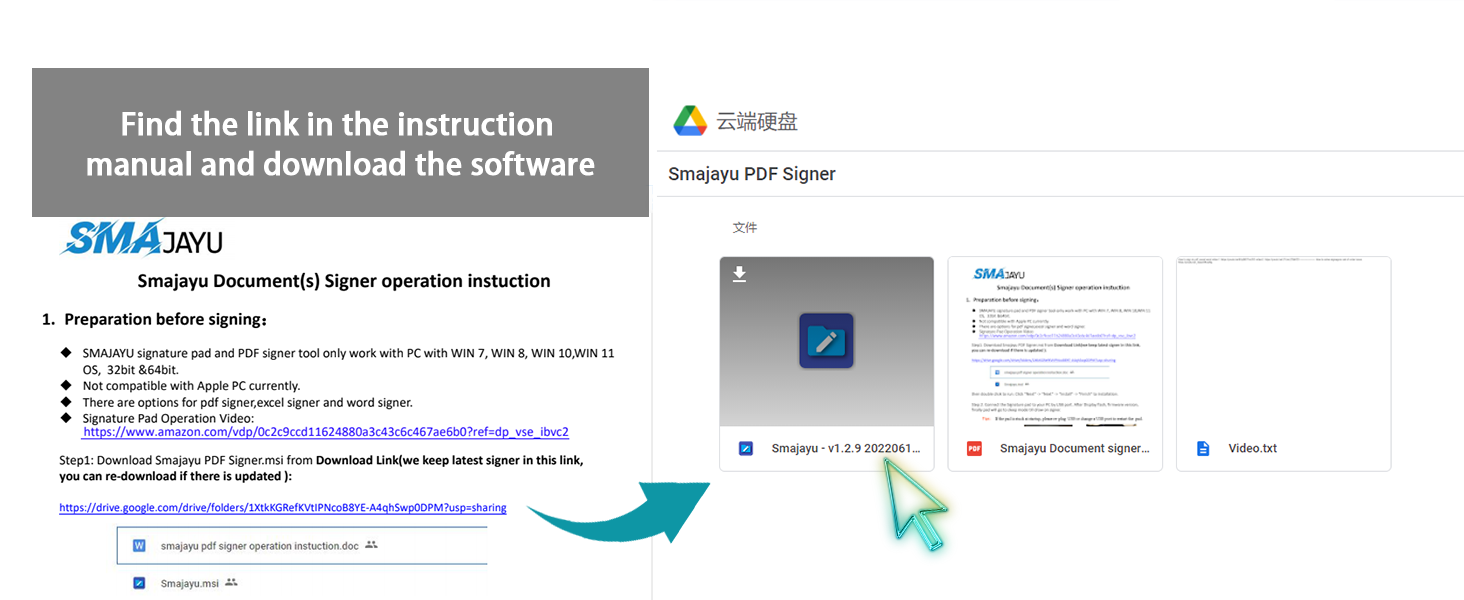
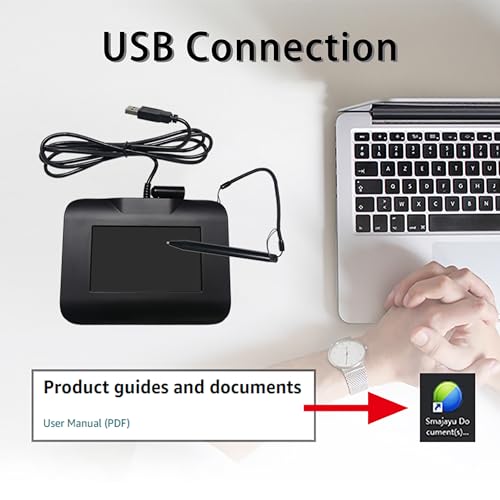
- 【DOWNLOAD】“SMAJAYU document(s) Signer” is available to be downloaded from DROPBOX. Downloading link is available in user manual under “product guides and documents” on this page. "Signature Pad Operation Video" is also available
- 【About 430S】SMAJAYU Signature pad is for get digital signature, USB port connection, 4.3inch LCD display with backlit. SMAJAYU Signature pad 430S is not compatible with any other brand signature tool
Notes before buying
- Please find the link in the instruction manual, download our software and try it before purchasing.Please find out if its working form is what you need.
- Signature pad only work with PC with WIN 7, WIN 8, WIN 10,WIN 11 OS.
How to use the signature capture pad
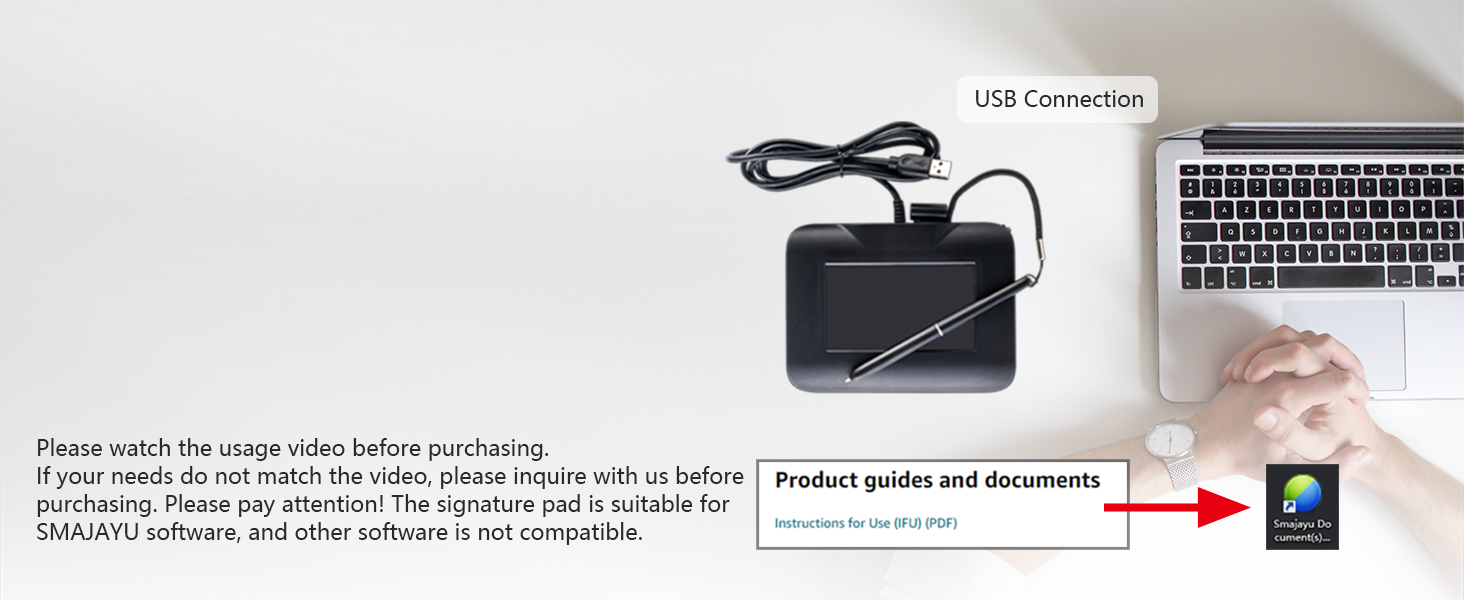
Please watch the usage video before purchasing. If your needs do not match the video, please inquire with us before purchasing. Please pay attention! The signature board is suitable for SMAJAYU software, and other software is not compatible.
· Please find "Product guides and documents" and view the "Instructions for Use (IFU) (PDF)".
· Please be sure to use this product according to the manual or operation video.
· When you download, the computer will remind you it maybe harm your computer.In fact, this prompt has no effect. As long as the source of the software is credible, the software is safe, so there is no need to worry.Just continue download and install. There is no harm to computer.
· Please find the link in the instruction manual, download our software and try it before purchasing.
· Please find out if its working form is what you need before purchasing.
This is the best signature pad for end-users. Avoid complicated operations.
Remark,please must read manual before you buy and before you start to use the signature pad.
Signature pad size
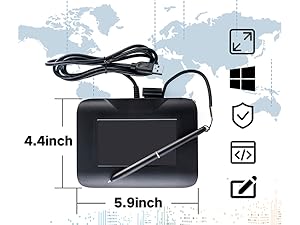
- Hardware integration of 4.3 inch LCD display.
- 5.9*4.4*0.7inch,about 0.49lb.Easy to carry, small and light.
Battery Free Pen
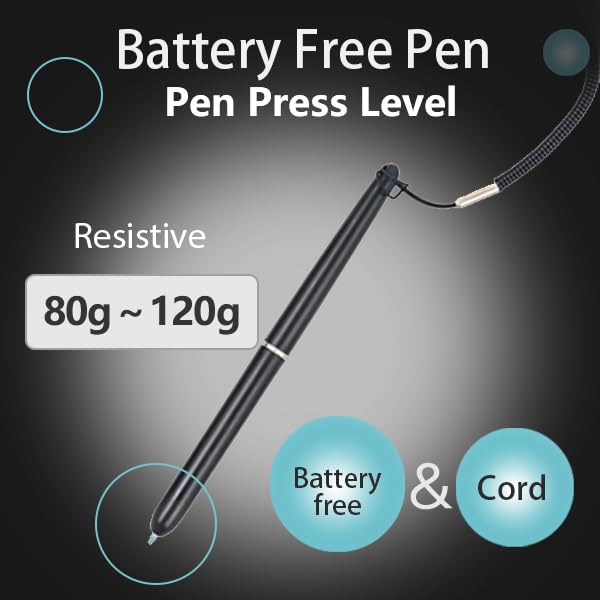
- The pen pressure level of the Resistive Touch Panel reaches 80g~120g.
User-friendly design
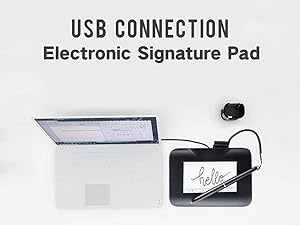
- The signature pad is connected to the computer via USB.The
- Battery-free pen is equipped with a Standard handing lanyard to prevent loss.
Application Scene
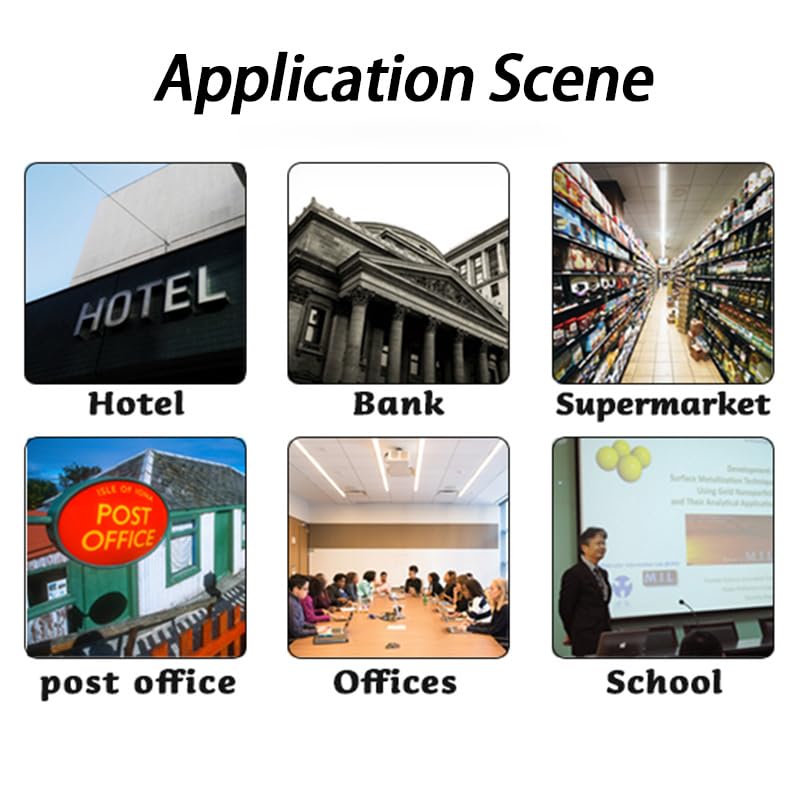
- Widely used in banks,post office,retails, securities,communications, such as signing on a receipt or a contract with a personalized digital signature.
| SKU: | B0GQZ8QYJN |
| Weight: | 10.6 Ounces |
| Brand: | SMAJAYU |
| Model: | FP430S |
| Manufacture: | SMAJAYU |
| Origin: | China |
Product Description
Notes before buying
- Please find the link in the instruction manual, download our software and try it before purchasing.Please find out if its working form is what you need.
- Signature pad only work with PC with WIN 7, WIN 8, WIN 10,WIN 11 OS.
How to use the signature capture pad
Please watch the usage video before purchasing. If your needs do not match the video, please inquire with us before purchasing. Please pay attention! The signature board is suitable for SMAJAYU software, and other software is not compatible.
· Please find “Product guides and documents” and view the “Instructions for Use (IFU) (PDF)”.
· Please be sure to use this product according to the manual or operation video.
· When you download, the computer will remind you it maybe harm your computer.In fact, this prompt has no effect. As long as the source of the software is credible, the software is safe, so there is no need to worry.Just continue download and install. There is no harm to computer.
· Please find the link in the instruction manual, download our software and try it before purchasing.
· Please find out if its working form is what you need before purchasing.
This is the best signature pad for end-users. Avoid complicated operations.
Remark,please must read manual before you buy and before you start to use the signature pad.

Application Scene
- Widely used in banks,post office,retails, securities,communications, such as signing on a receipt or a contract with a personalized digital signature.