Film & Photo Scanner with 5″ LCD Screen, Slide
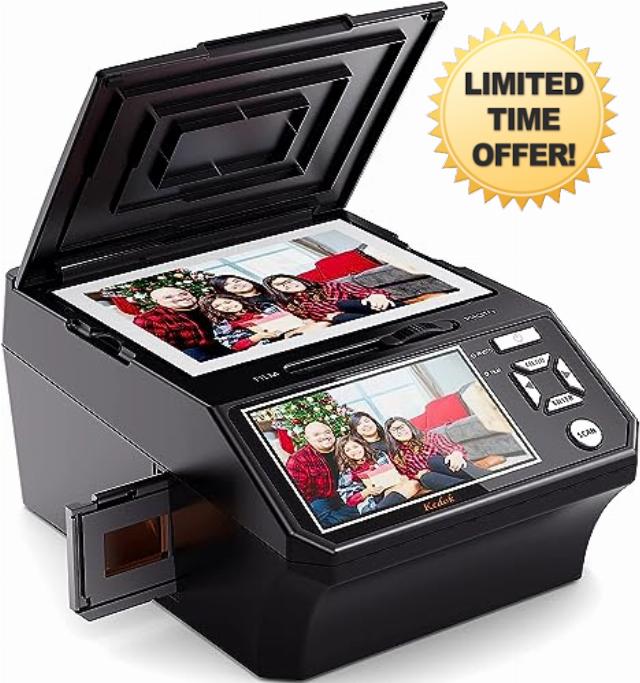
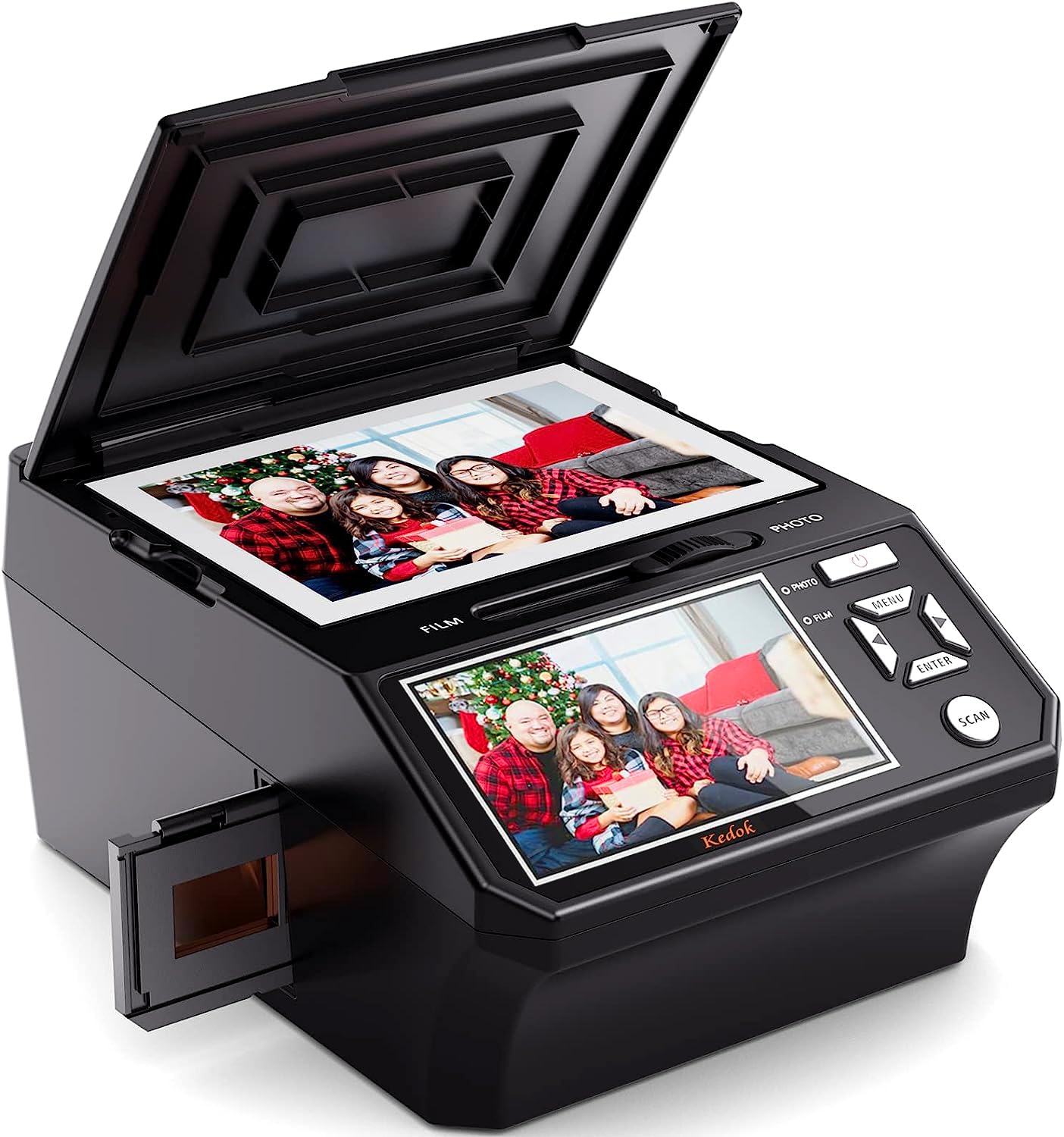
Film & Photo Scanner with 5″ LCD Screen, Slide & Negative Scanner Converts 135/110 Negatives, Slides, Photos & Business Cards to 22MP Digital Images, Includes 8GB SD Card
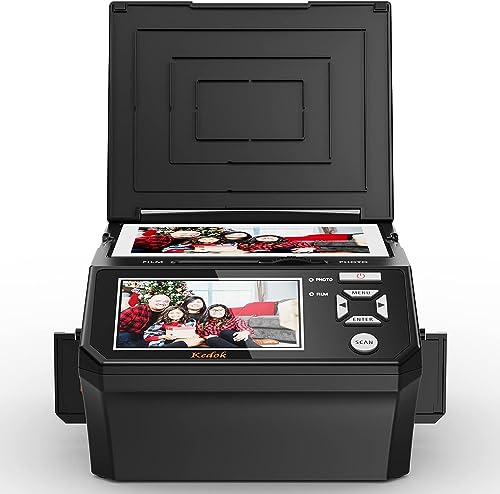
- 5” LCD DISPLAY FOR EASY VIEWING:Enjoy a large, crystal-clear 5-inch LCD screen with a wide viewing angle — perfect for instantly previewing and sharing your scanned photos, negatives, and business cards. Ideal for displaying cherished memories with friends and family, or even using as a stylish digital photo frame at home or in the office.
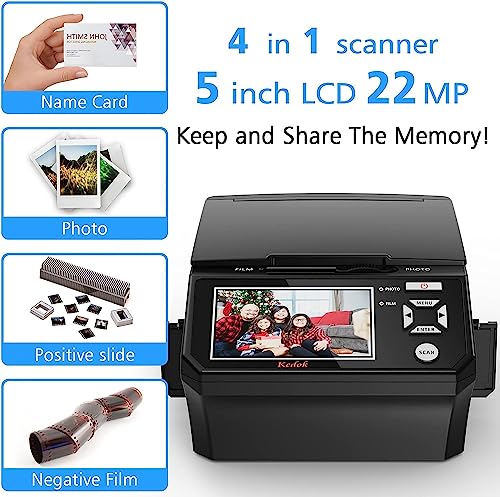
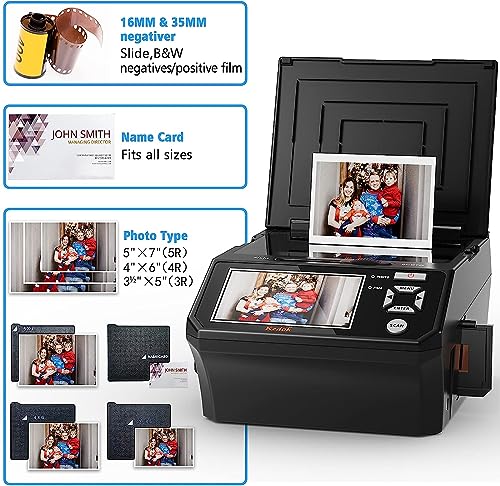
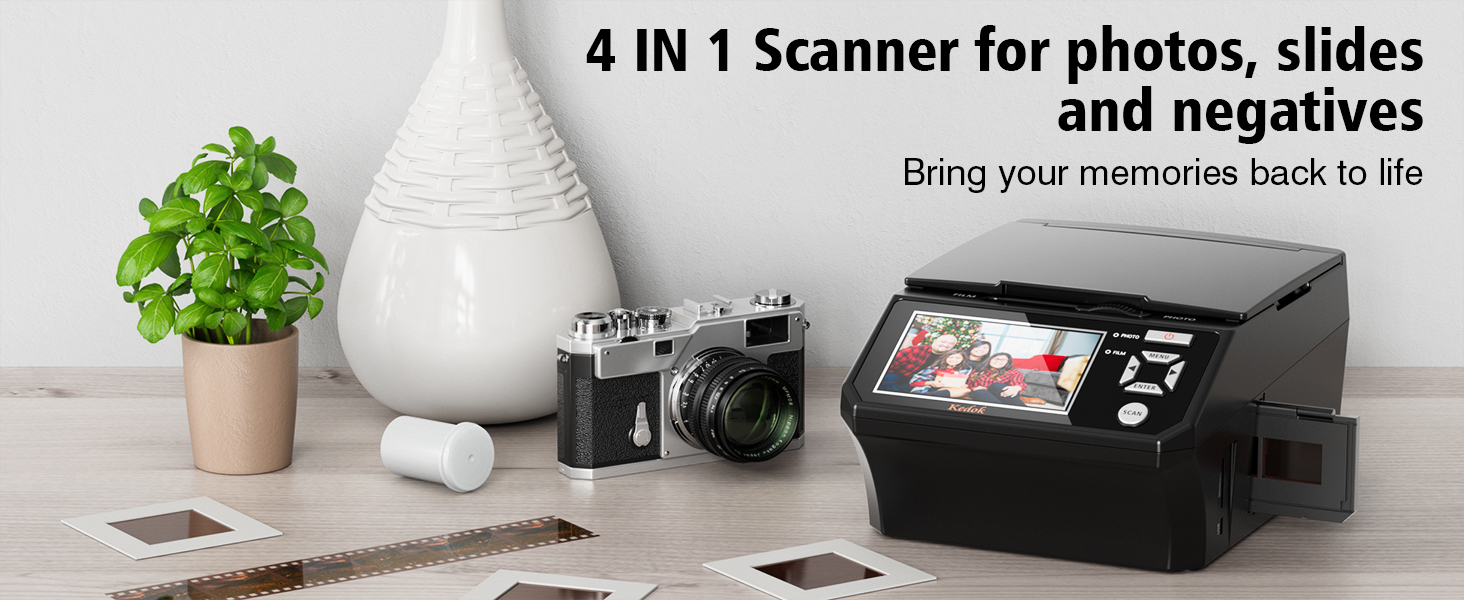
- 4-IN-1 FILM & SLIDE SCANNER: Convert your old colour and black & white film into digital photos in seconds. This 22MP scanner supports 135 and 110 film negatives, 135 slides, name cards, and photos (5R, 4R, 3R). Save files directly to the internal 128MB memory or the included 8GB SD card — no computer required.
- EASY ONE-TOUCH EDITING & SCANNING: No complicated software or setup! With simple on-screen options, you can select the film type, adjust colour, brightness, and resolution, or add date/time stamps. You can even digitise business cards and printed photos — a convenient solution for both memory preservation and office use.
- PERFECT GIFT FOR FAMILY & FRIENDS: This film and slide scanner is a meaningful and practical gift for anyone who treasures their memories. Whether for birthdays, weddings, anniversaries, Christmas, Mother’s Day or Father’s Day, this thoughtful gift helps loved ones relive unforgettable moments from old films and photos.
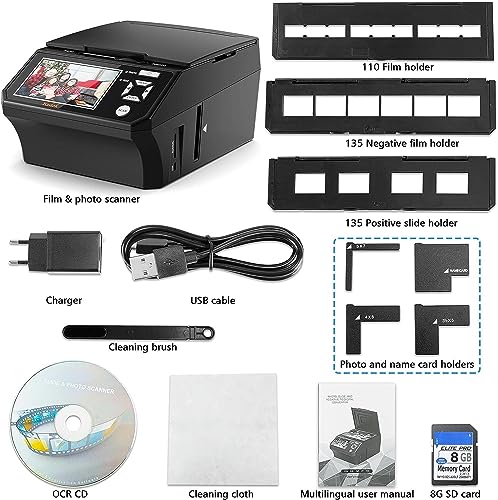
- COMPLETE ACCESSORY KIT & RELIABLE WARRANTY: Comes with everything you need: scanner, USB data cable, power adapter, 8GB SD card, cleaning cloth, cleaning brush, 135 film holders (negative & positive), 110 film holder, photo holders (5"x7", 4"x6", 3.5"x5"), business card holder, ORC CD() and instruction manual. Enjoy 24-hour online technical support and a 3-year warranty for worry-free use.
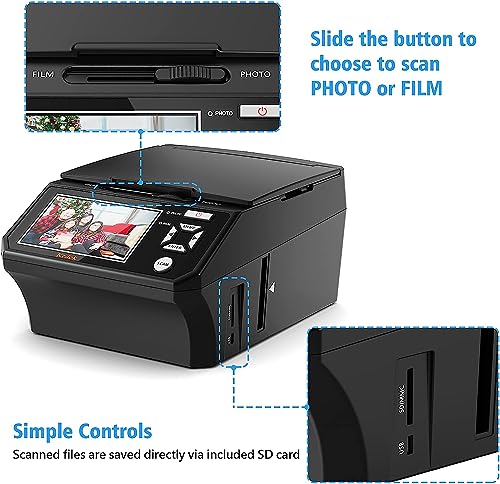
- When scanning photos, please turn the toggle to "Photo"
- Lay the proper adapter onto the upper left corner of the scanner's PC board at the mark, place the photo at the scanner, and make sure the photo is back side up. Then cover the scanner's lid
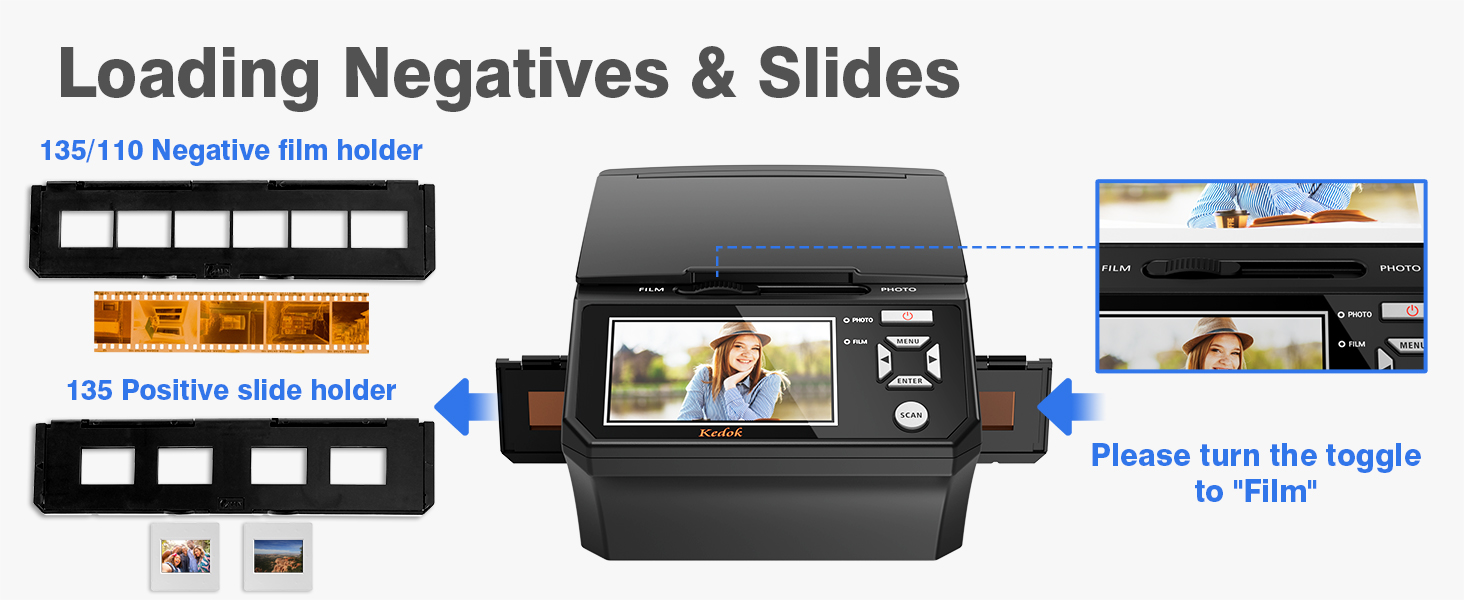
- When scanning films, please turn the toggle to "Film"
- We have 3 types of film holders: 110 film holder, 135 film holder, and 6 frames film holder.
- Note: Handle slides with care. Any dust scratches or fingerprints will show up on your saved images. You'd better to cotton gloves when handling slides.
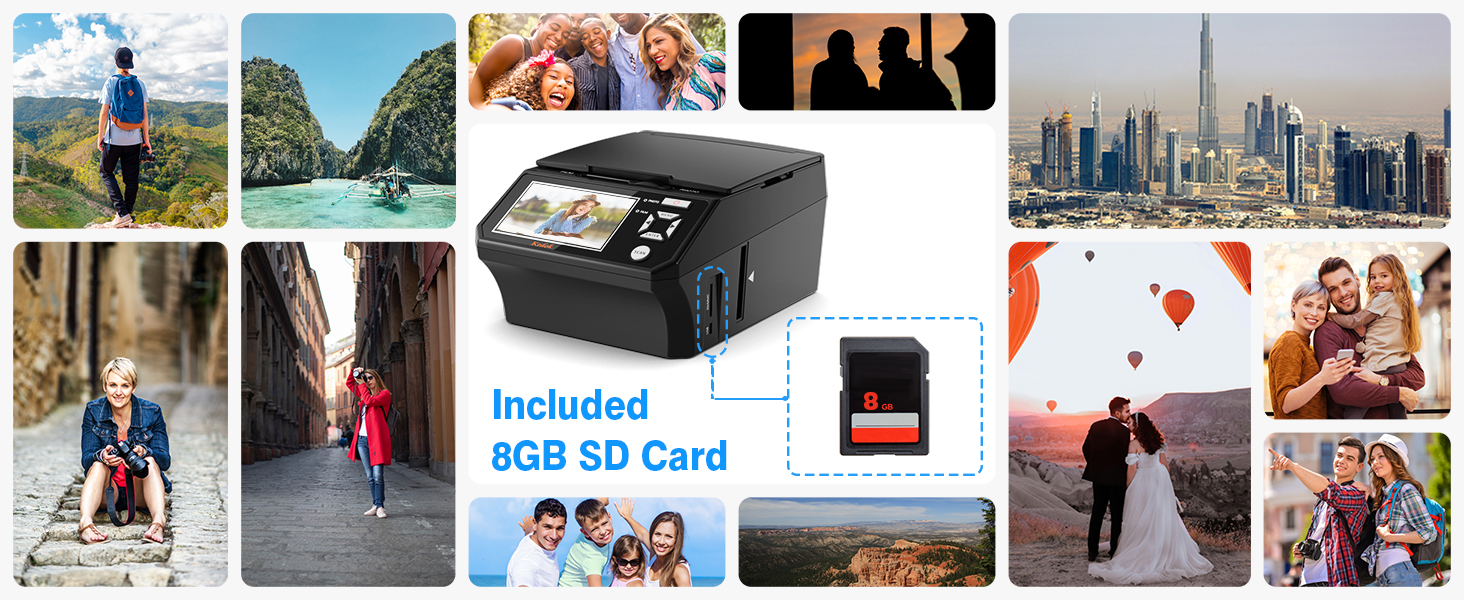
The film and photo scanner has built in 128MB of memory. Or you can save digital files to an SD card ( included 8GB memory card). To transfer the digitized photos, simply plug the USB connection cable into any USB port on your PC or Mac and put the scanner in USB transfer mode.
What film types does it support?
It supports 135 and 110 film negatives, 135 slides, photos (3R, 4R, 5R), and business cards.
How can I get the best quality scan possible?
Ensure the film/slides/photo are clean and that you clean the inside of the scanner with the included cleaning brush immediately before scanning.
What needs to be note when scanning negatives/slides?
The toggle switch should be set to ‘FLIM’; enter the menu FILM TYPE option to select the corresponding film mode.
What needs to be note when scanning photos?
The toggle switch should be set to ‘PHOTO’; enter the menu ‘Crop’ option to select the corresponding photo size.
Can I edit the images before saving?
Yes, you can easily adjust brightness, colour, and resolution, or add date and time directly on the screen using simple one-touch controls before saving.
| SKU: | B0G19P6ZG4 |
| Weight: | 2.1 kg |
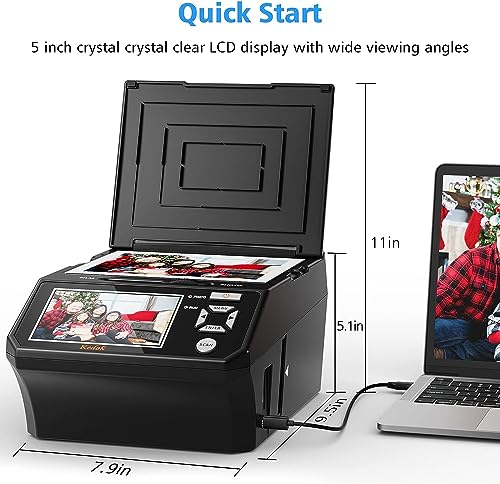
| Dimensions: | 32 x 25.5 x 23 cm; 2.1 kg |
| Brand: | DigitPro |
| Batteries Included: | No |
| Manufacture: | DigitPro |
| Reference: | C202 |
Product Description
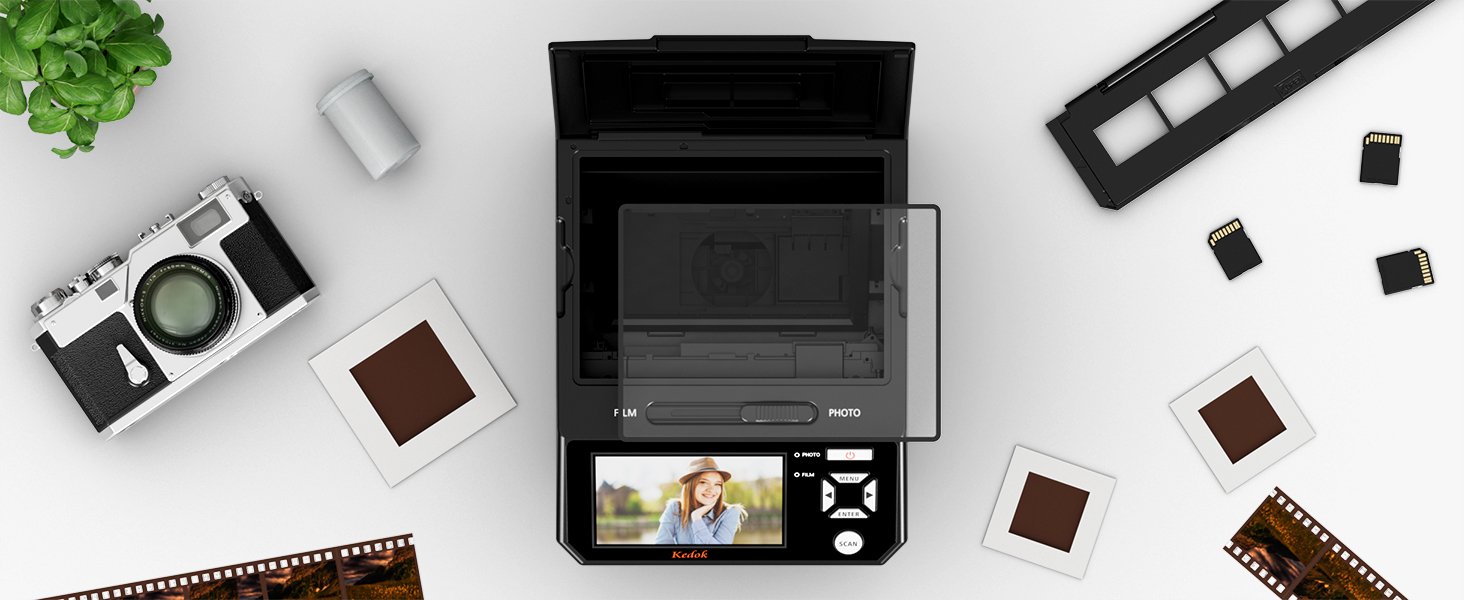 5" LCD Screen for Instant Viewing
The photos you scan can be adjusted directly on the 5-in screen for exposure, RGB, mirroring and flipping. These simple operations no longer need to be imported into professional software to complete.
” data-position=”triggerHorizontal” />What film types does it support?
It supports 135 and 110 film negatives, 135 slides, photos (3R, 4R, 5R), and business cards.
How can I get the best quality scan possible?
Ensure the film/slides/photo are clean and that you clean the inside of the scanner with the included cleaning brush immediately before scanning.
What needs to be note when scanning negatives/slides?
The toggle switch should be set to ‘FLIM’; enter the menu FILM TYPE option to select the corresponding film mode.
What needs to be note when scanning photos?
The toggle switch should be set to ‘PHOTO’; enter the menu ‘Crop’ option to select the corresponding photo size.
Can I edit the images before saving?
Yes, you can easily adjust brightness, colour, and resolution, or add date and time directly on the screen using simple one-touch controls before saving.
![TPU Protective Cover with Keyring for Apple AirTag [Snug Fit & Secure] [Easy Installation] Anti-Scratch 360° Full Body Holder for Keys](https://warehousediscounts.uk/posts/wp-content/uploads/2025/09/41PGoa-RiqL-230x300.jpg)