Acasis USB C to Dual HDMI DisplayLink Adapter
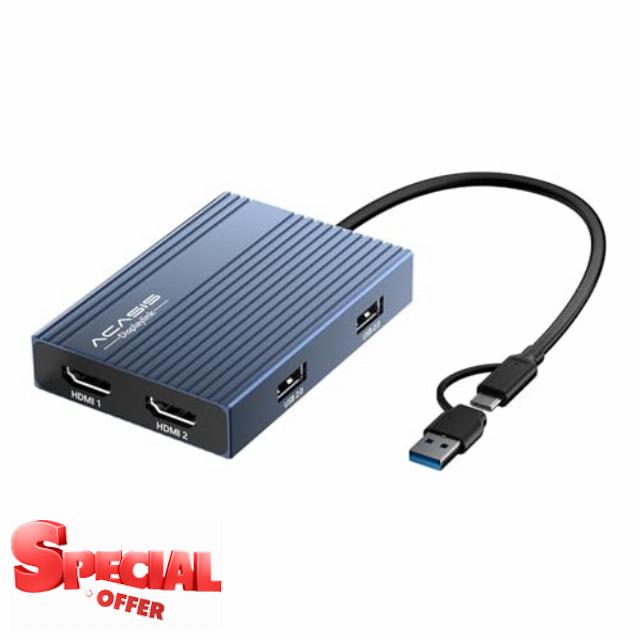
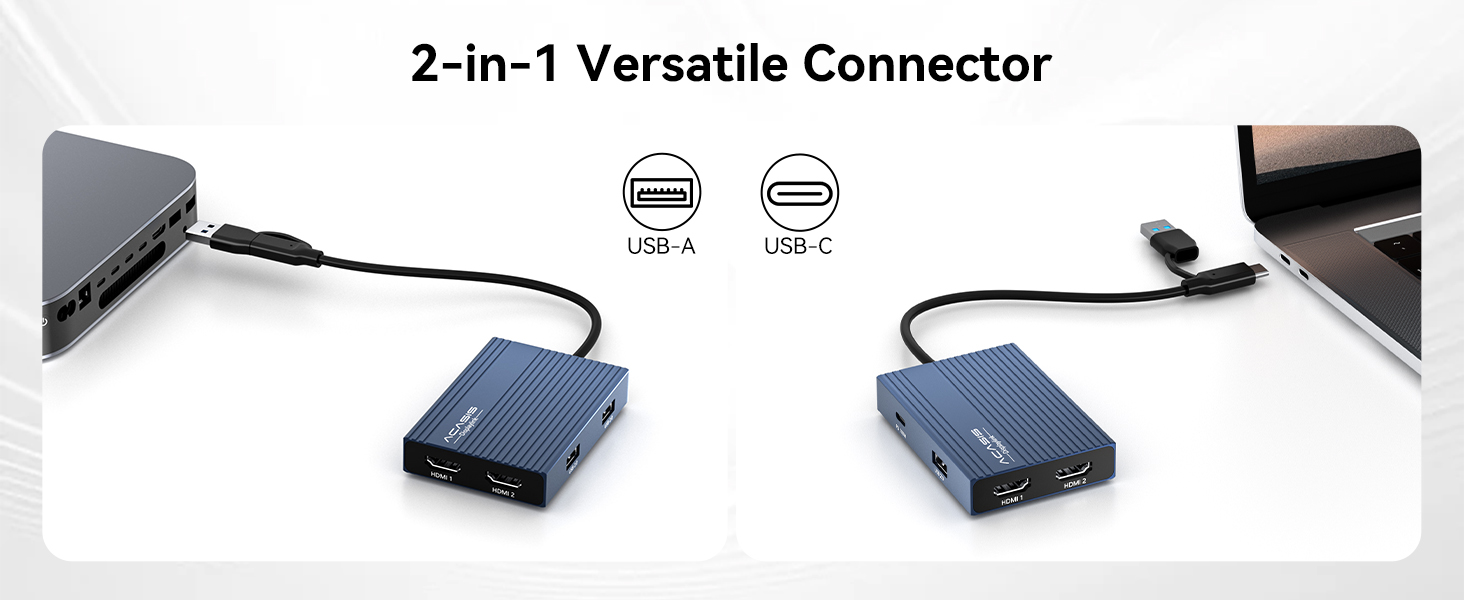
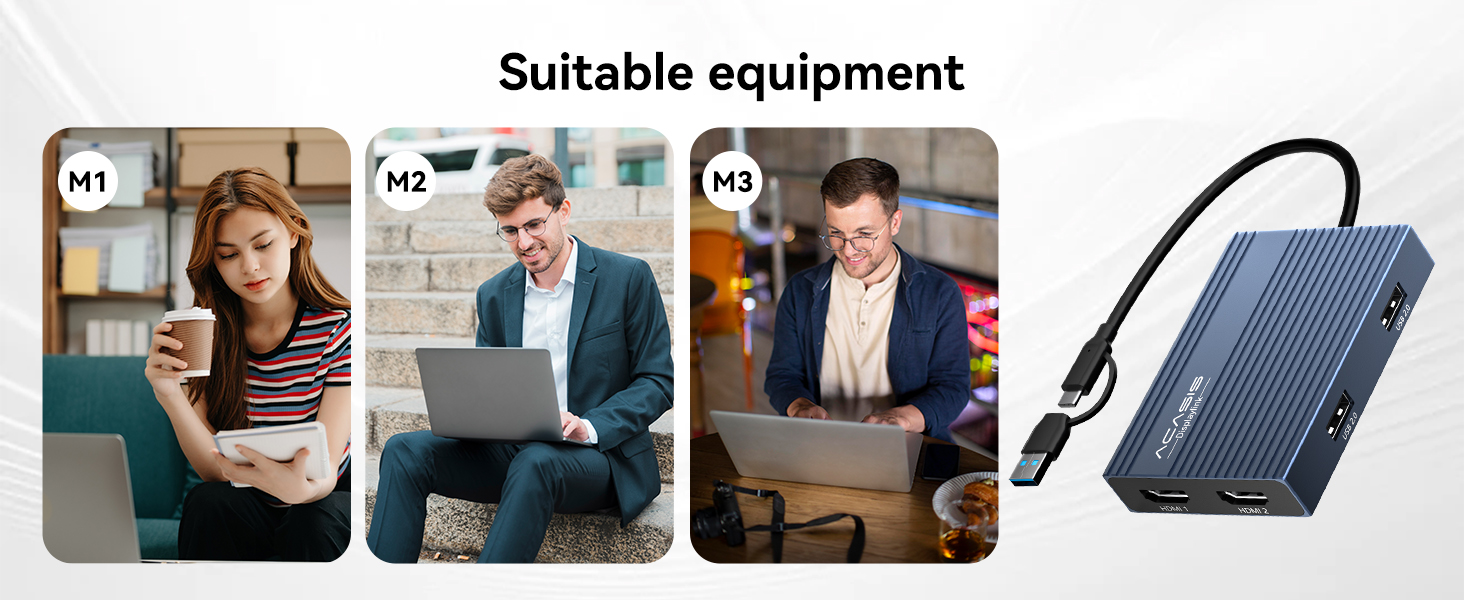
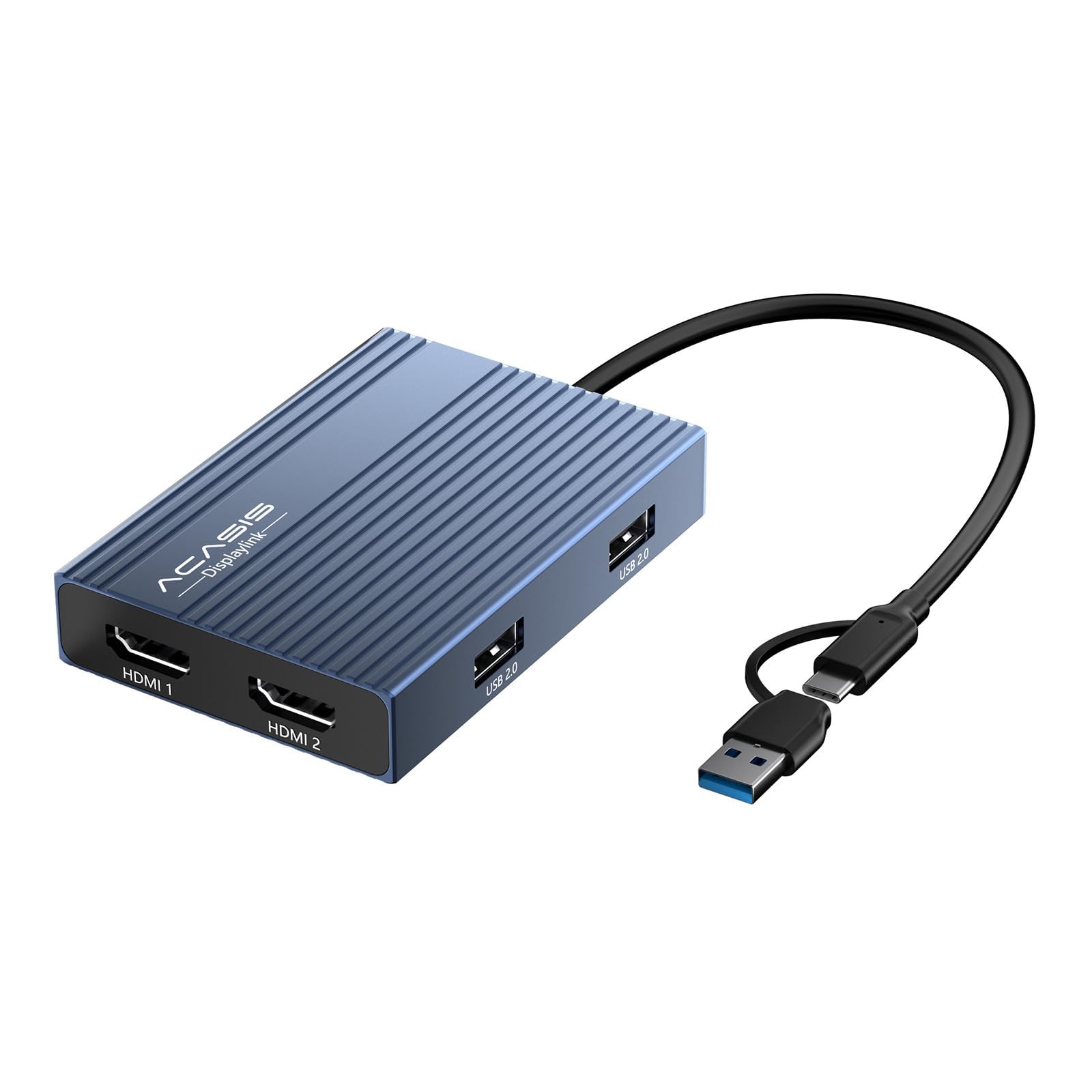
Acasis USB C to Dual HDMI DisplayLink Adapter, 4K@60Hz, 2 HDMI & 3 USB-A Ports, 100W PD Charging, USB C DisplayLink Docking Station for Mac M1/M2/M3/M4, Windows,USB A/C to Dual Monitor Adapte
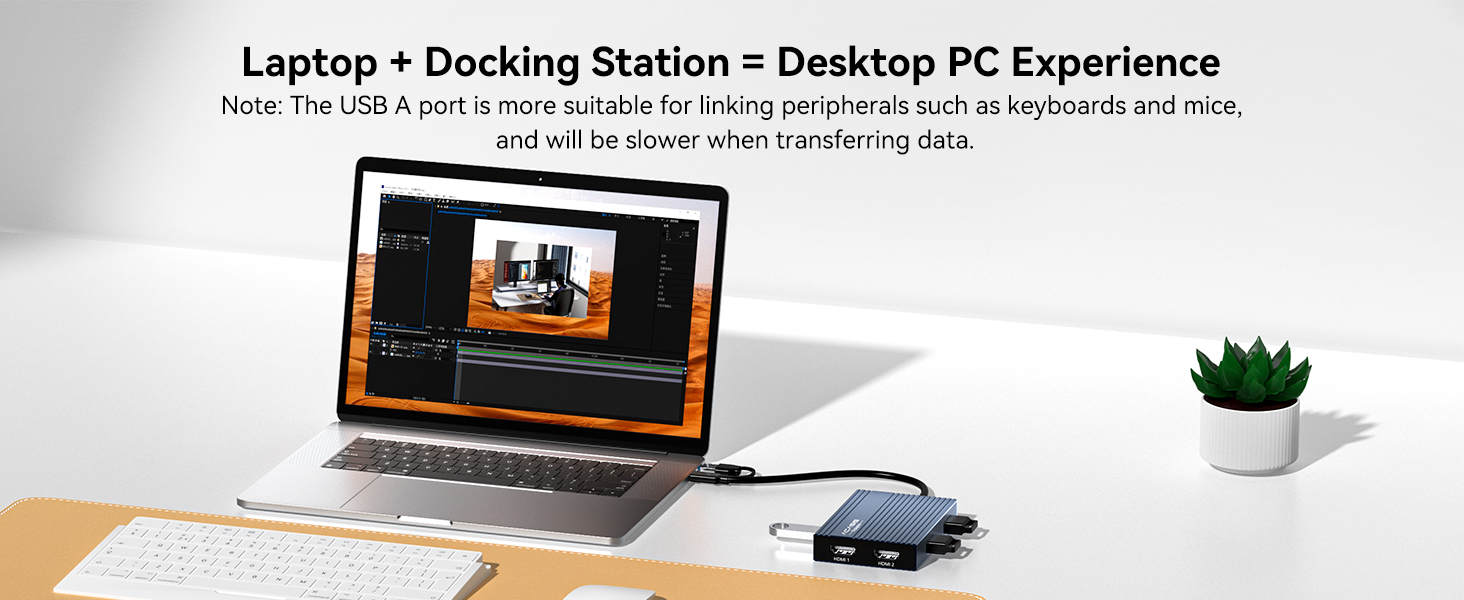
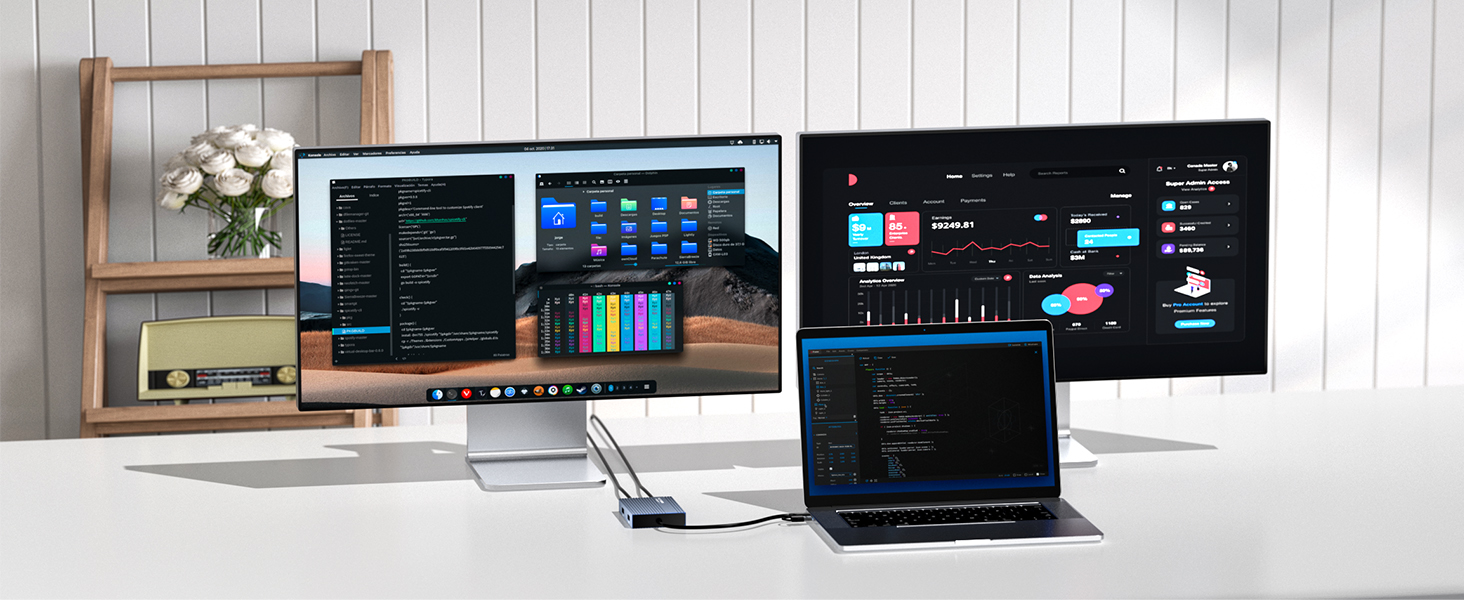
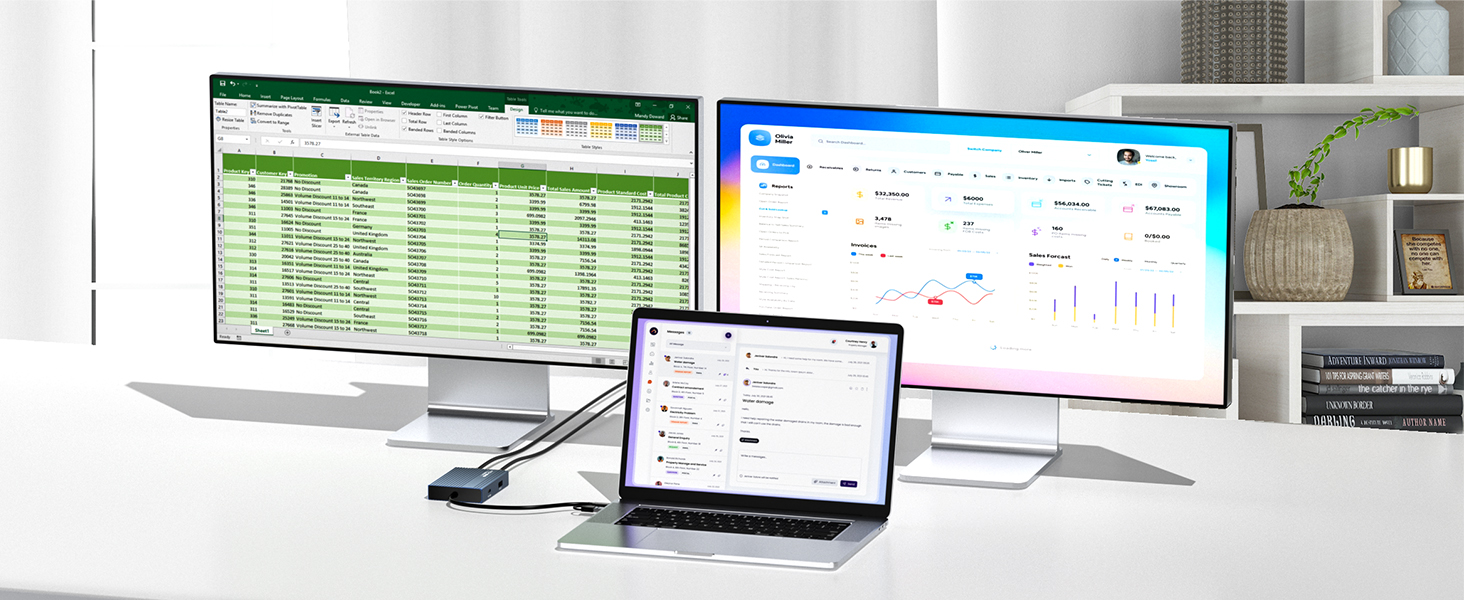
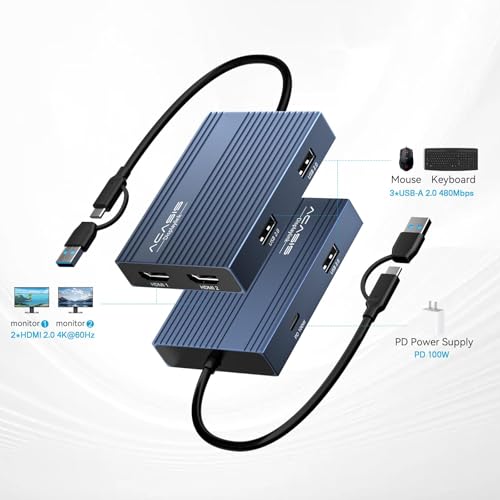
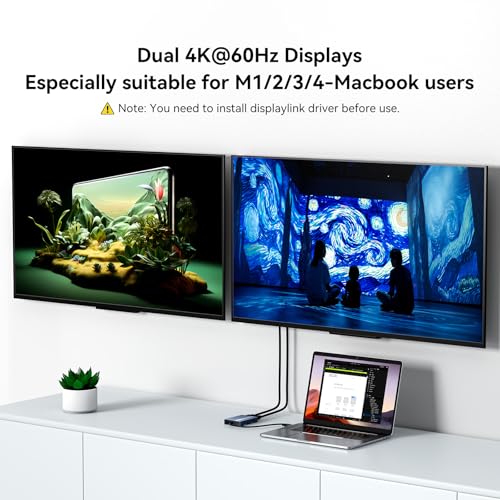
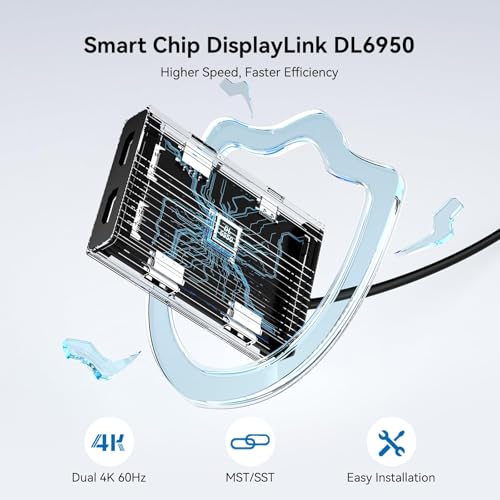
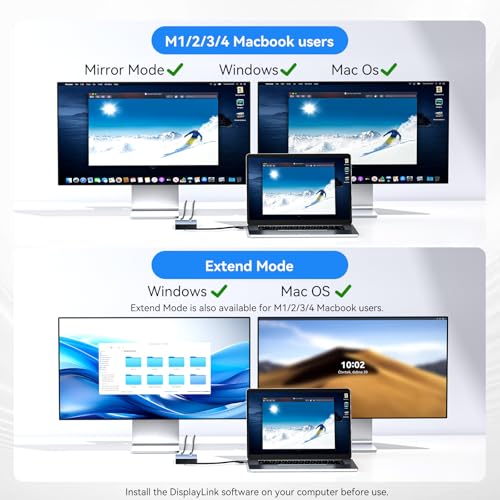
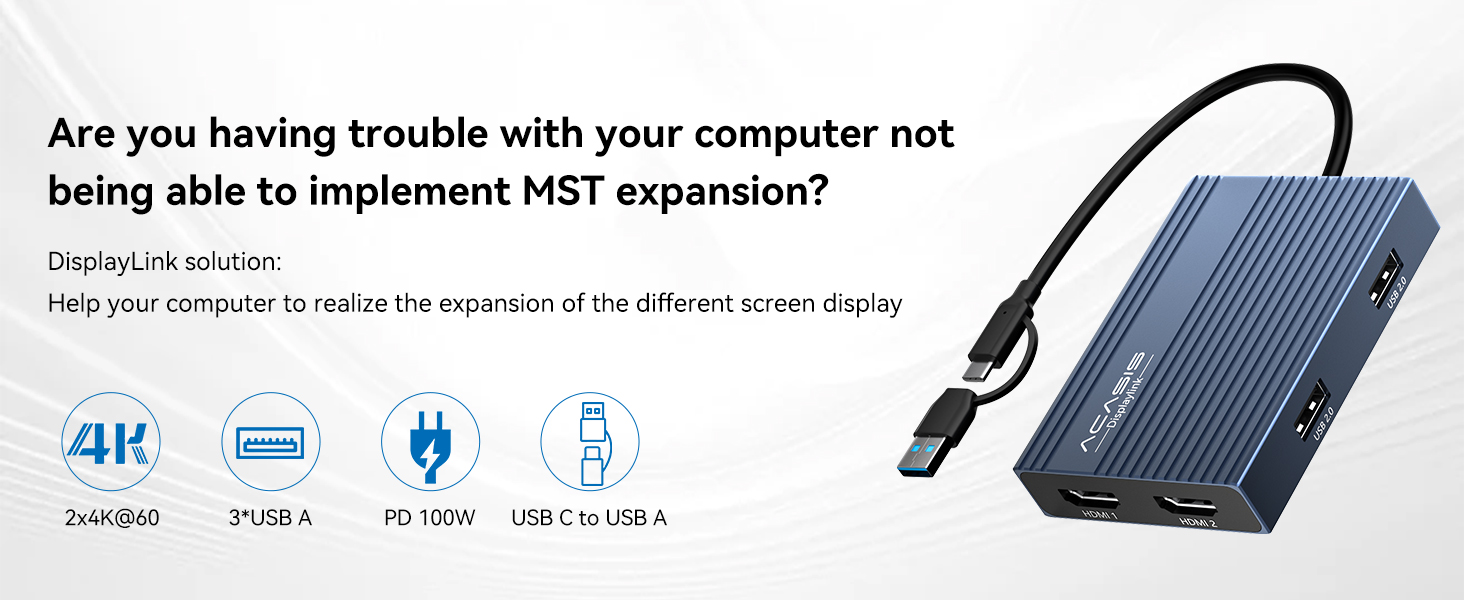
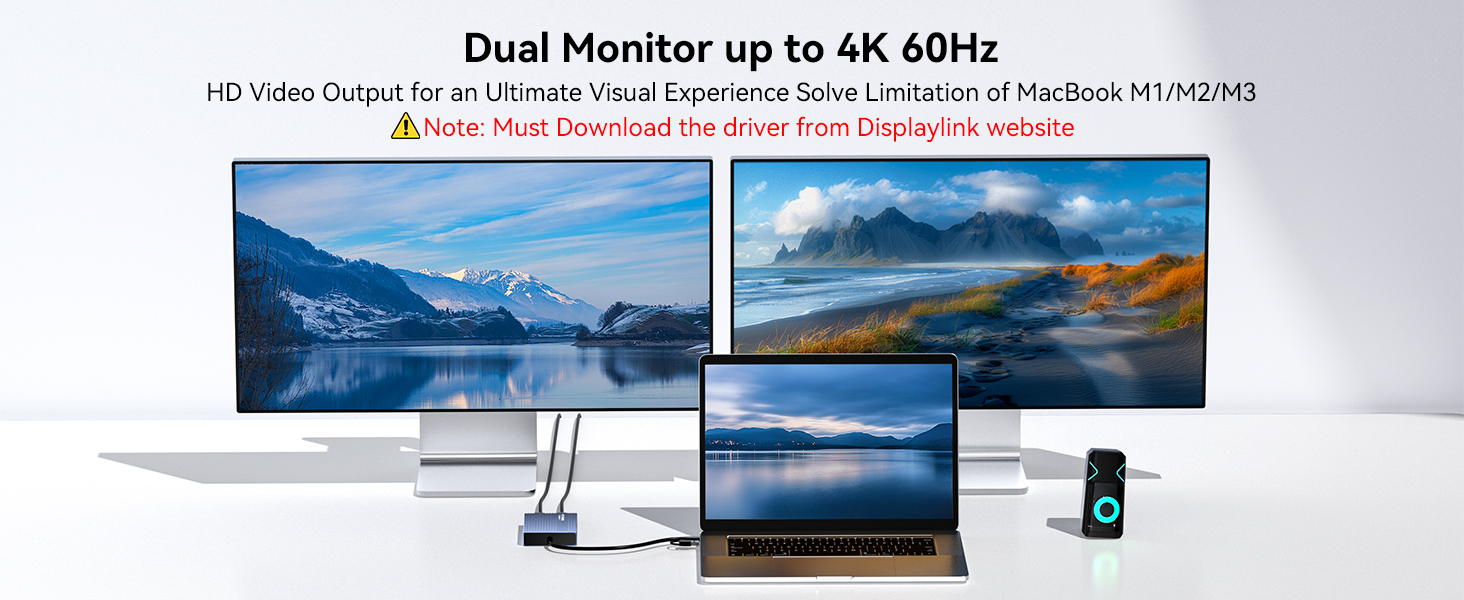
- 【Dual 4K@60Hz Extended Displays】Transform your laptop into a productivity powerhouse! This USB-to-HDMI adapter adds two crystal-clear 4K monitors (up to 60Hz) via a single USB-C/USB-A port. Perfect for multitasking, office work, or coding—seamlessly compatible with Mac M1/M2/M3 and Windows PCs. (Note: This displaylink adapter Not for gaming/HDCP content.)
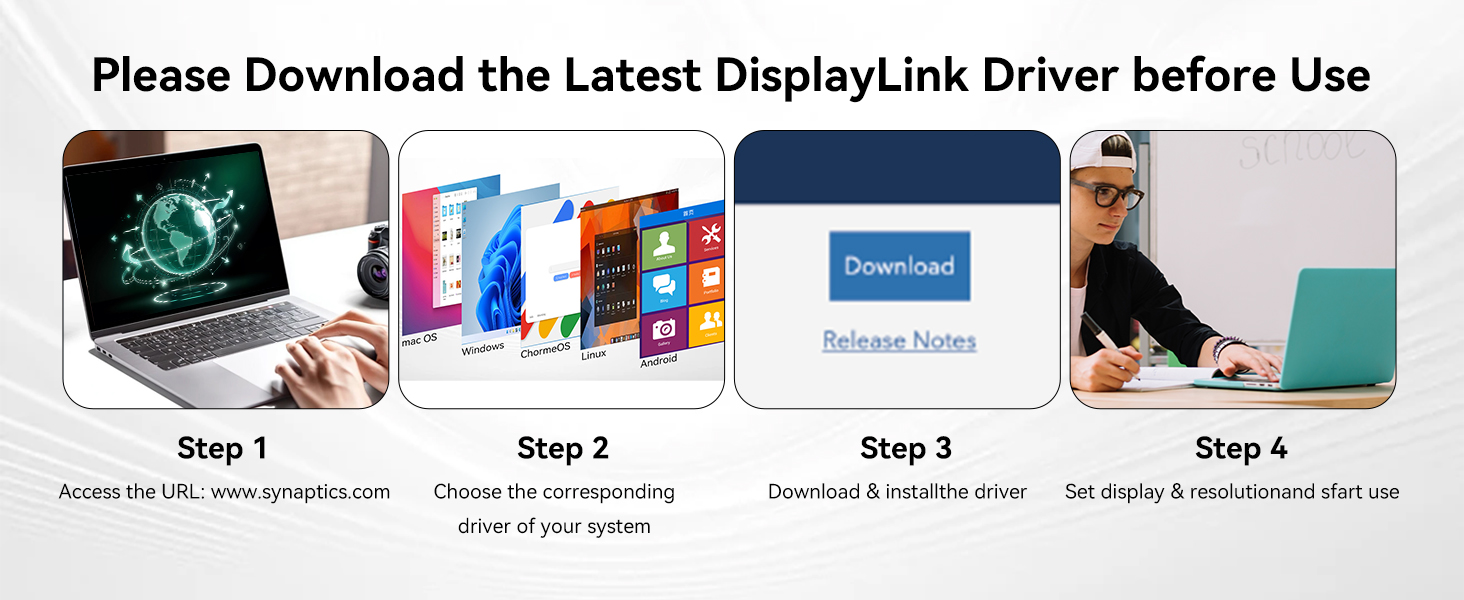
- 【DisplayLink Technology + Driver Required】Unlike basic HDMI adapters, this uses advanced HDMI dual monitor adapter tech to extend screens without relying on your laptop’s native video output. Works with macOS & Windows—just install the driver (download link included). Note: Unplug only when the computer is off.
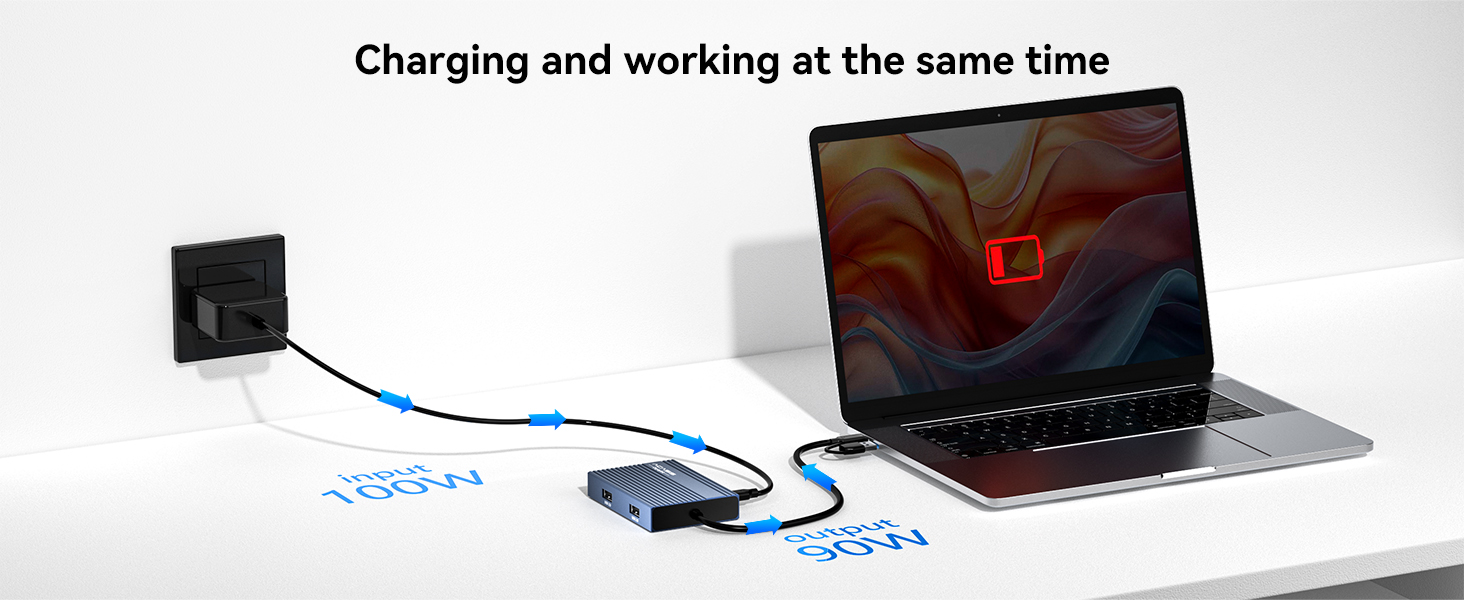
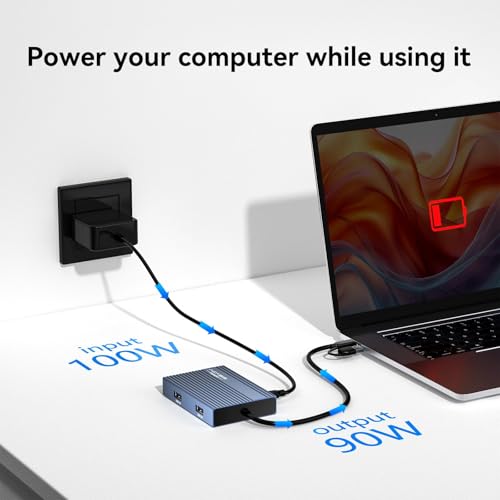
- 【100W PD Fast Charging】usb to hdmi adapter Keep your MacBook Pro/Air (M1/M2/M3) or Dell/HP laptop powered up while working! The 100W USB-C PD port delivers high-speed charging, so you won’t drain your battery during long sessions.
- 【3x USB-A Ports for Peripherals】hdmi splitter extended display can connect your mouse, keyboard, and flash drives effortlessly with 3x USB-A ports (480Mbps speed). Ideal for office setups—though not for large file transfers.
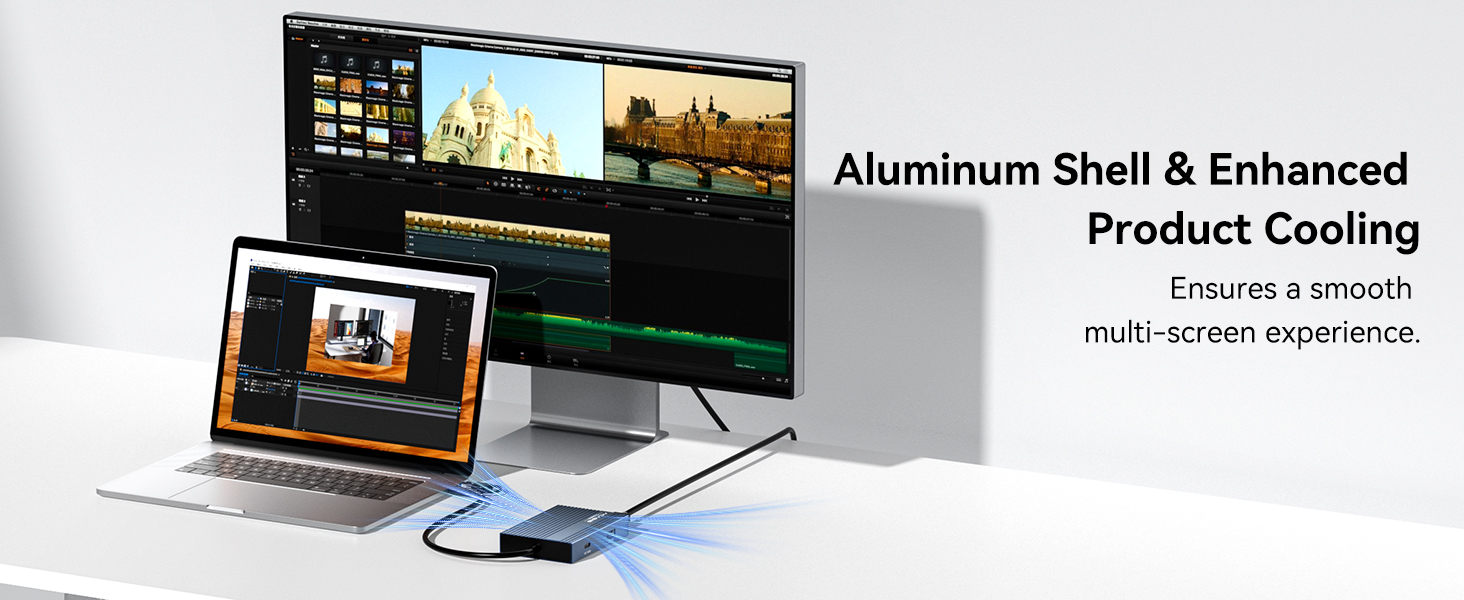
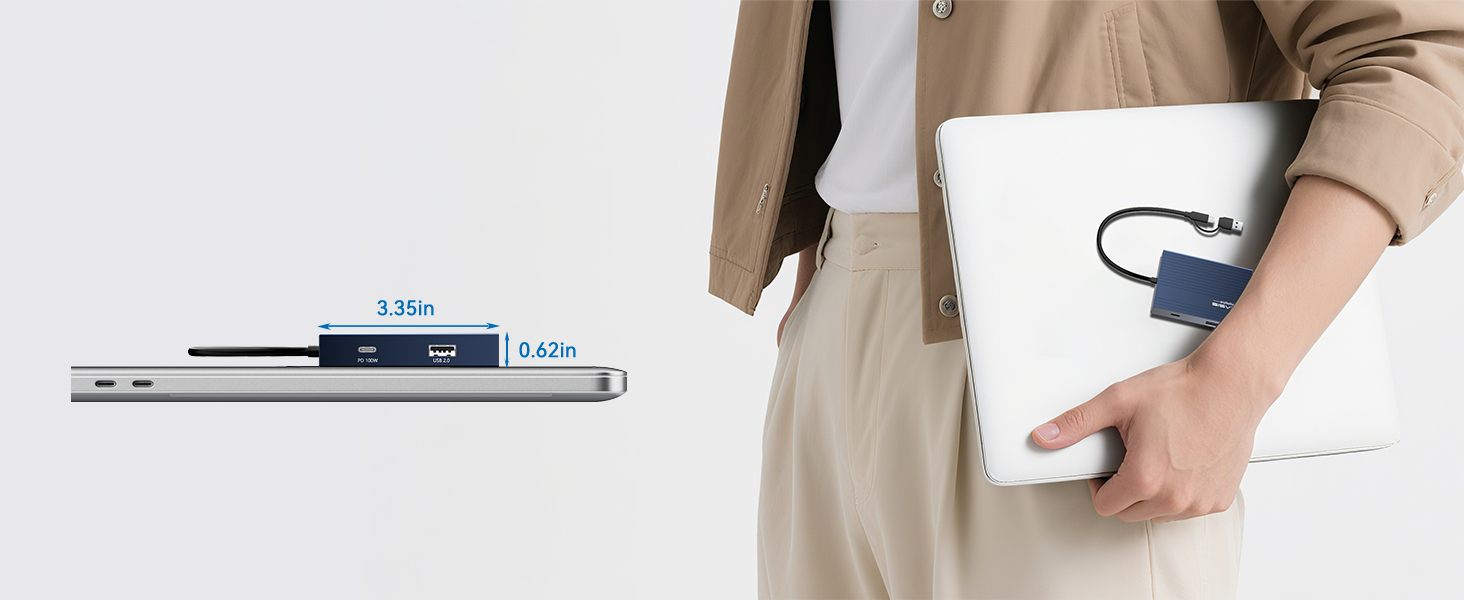
- 【Sleek & Portable Aluminum Design】Ditch messy cables! This compact, lightweight aluminum hub stays cool under pressure and slips into your bag for work-from-home, coffee shops, or travel.
Why does my system ask for permission to record my screen?
This is a standard security prompt for DisplayLink. The permission is reauired because the technoloay transmits video sianals via USB. It needs to capture your screen content to display it on the external monitor.
Is this screen recording process safe?
This is a legitimate functional requirement, not privacy theft. The process is secure when using official drivers, and you maintain full control over this permission in your system settings.
If the monitor is not displaying after installing DisplayLink software, please follow these steps:
1.Try using another HDMI port on the dock.
2.Try using a differentHDMI cable.
3.Test with another monitor.
If the issue persists, please conta** our support team.

| SKU: | B0FBW7R316 |
Product Description
Why does my system ask for permission to record my screen?
This is a standard security prompt for DisplayLink. The permission is reauired because the technoloay transmits video sianals via USB. It needs to capture your screen content to display it on the external monitor.
Is this screen recording process safe?
This is a legitimate functional requirement, not privacy theft. The process is secure when using official drivers, and you maintain full control over this permission in your system settings.
If the monitor is not displaying after installing DisplayLink software, please follow these steps:
1.Try using another HDMI port on the dock.
2.Try using a differentHDMI cable.
3.Test with another monitor.
If the issue persists, please conta** our support team.