M.2 NVMe & SATA Hard Drive Docking Station, USB C
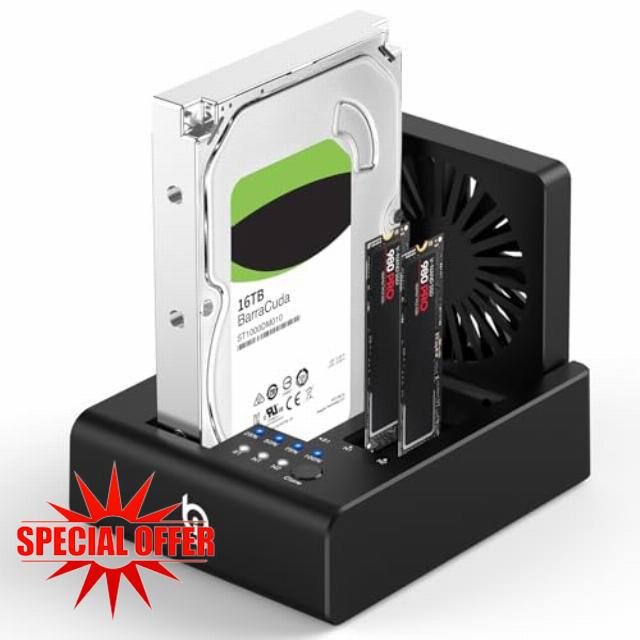
M.2 NVMe & SATA Hard Drive Docking Station, USB C 10Gbps Hard Drive cloner for M.2 PCIe NVMe + SATA 2.5”/3.5” HDD Converter, Offline Cloning, Tool-Free, Cooling Fa
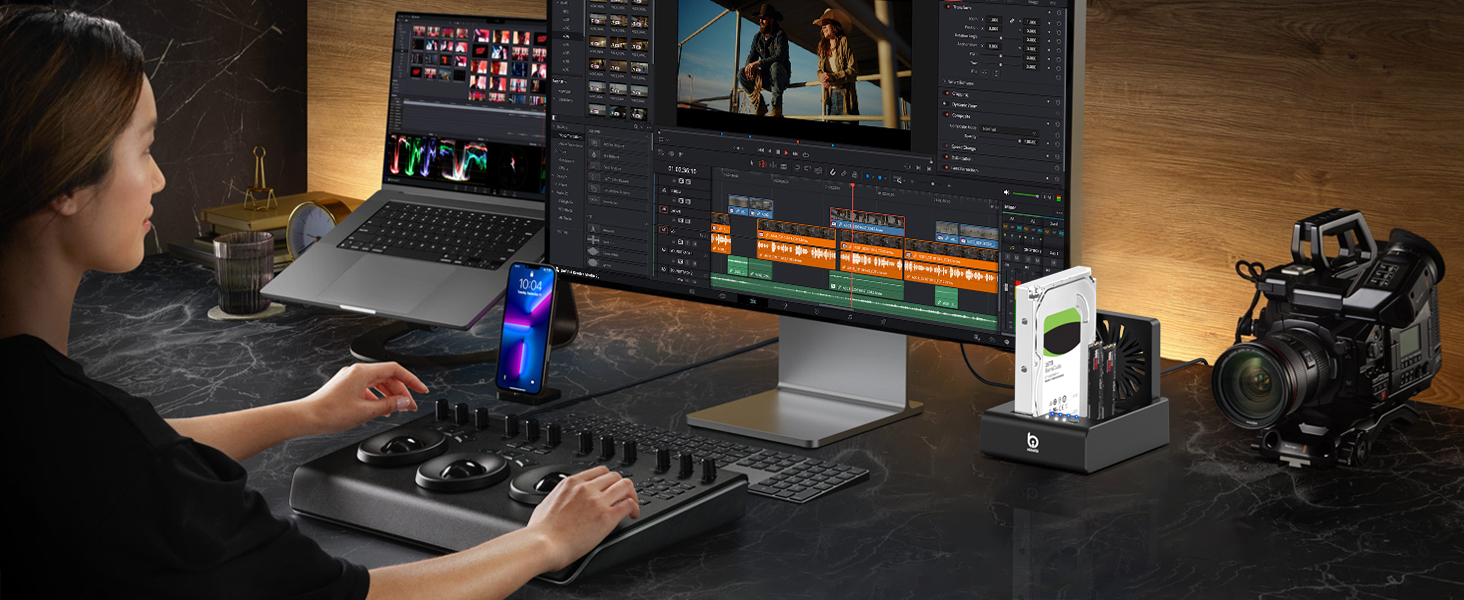
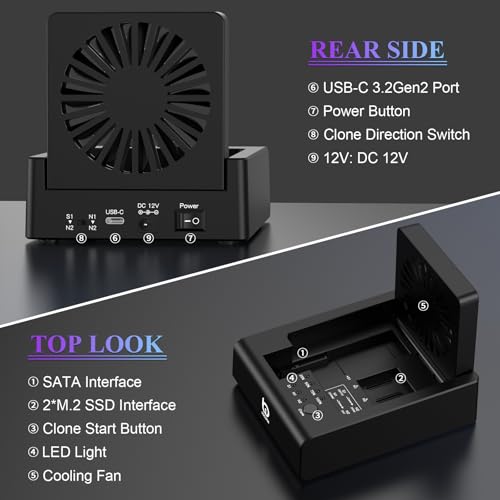
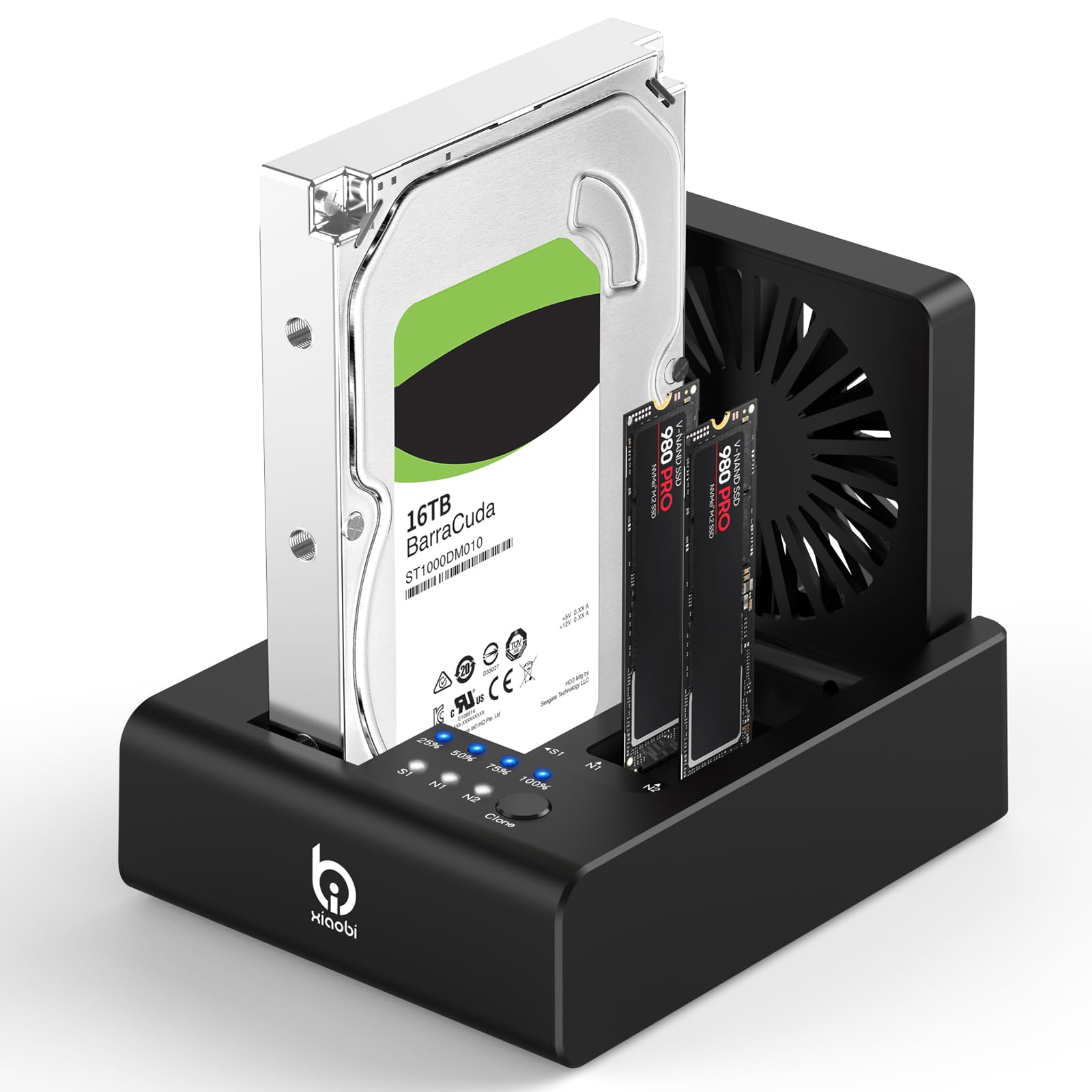
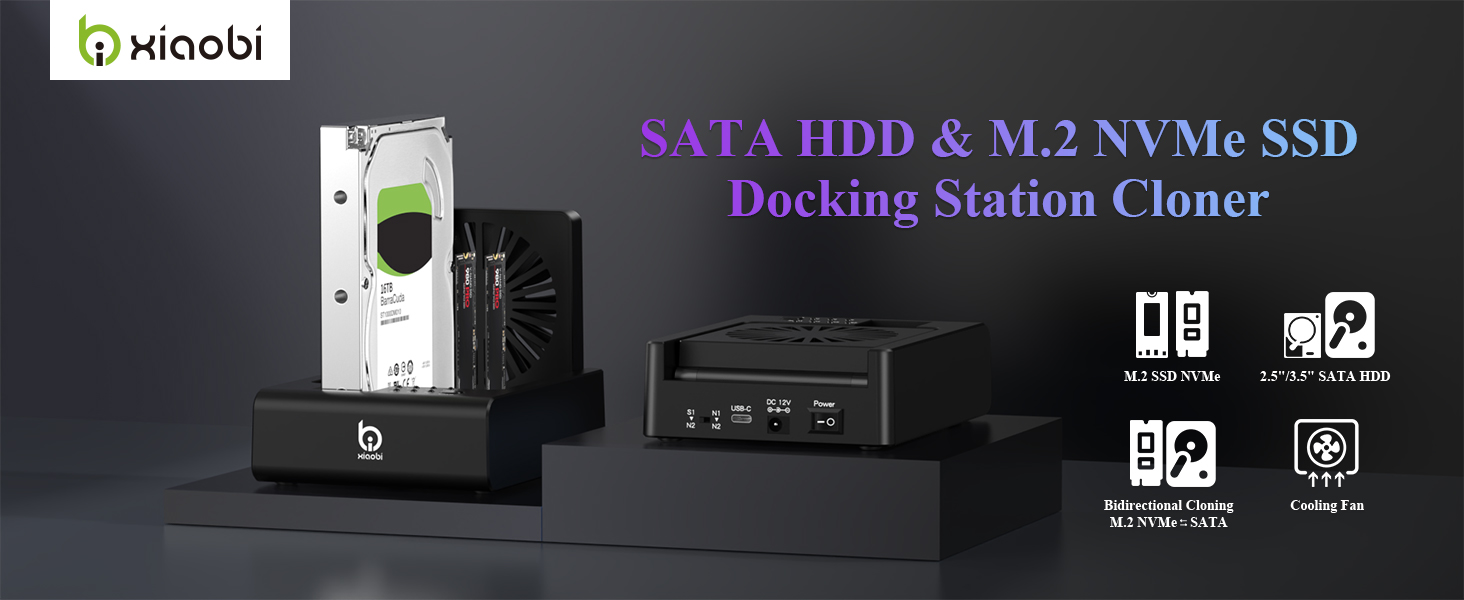
- 【Versatile 3-Bay Design】The Xiaobi external hard drive reader supports both 2.5"/3.5" SATA HDDs and 2*M.2 NVMe SSDs, offering versatile compatibility for all your storage needs. Equipped with a high-speed USB-C 3.2 Gen 2 interface, independent power and offline clone switches, and a built-in 80mm foldable cooling fan to ensure fast data transfer and efficient heat dissipation during heavy workloads.
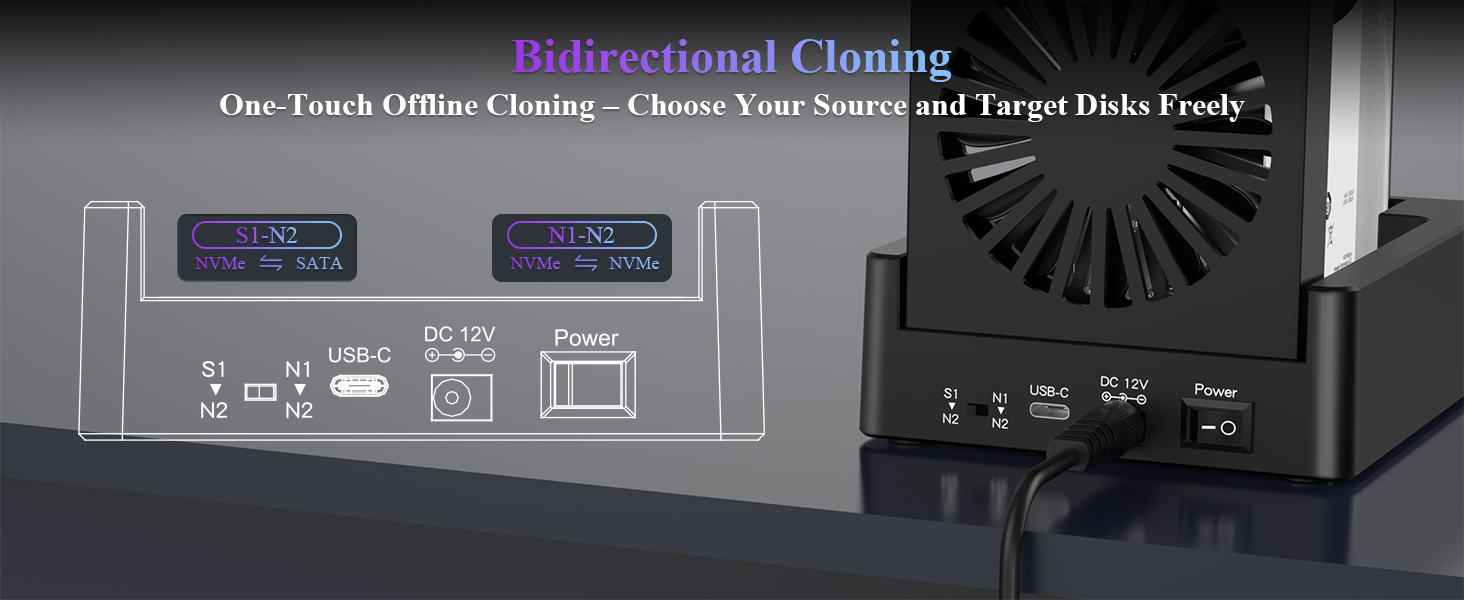
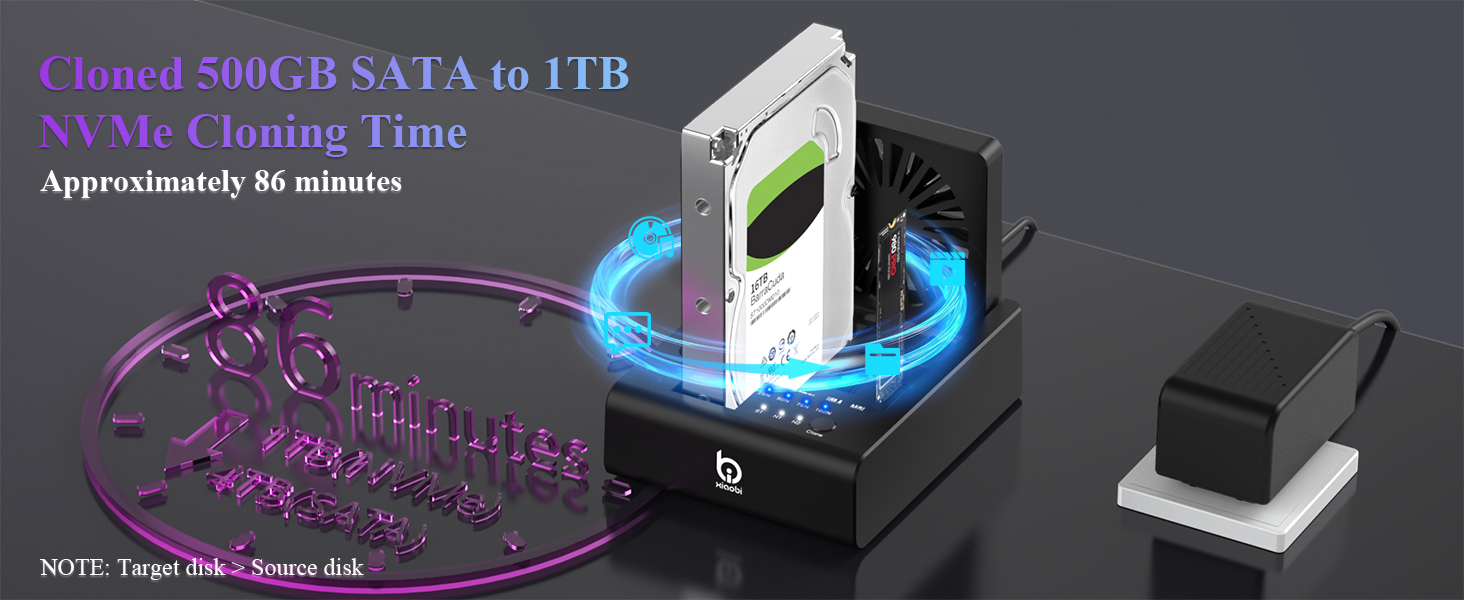
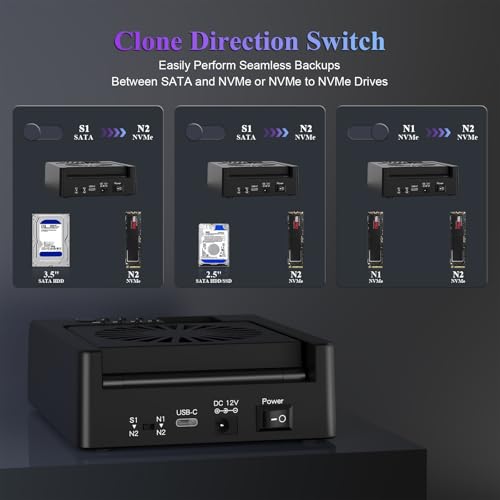
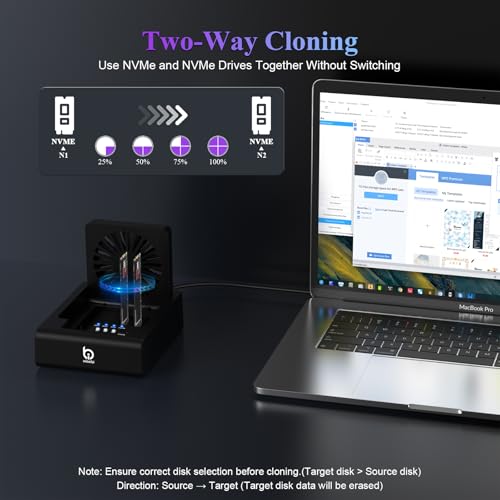
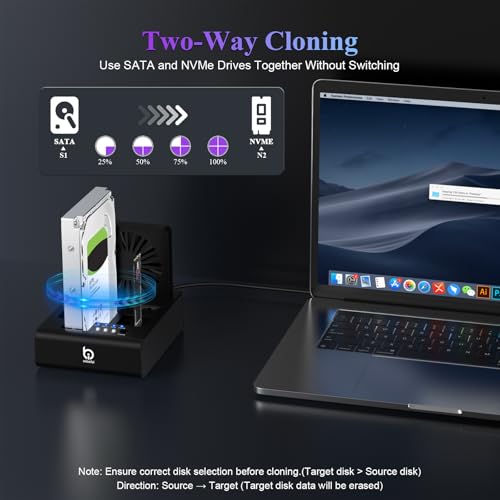
- 【One-Touch Offline Cloning】 – No software or tools required — perfect for hassle-free cloning. With built-in cloning functionality, easily copy data from SATA to NVMe or NVMe to NVMe with a simple switch. NOTE: Use a larger target drive and disconnect from PC during cloning.
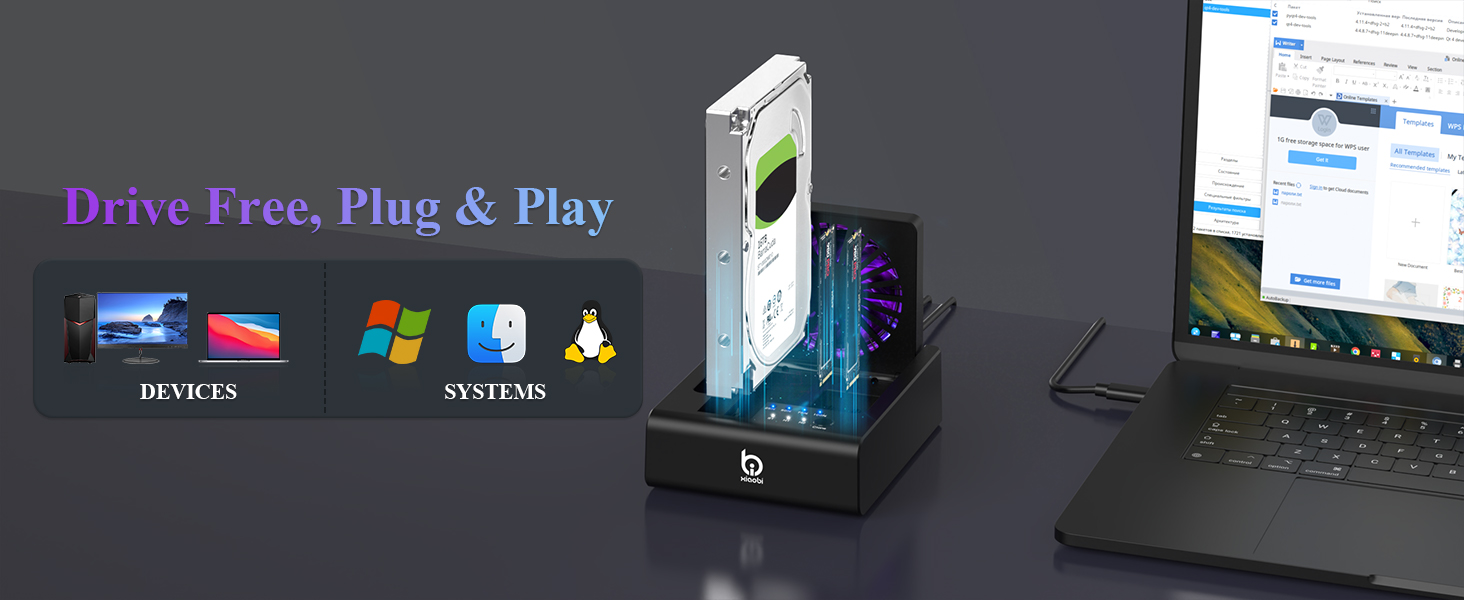
- 【Versatile Compatibility】Enjoy flexible drive combinations to suit all your storage needs. Whether you're using M.2 NVMe SSD, 2.5" SATA HDD or 3.5" HDD, this m.2 ssd cloner supports a wide range of combinations to meet your data transfer and backup needs. Easily connect up to two different types of drives simultaneously.
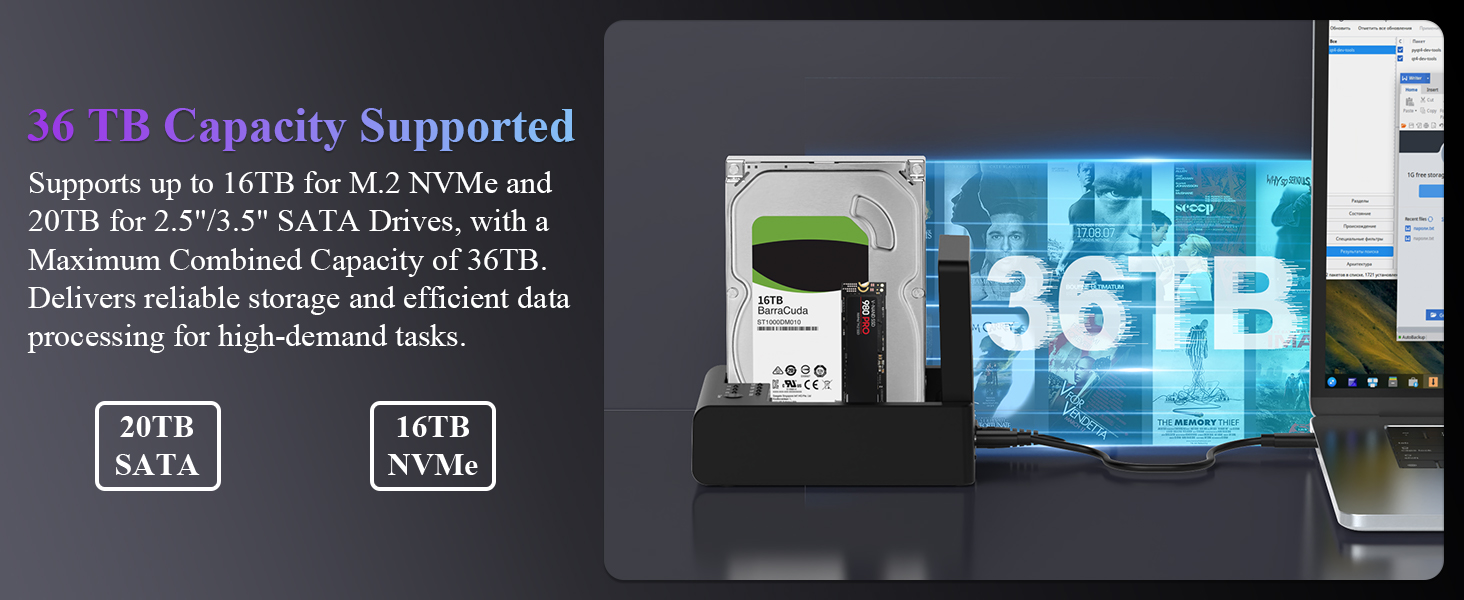
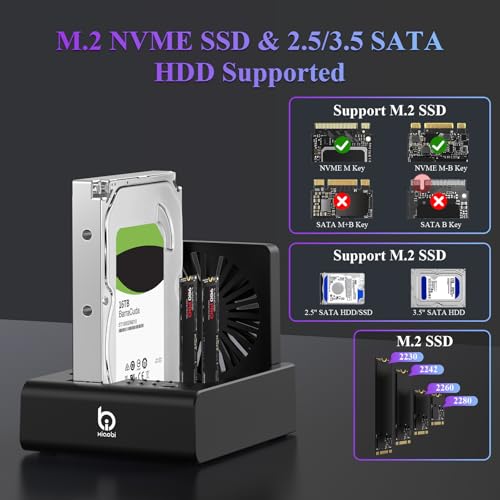
- 【Supported NVME & 2.5/3.5 SATA】This ssd docking station compatible with M.2 NVMe (M-Key/B+M Key) and 2.5"/3.5" SATA drives. Note: Not compatible with SATA (NGFF) or mSATA SSDs.
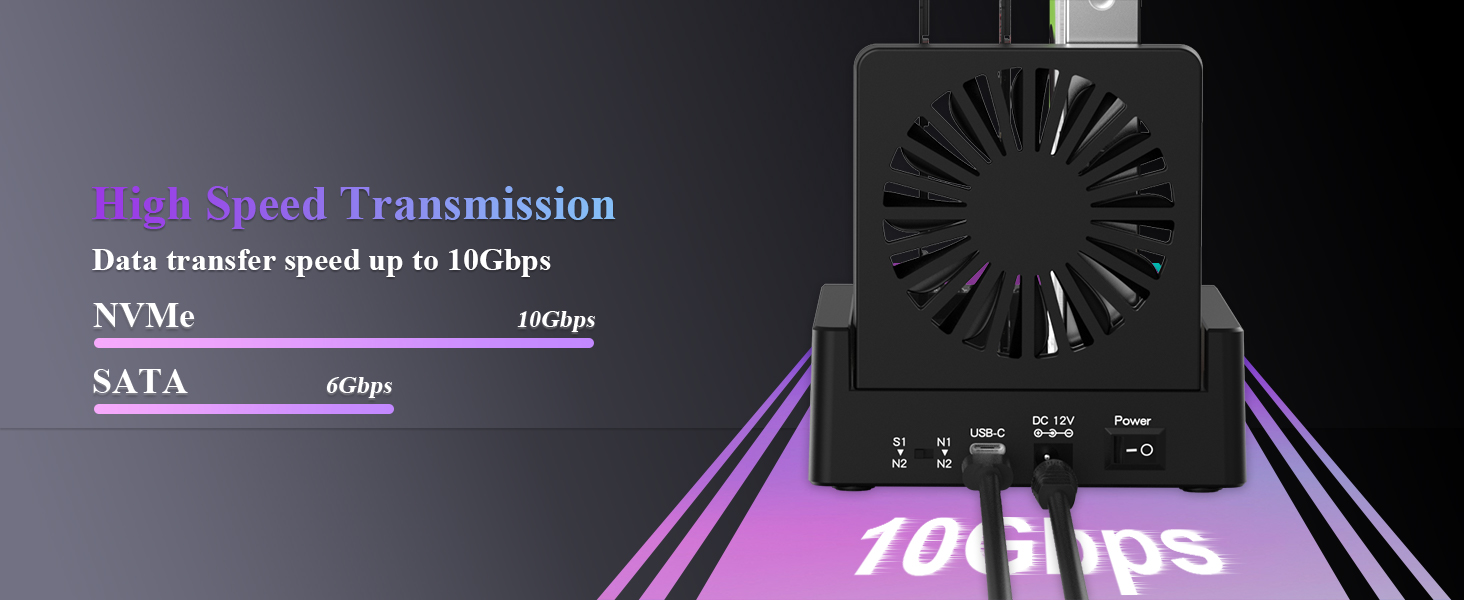
- 【High-Speed Data Transfer】The ssd cloner with USB 3.2 Gen 2 Type-C, enjoy transfer speeds up to 10Gbps. Supports 2.5" and 3.5" SATA hard drives with speeds up to 6Gbps—ideal for fast file backups and data access.
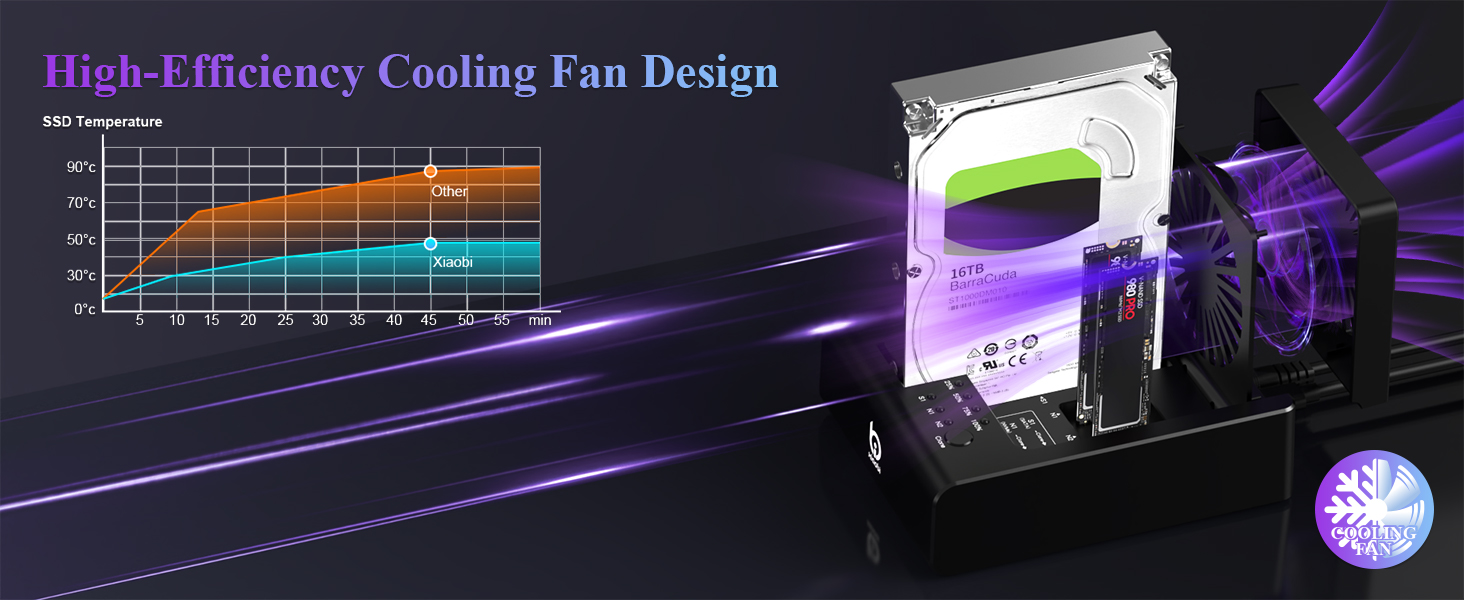
- 【Efficient & Quiet Cooling】Built-in high-performance cooling fan quickly lowers drive temperature within 5 minutes, protecting your HDD/SSD from overheating during large file transfers or long use. This nvme heatsink ensures stable high-speed performance and extends device lifespan—all with quiet operation, perfect for home or office.
Does this device support clone from M.2 NVMe SSD t0 3.5" SATA hard drive?
This device can only support offline clone from 2.5"/3.5" SATA hard drive to M.2 NVMe SSD, or from M.2 NVMe SSD to M.2 NVMe SSD.
I want to clone from 1TB NVMe SSD to 1TB NVMe SSD.Why does the clone fail?
We recommend checking both SSDs in Windows “Disk Management” to ensure the target SSD’s actual capacity is equal to or larger than the source SSD, as different brands may show slightly different 1TB capacities.
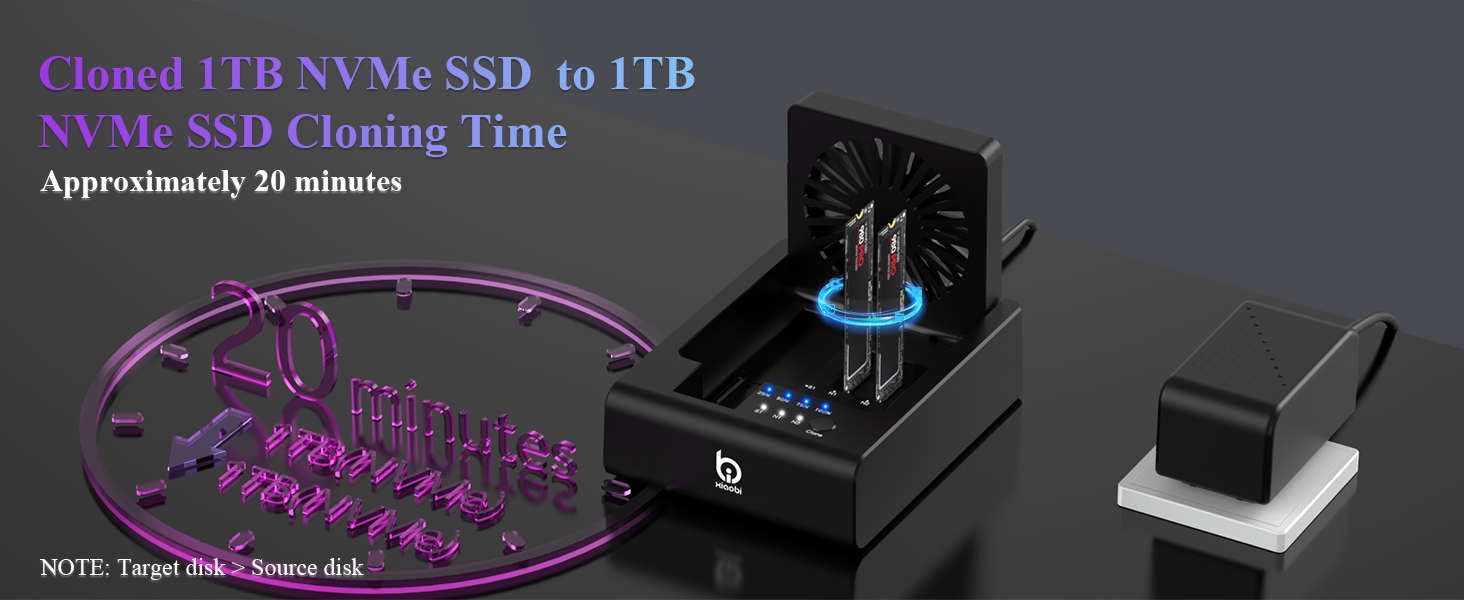
How long does it take to clone a 1TB drive?
limited by the slower drive’s speed For example, cloning 1TB NVMe SSD to 1TB NVMe SSD typically takes about 20 minutes.
What drive sizes and types are supported?
The clone station supports: NVMe: M.2 M-Key / M+B Key SSDs (2230 / 2242 / 2260 / 2280) SATA: 2.5" & 3.5" SATA HDDs. Note: Does not support M.2 SATA SSDs, mSATA, IDE, or U.2 drives.

| SKU: | B0FR46D1R2 |
Product Description
Does this device support clone from M.2 NVMe SSD t0 3.5″ SATA hard drive?
This device can only support offline clone from 2.5″/3.5″ SATA hard drive to M.2 NVMe SSD, or from M.2 NVMe SSD to M.2 NVMe SSD.
I want to clone from 1TB NVMe SSD to 1TB NVMe SSD.Why does the clone fail?
We recommend checking both SSDs in Windows “Disk Management” to ensure the target SSD’s actual capacity is equal to or larger than the source SSD, as different brands may show slightly different 1TB capacities.
How long does it take to clone a 1TB drive?
limited by the slower drive’s speed For example, cloning 1TB NVMe SSD to 1TB NVMe SSD typically takes about 20 minutes.
What drive sizes and types are supported?
The clone station supports: NVMe: M.2 M-Key / M+B Key SSDs (2230 / 2242 / 2260 / 2280) SATA: 2.5″ & 3.5″ SATA HDDs. Note: Does not support M.2 SATA SSDs, mSATA, IDE, or U.2 drives.