Xiaomi Pad 8 Pro, 11.2 Inch Tablet 8+256 GB WIFI
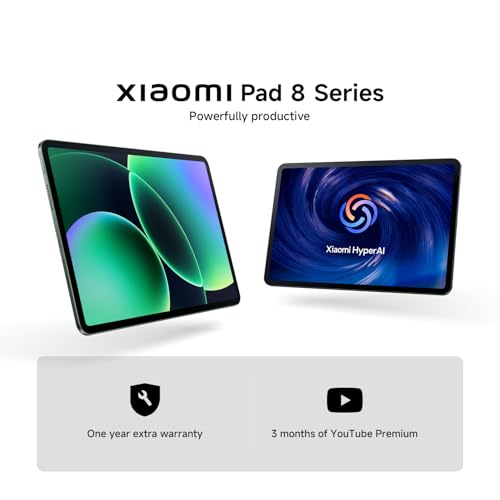
Xiaomi Pad 8 Pro, 11.2 Inch Tablet 8+256 GB WIFI, Snapdragon® 8 Elite Mobile Platform, Massive 9200mAh (typ) Battery, 144Hz Crystal Clear Display, HyperAI, Blue, Warranty 3 years, Charger Not Included
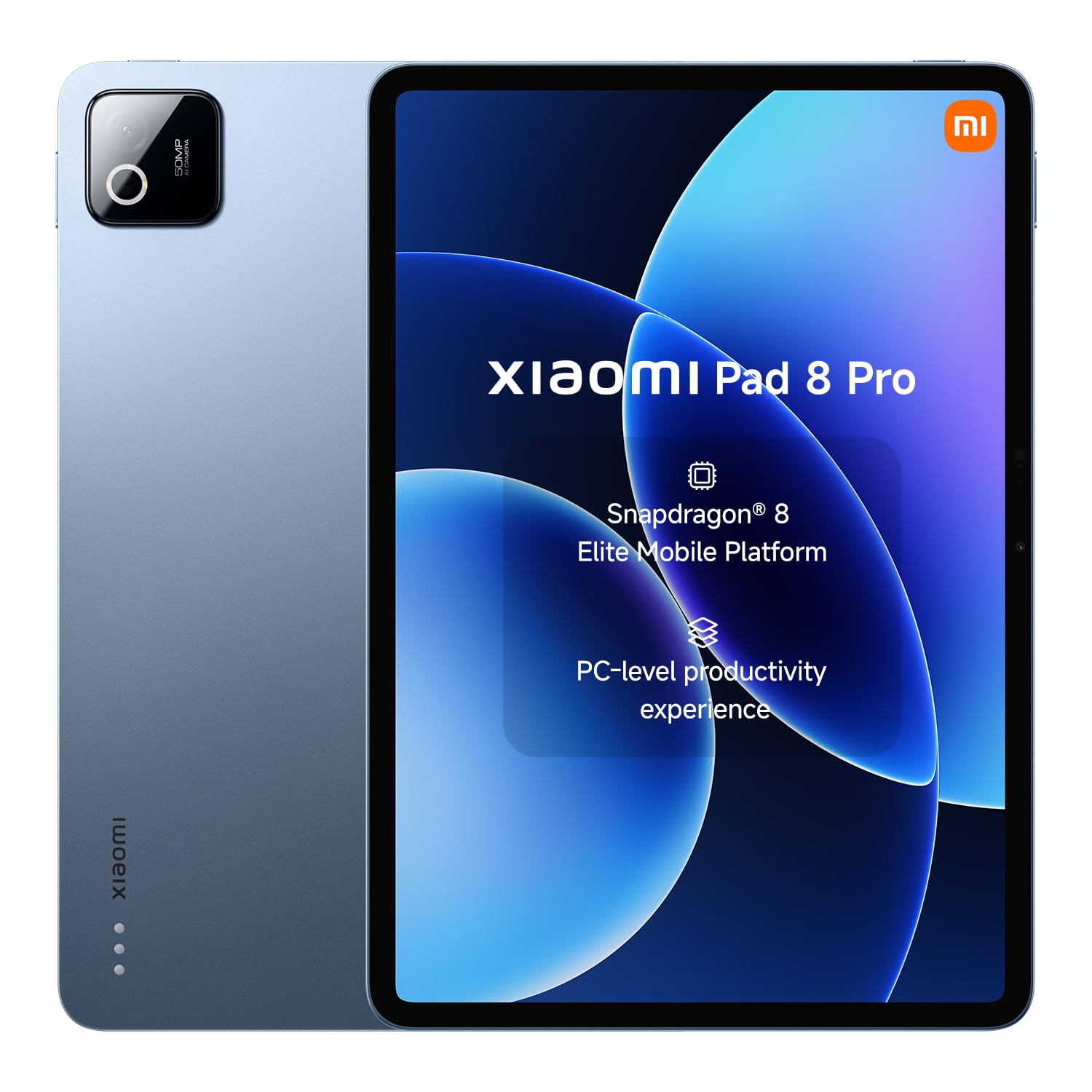
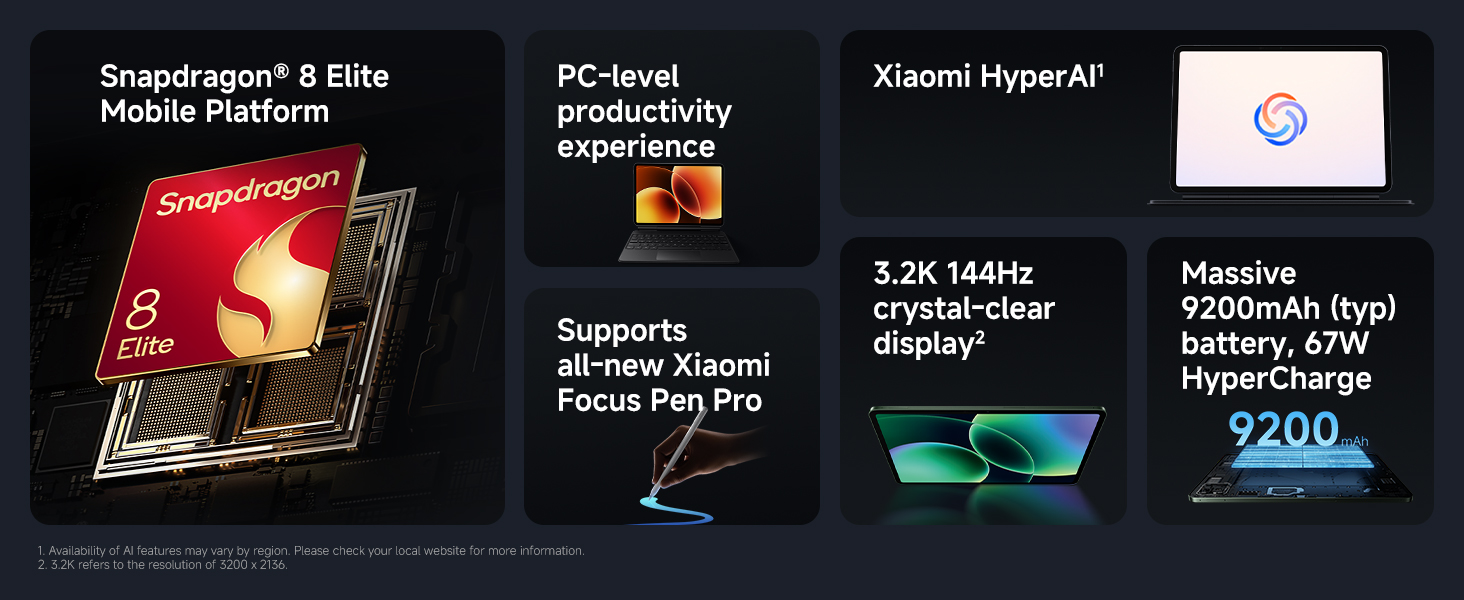
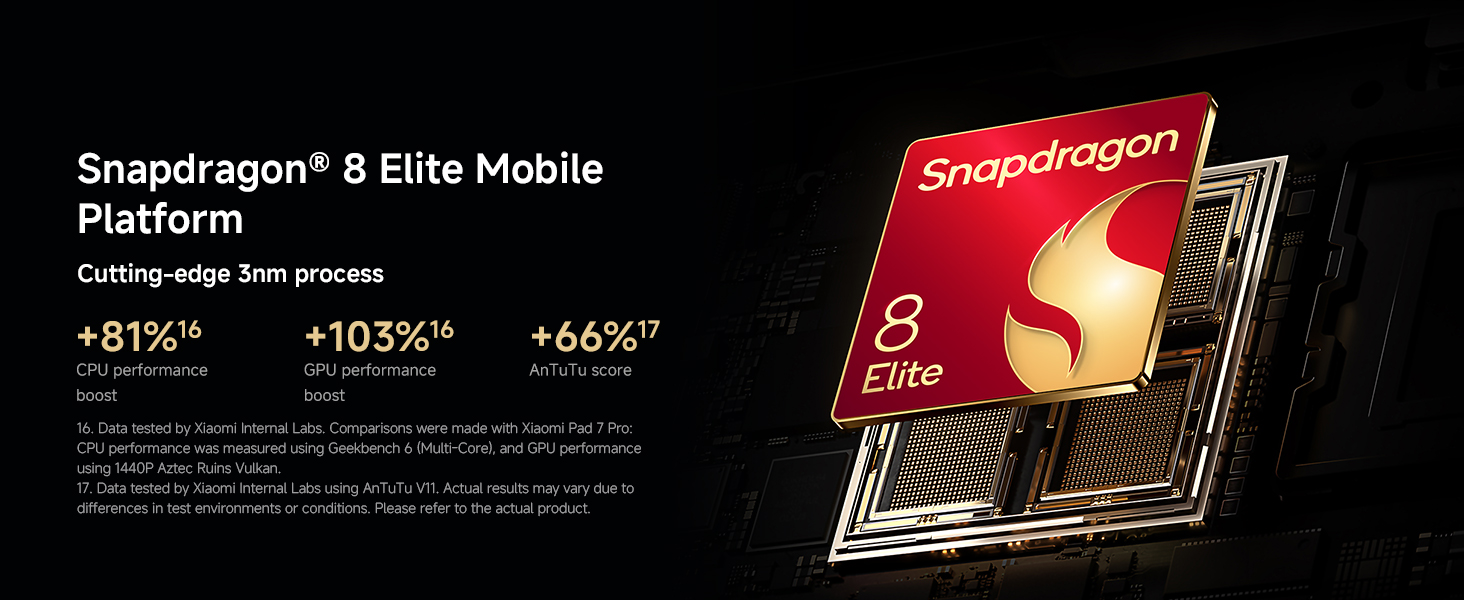
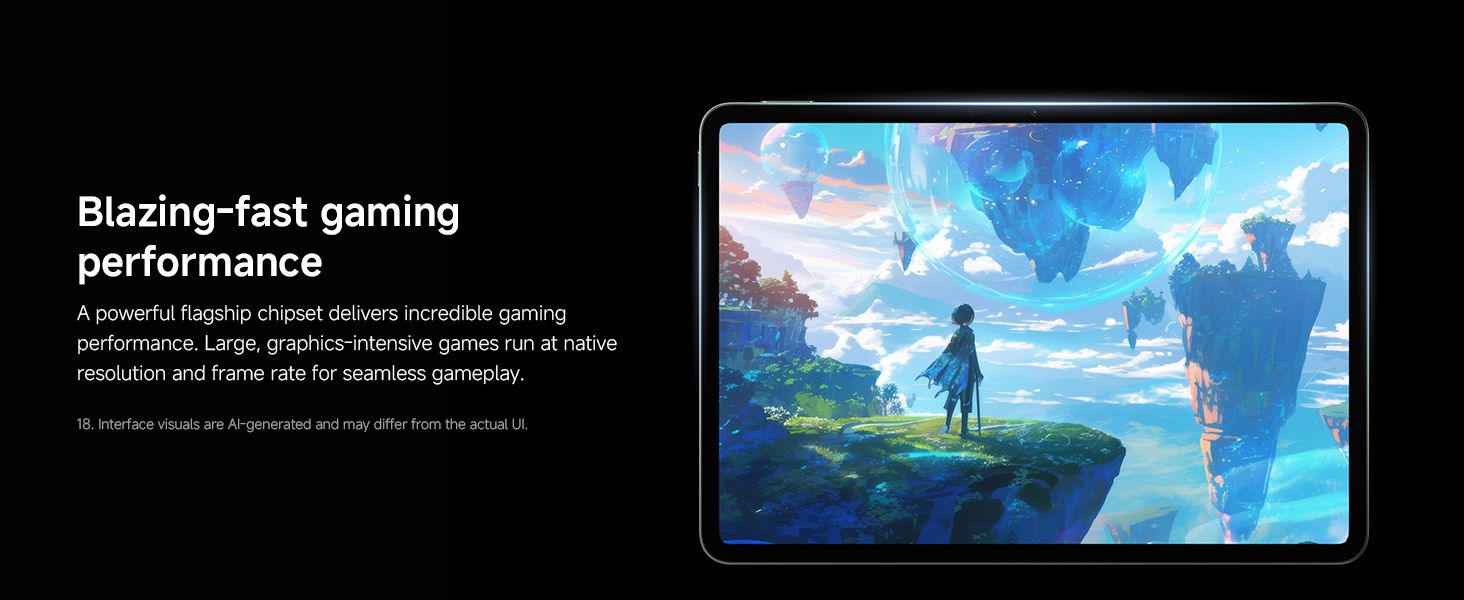
- 【Snapdragon 8 Elite Mobile Platform】Xiaomi Pad 8 Pro unlocks new levels of power. It delivers a dramatic performance leap for PC-level capabilities-effortlessly handing complex multitasking and graphically intensive games.
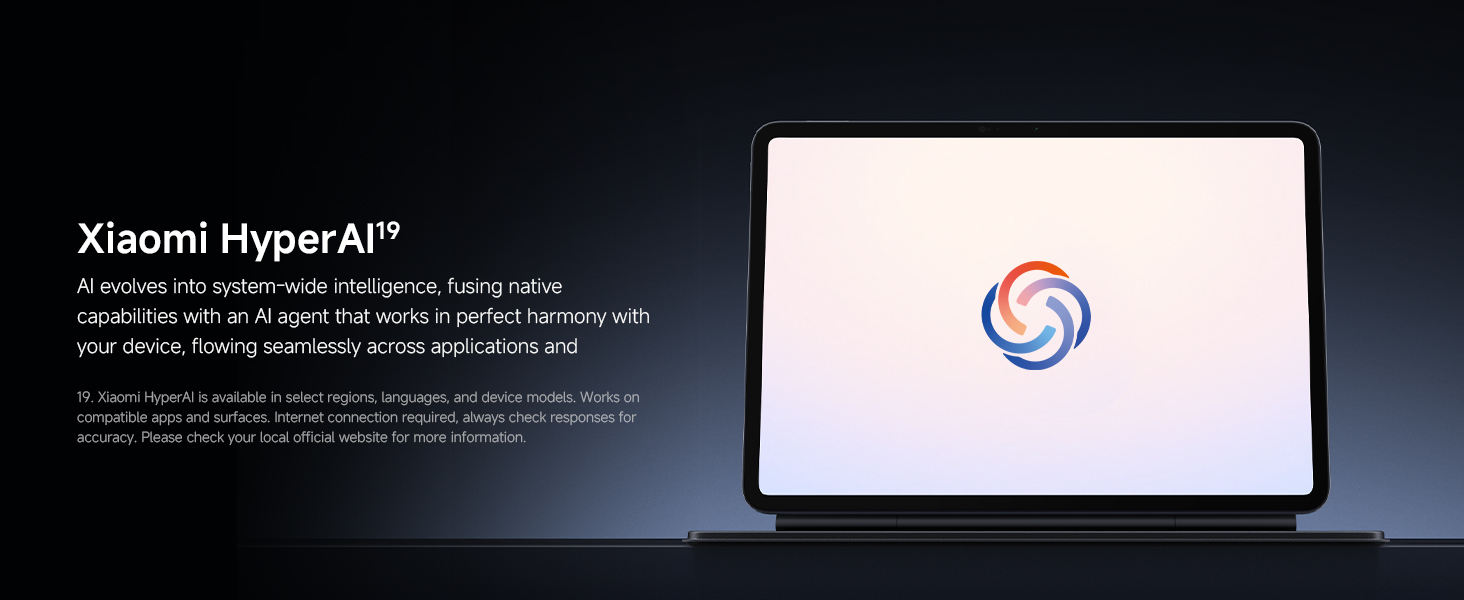
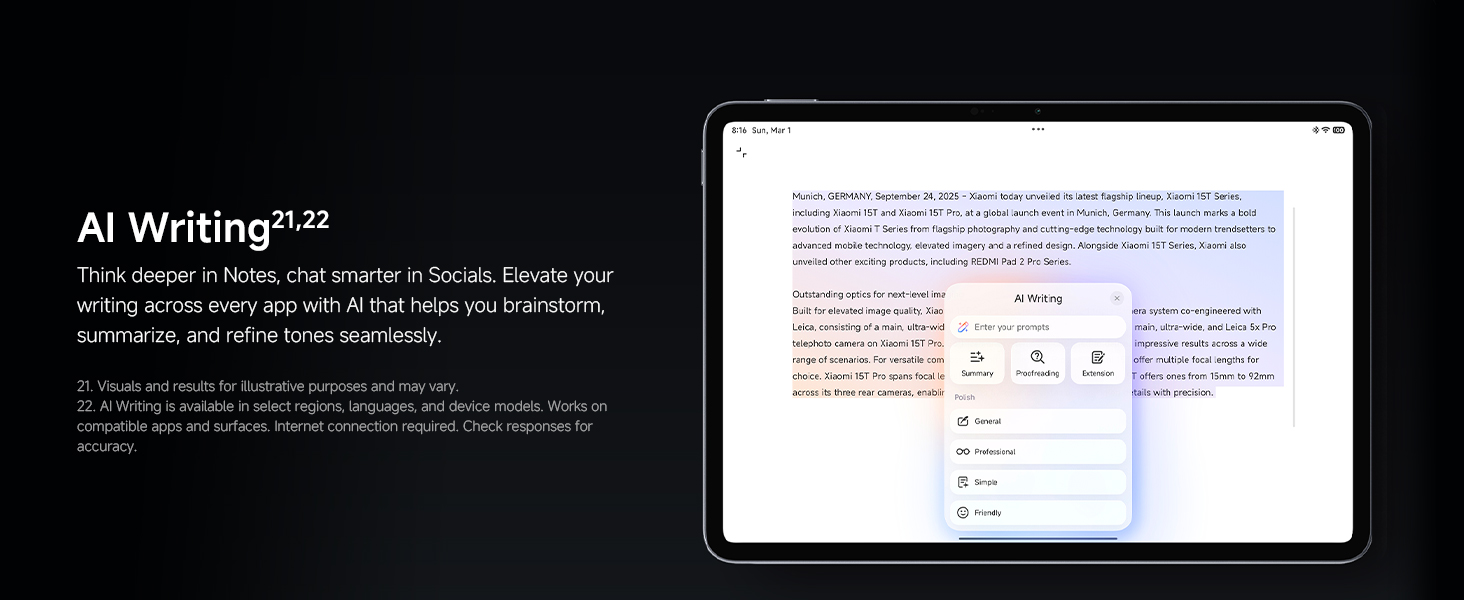
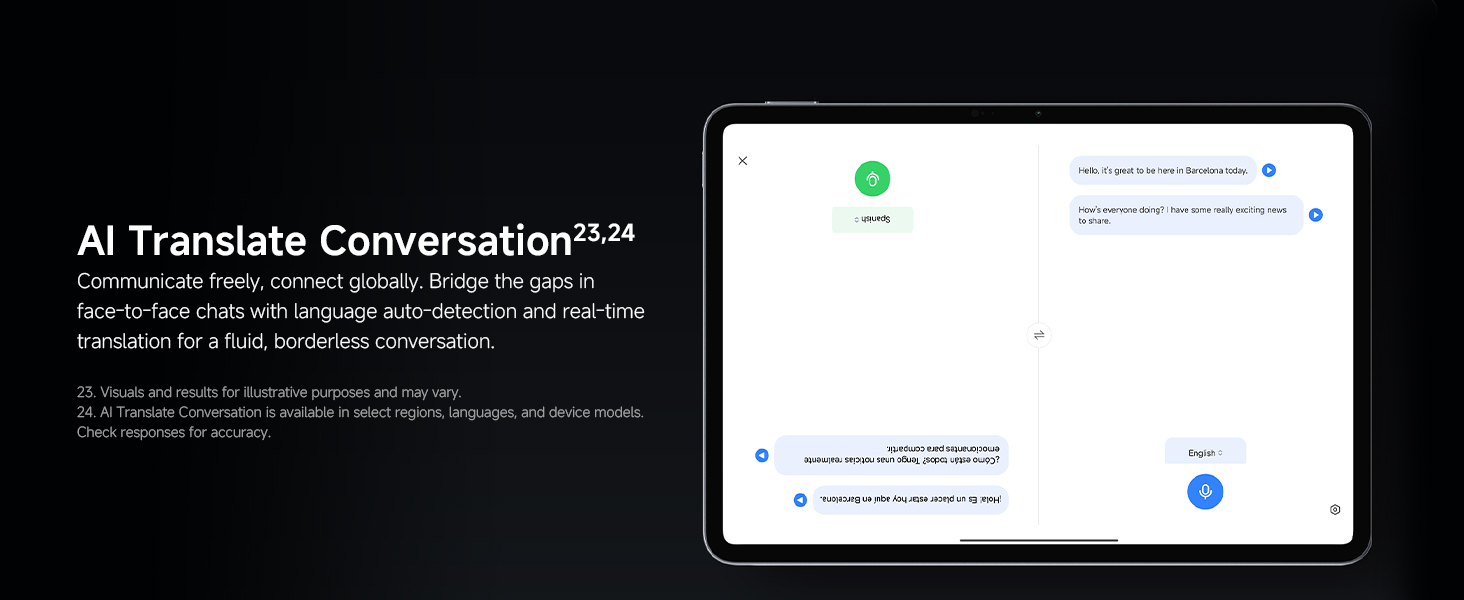
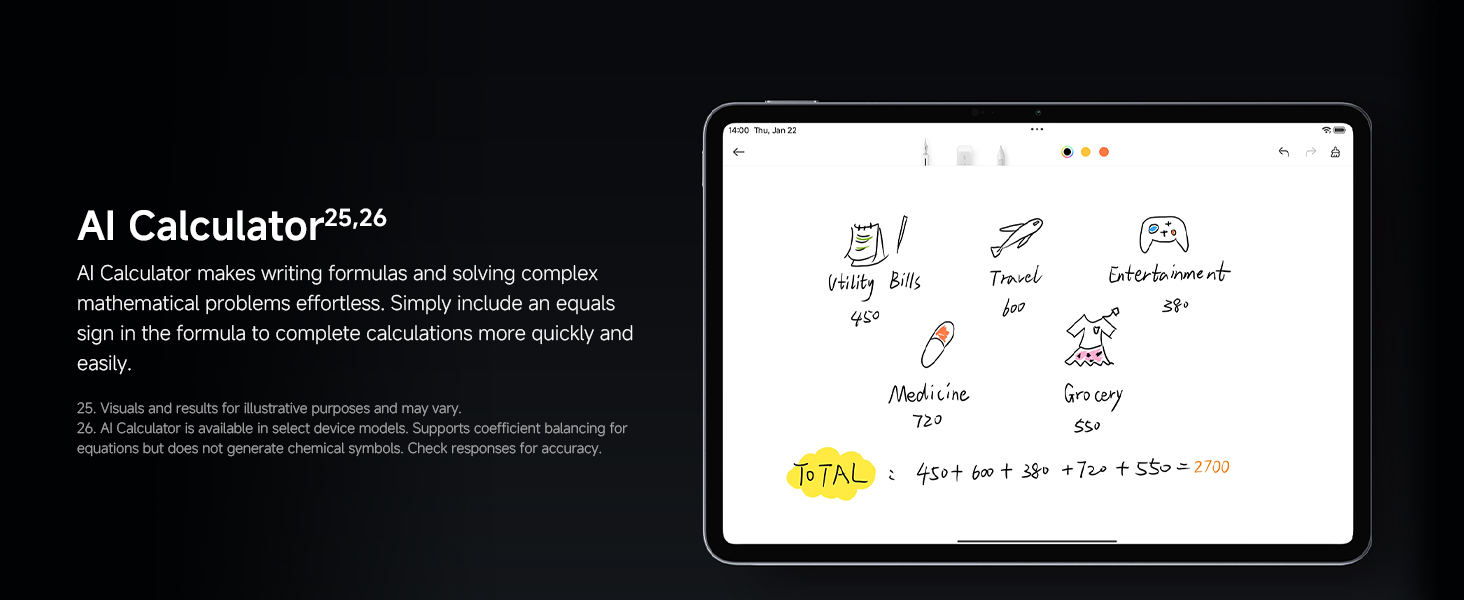
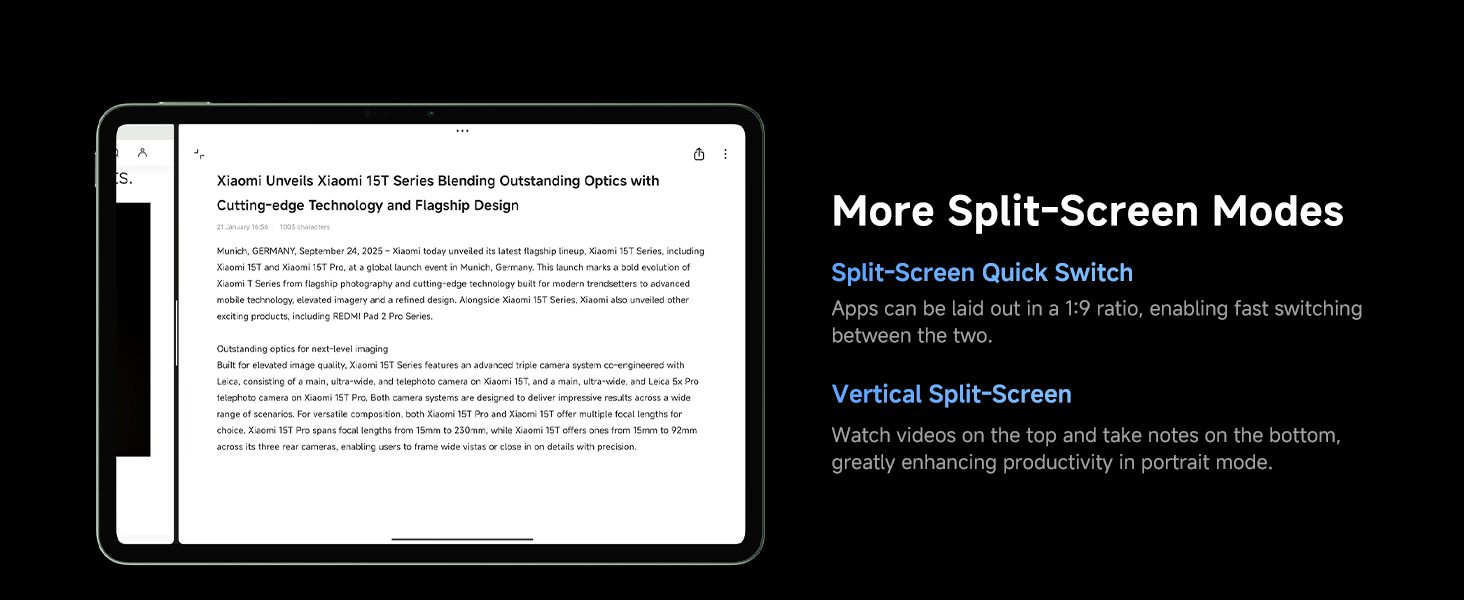
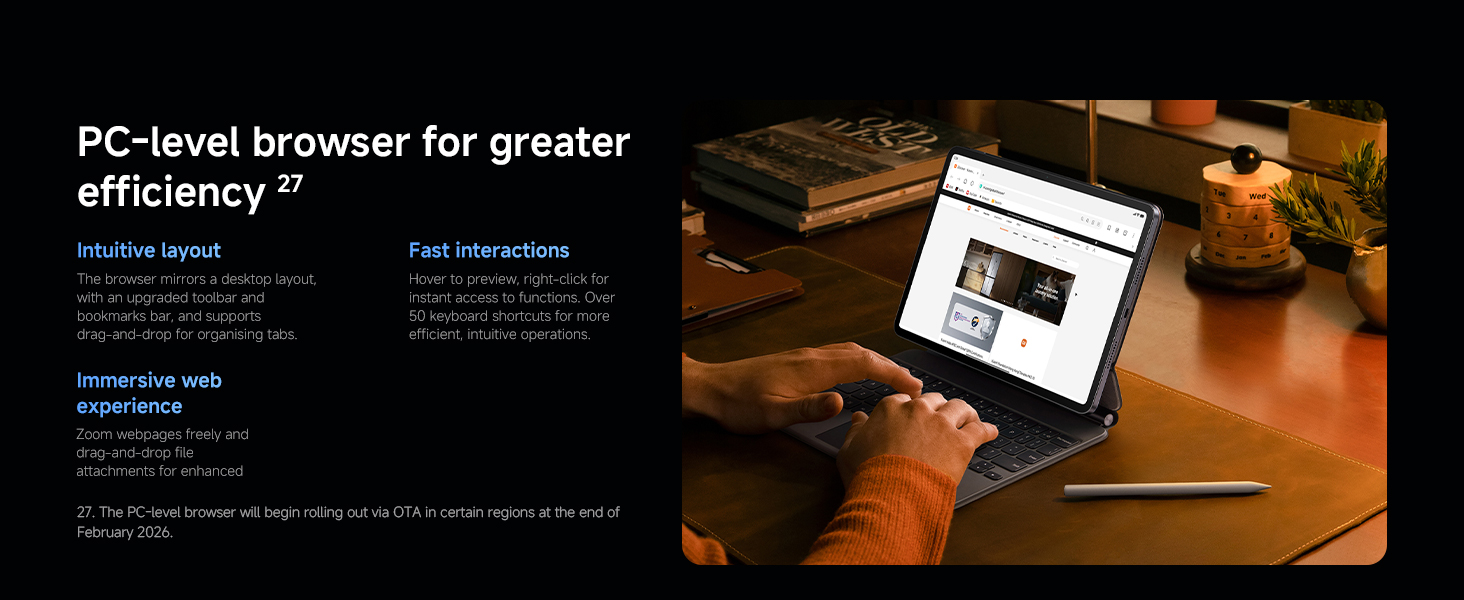
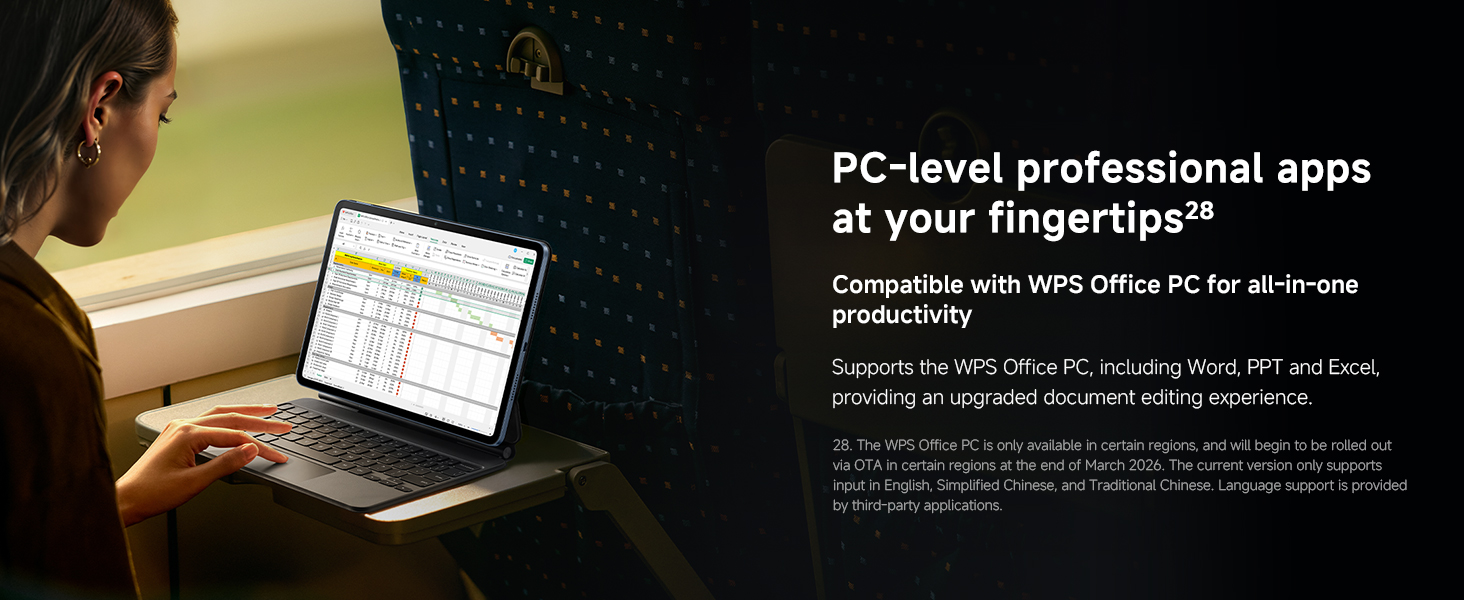
- 【PC-level productivity experience】A powerful operating system built on intuitive design, seamless cross-device and cross-ecosystem interconnectivity, and smarter, system-wide AI features.
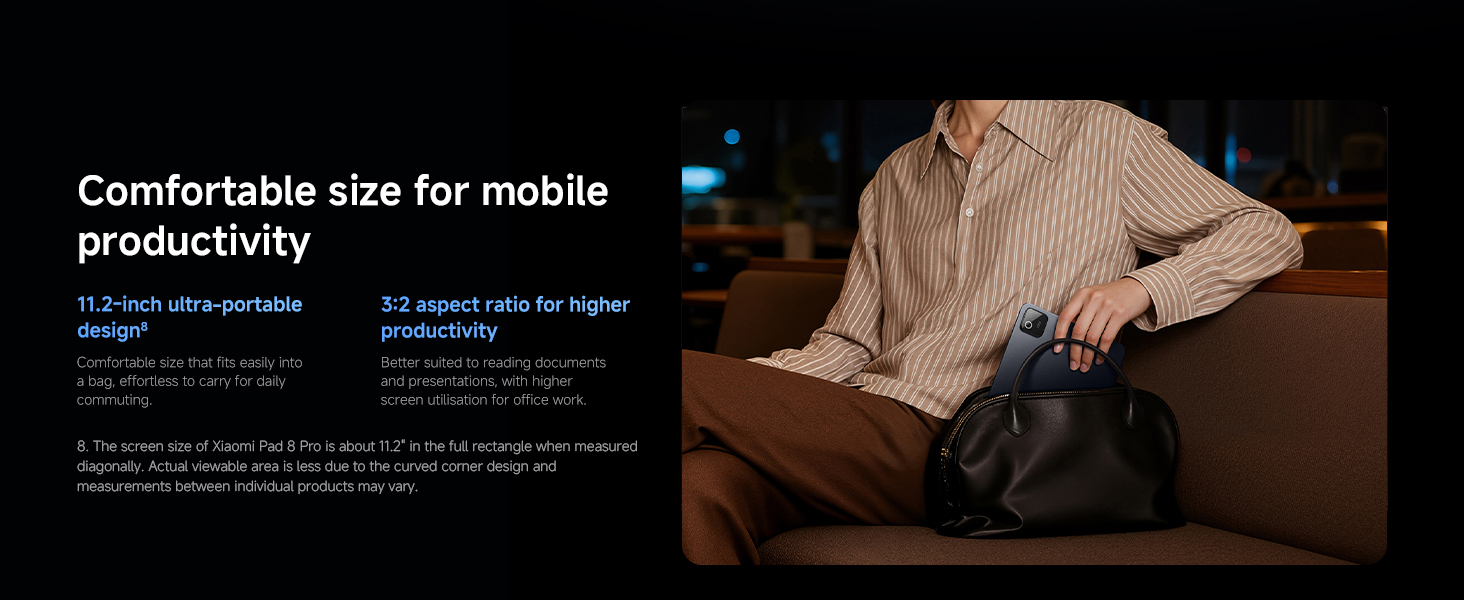
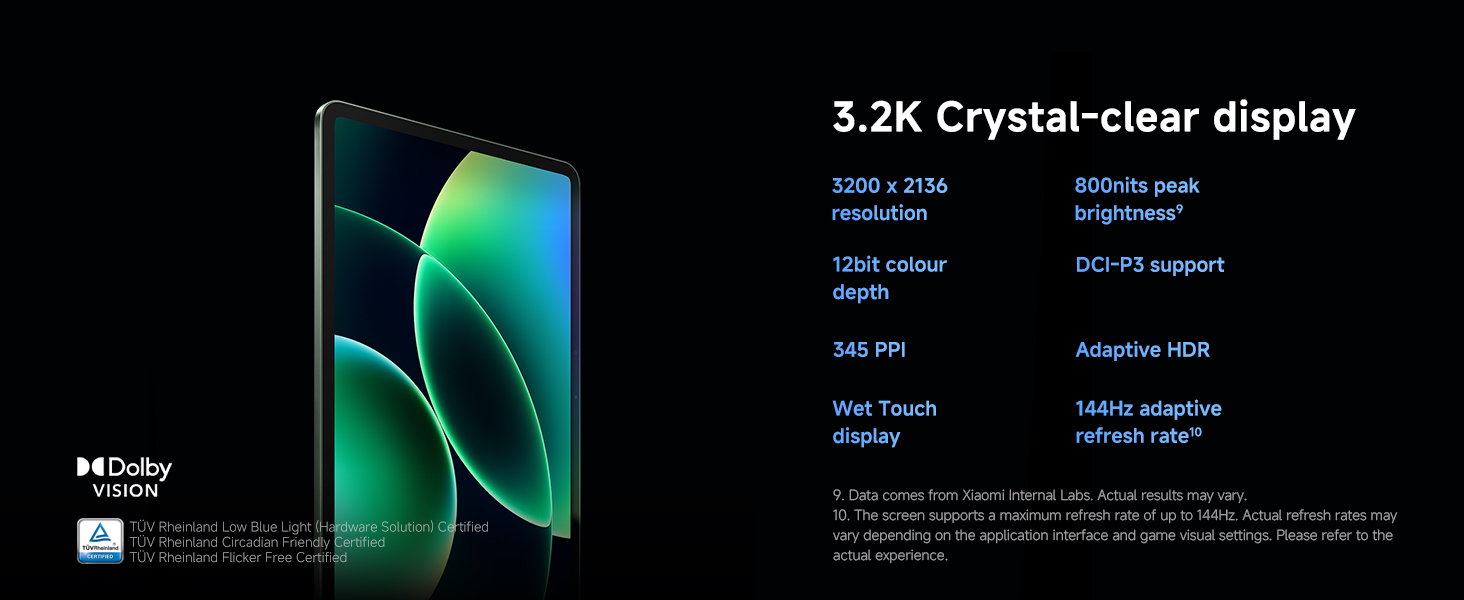
- 【Expansive 11.2" 3.2K crystal-clear display】Better suited to reading documents and presentations, with higher screen utilisation for office work.
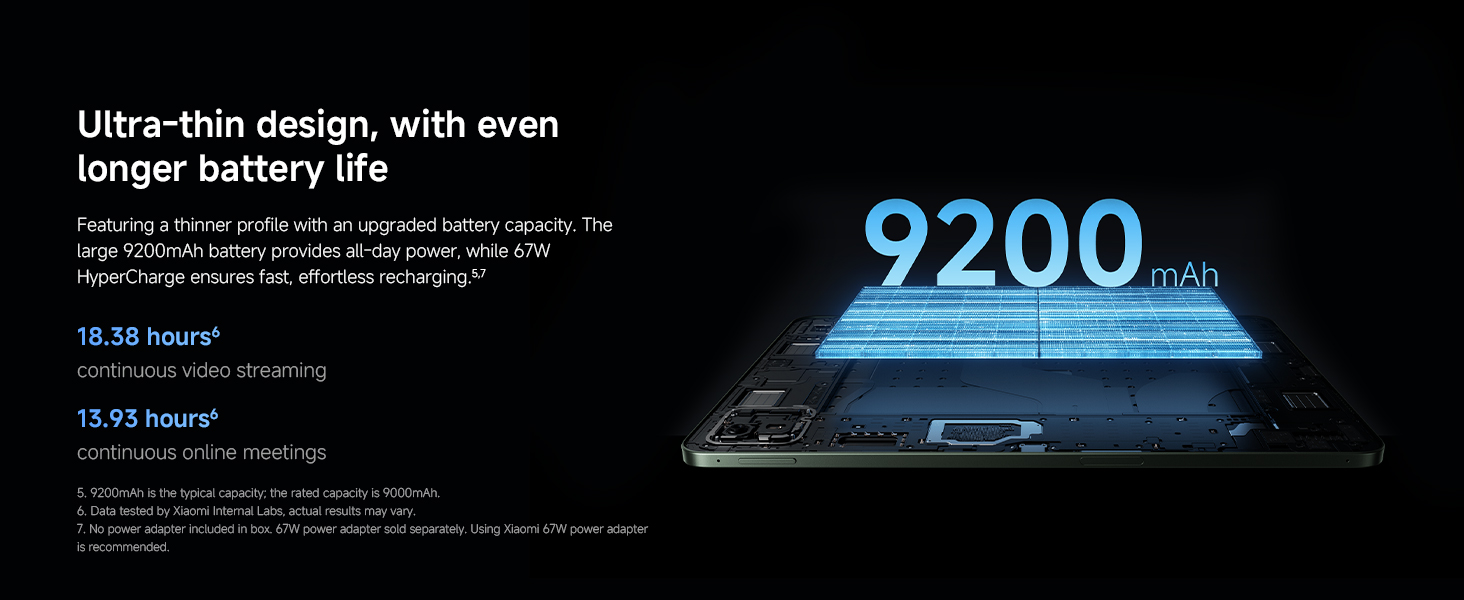
- 【Massive 9200mAh (typ) battery, 67W HyperCharge】Featuring a thinner profile with an upgraded battery capacity. The large 9200mAh battery provides all-day power, while 67W HyperCharge ensures fast, effortless recharging.
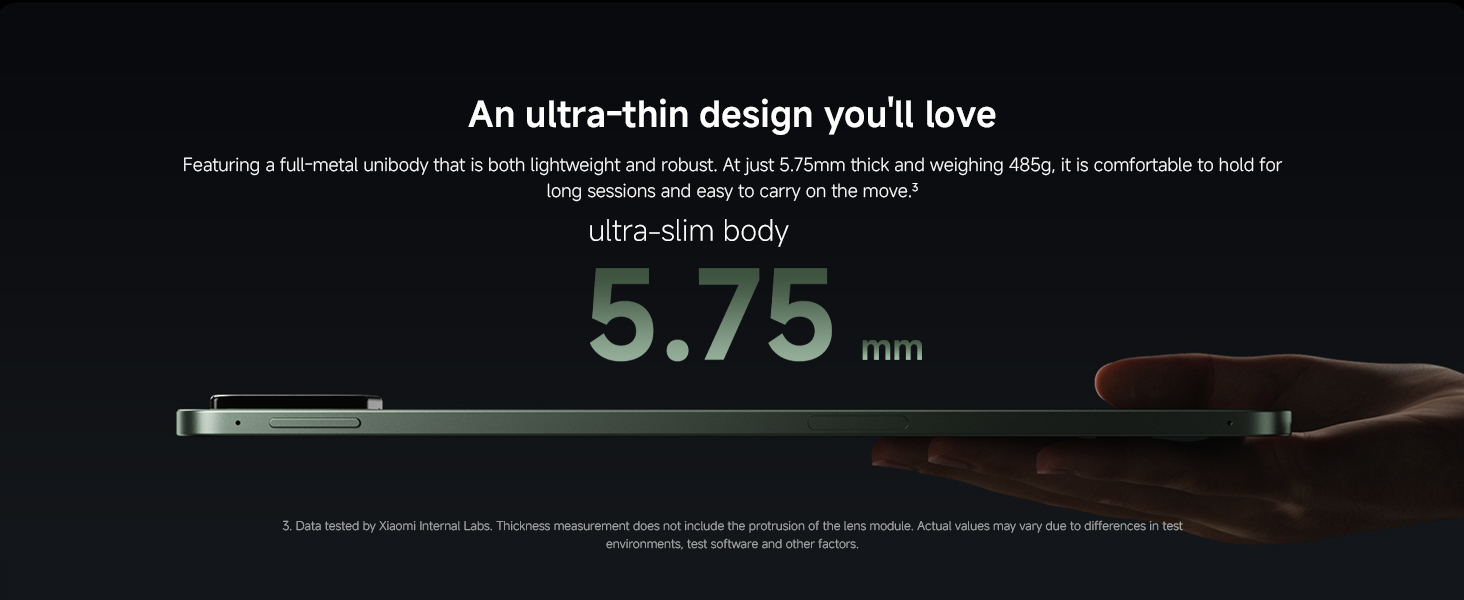
- 【5.75mm ultra-slim body desgin】Featuring a full-metal unibody that is both lightweight and robust. At just 5.75mm thick and weighing 485g, it is comfortable to hold for long sessions and easy to carry on the move.
- "3 YEAR MANUFACTURER'S WARRANTY: No activation is required, in addition to the 2-year manufacturer's warranty,you have an extra 1 year of warranty available."
| SKU: | B0GCNKLH4X |
| Weight: | 485 Grams |
| Size: | 8+256 |
| Brand: | XIAOMI |
| Model: | VHU6932EU |
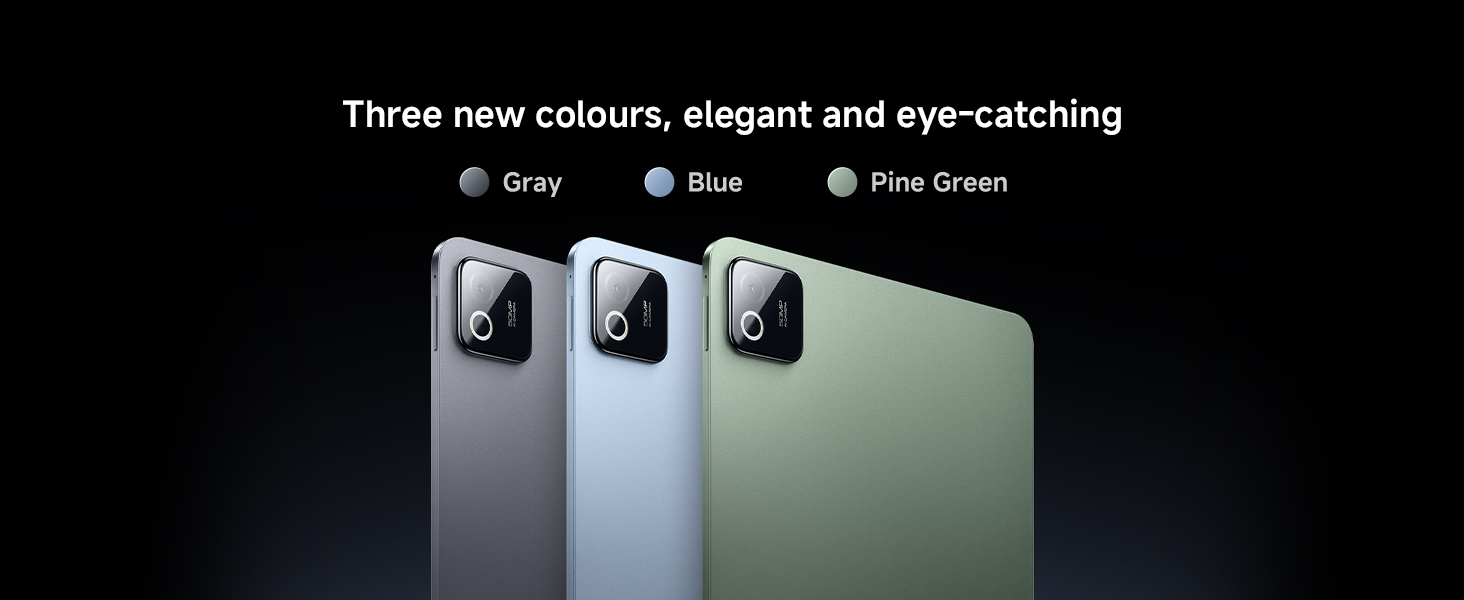
| Colour: | Blue |
| Batteries Included: | Lithium Polymer |
| Manufacture: | Xiaomi |
| Colour: | Blue |
| Origin: | China |
| Size: | 8+256 |
From the manufacturer
Does Xiaomi Pad 8 series support stylus and keyboard?
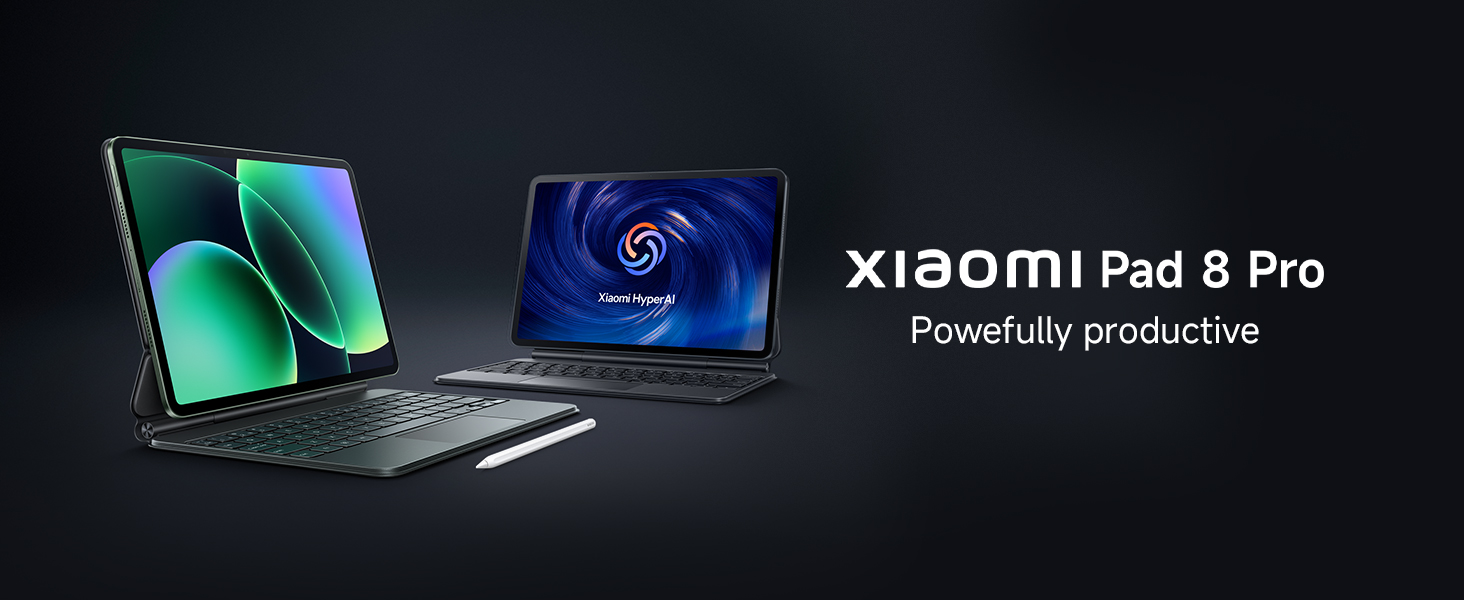
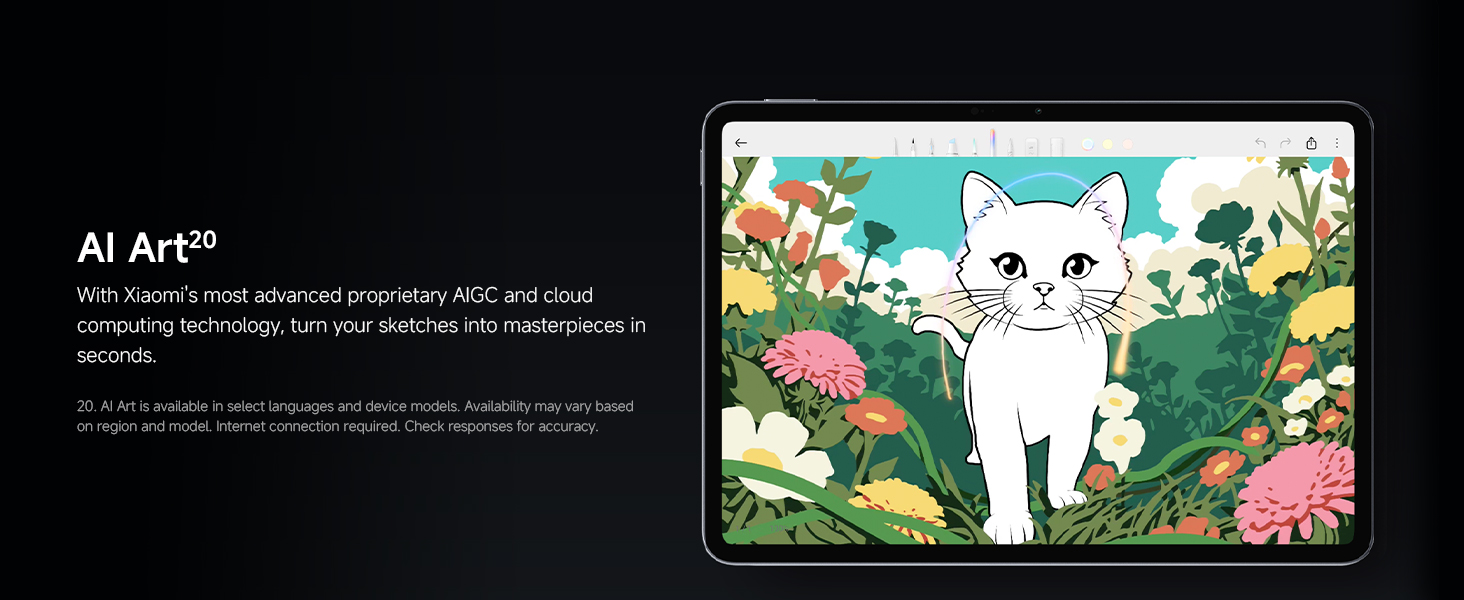
Yes. Xiaomi Pad 8 series supports official accessories, including the latest Xiaomi Focus Pen Pro, the Xiaomi Pad 8 / 8 Pro Focus Keyboard (floating keyboard), and the Xiaomi Pad 8 / 8 Pro Keyboard (standard keyboard).
Does Xiaomi Pad 8 series support SIM cards? Is it compatible with eSIM?
No, Xiaomi Pad 8 series are all Wi-Fi Only versions and do not support SIM cards or eSIMs. You may connect to the internet via Wi-Fi or your mobile hotspot.
How long is the battery life of Xiaomi Pad 8 series? How fast does it charge?
Xiaomi Pad 8 series features a substantial 9200mAh battery capacity. The Xiaomi Pad 8 Pro supports 67W fast charging, capable of charging from 1% to 100% in approximately 85 minutes at 25°C.
What is the screen-to-body ratio of the Xiaomi Pad 8?What is the resolution of the Xiaomi Pad 8?
The screen-to-body ratio of the Xiaomi Pad 8 is 85.4%.
The screen resolution of the Xiaomi Pad 8 is 3200 × 2136.
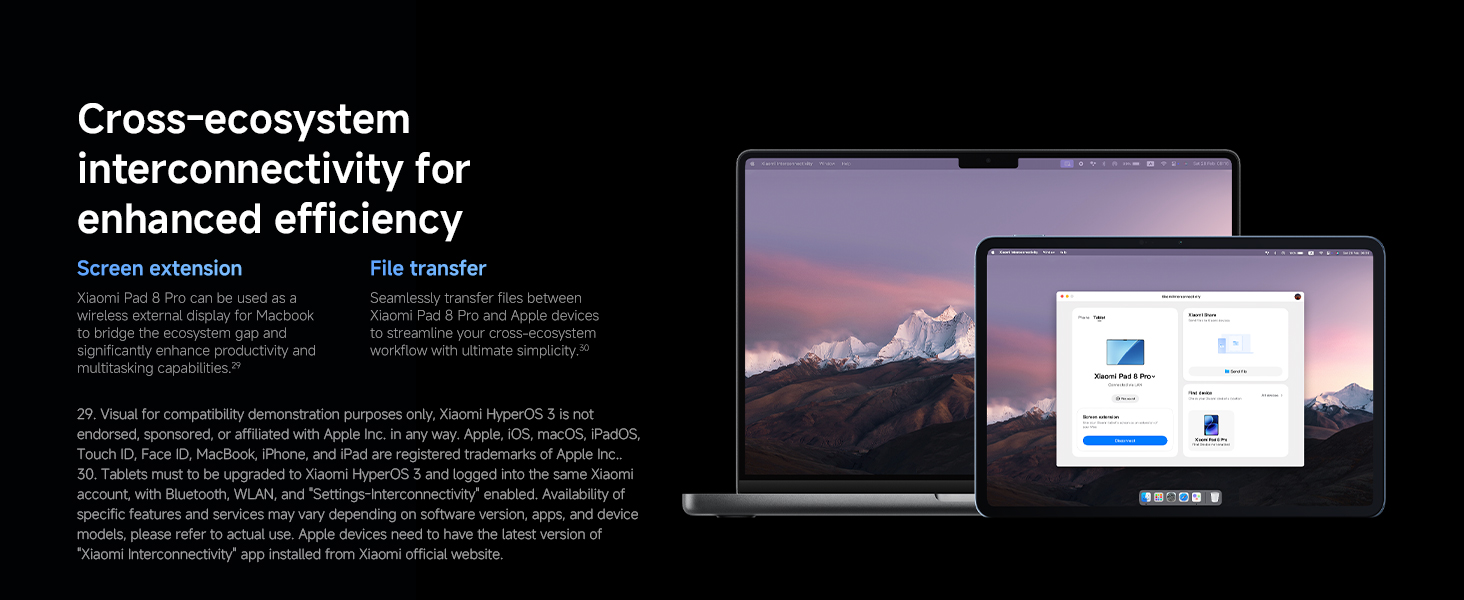
Can the tablet connect to my iPhone/computer?
Xiaomi Pad 8 series supports connection to Mac computers, functioning as an extended display. It also enables seamless file and image transfer between iPhone, iPad, and Mac devices, delivering a convenient cross-device experience.